
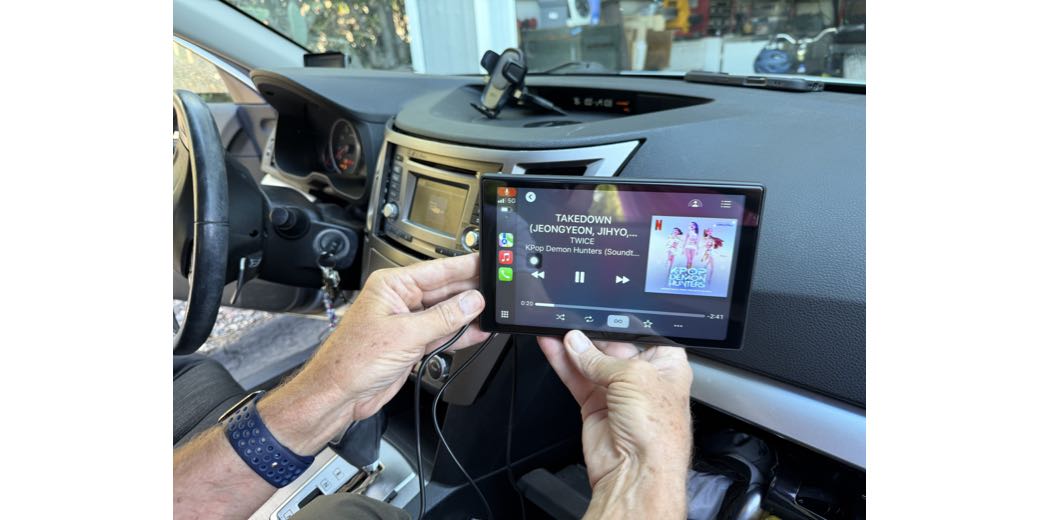
You may remember a few months ago when I told you about our adventures trying to add a portable CarPlay screen to our daughter Lindsay’s 2014 Subaru.
Can You Add (Good) CarPlay and Android Auto to Older Cars with the 7″ LAMTTO Display?
I don’t want to go through the whole story again, but the experiment failed for several reasons:
- The vent mount wouldn’t work on her car because it totally blocked all the air for her, and she lives where it gets really hot
- The suction cup mount didn’t work because it simply fell off in the heat
- I bought a nifty magnetic mount from a company called Course Motorsports that was tailored to be mounted to a screw on the side of the built-in head unit on her model of Subaru, but for the life of us (and by us I mean Steve), we couldn’t break that screw loose
- The LAMTTO display had terrible lag when making phone calls.
Other than that, it was awesome.
I bought the same screen for her husband, Nolan, and it actually worked out for him. We were able to mount it in the passenger vent, so that problem was solved, and he doesn’t talk on the phone very often, so the lag wasn’t an issue either.
The odd thing about the phone call lag is that not one of the reviews mentioned it. I still wanted to get a CarPlay screen for Lindsay, but as I read reviews of other screens, nobody on those was talking about phone call lag either, good or bad. For months, whenever I had time to kill, I’d read about different screens, trying to figure out which one to get her. I even watched YouTube videos of people doing reviews, which isn’t something I normally do.
In the absence of any guidance on the phone lag issue, I was able to eliminate a lot of models after all of my research. Many of the CarPlay screens solve the mounting problem by having them on a stand that you put on your dashboard.
I don’t know about other states and countries, but according to the California Department of Motor Vehicles, that’s illegal. You’re only allowed to block a 7-inch square in the lower corner of the passenger or rear window, or a 5-inch square on the lower corner of the driver’s side window, or a 5-inch square in the center uppermost portion of your windshield, but only for an electronic toll payment device.
Not only is it illegal to mount a device blocking your view, but it’s just plain common sense that you shouldn’t put it there!
So a stand is out, suction cups are out, and vent mounts are out. The only good solution is the Course Motorsports magnetic mount I already bought. I talked to Nolan, and he has one of those bits for a drill that’s designed to let you drill out a screw, and he said he would conquer it if I bought a new display.
That narrowed my search down to displays that could support a round magnetic mount. Most of them had rectangular areas with little clip slots, but I found a couple that fit the bill. I ended up purchasing the 9″ Eonon CarPlay and Android Auto display for $70 on Amazon.
The setup of the new display was identical to the previous one. Throw some power to it over USB-C, connect sound to the car’s audio system with an Aux cable, turn it on, connect in your Bluetooth settings, and boom, you’ve got wireless CarPlay and Android Auto. It could not have been easier. I tested it before leaving our house to go see Lindsay, and phone calls had very little lag. That was great news!
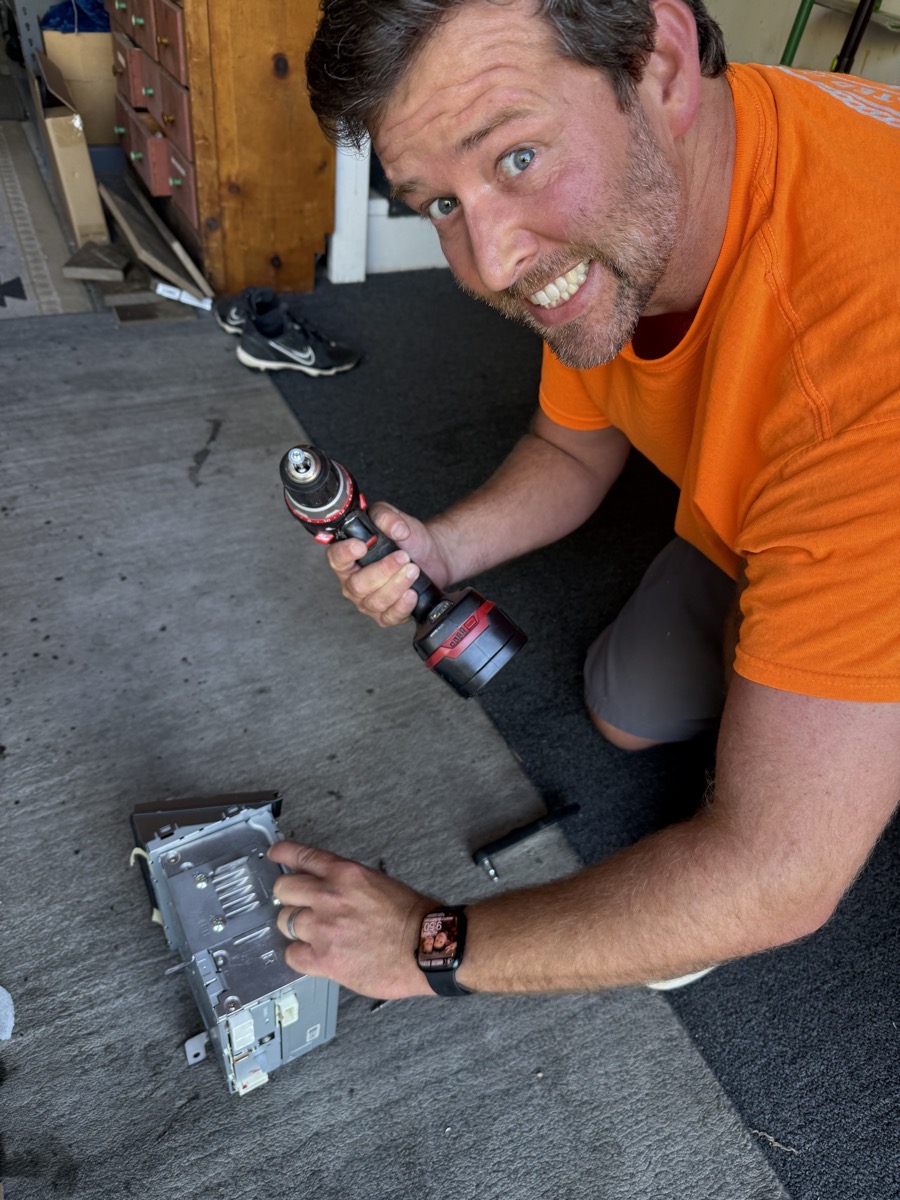
Drilling out the screw in the side of the head unit turned out to be a lot harder to remove than any of us had anticipated. Steve and Nolan ended up pulling the head unit out of the car after disconnecting a bunch of connectors. This gave Nolan a better angle to drill straight down into the stubborn screw with all of his might. I wasn’t there for this part, but Steve said it was touch-and-go whether he would succeed, but Nolan stayed at it and won the battle.
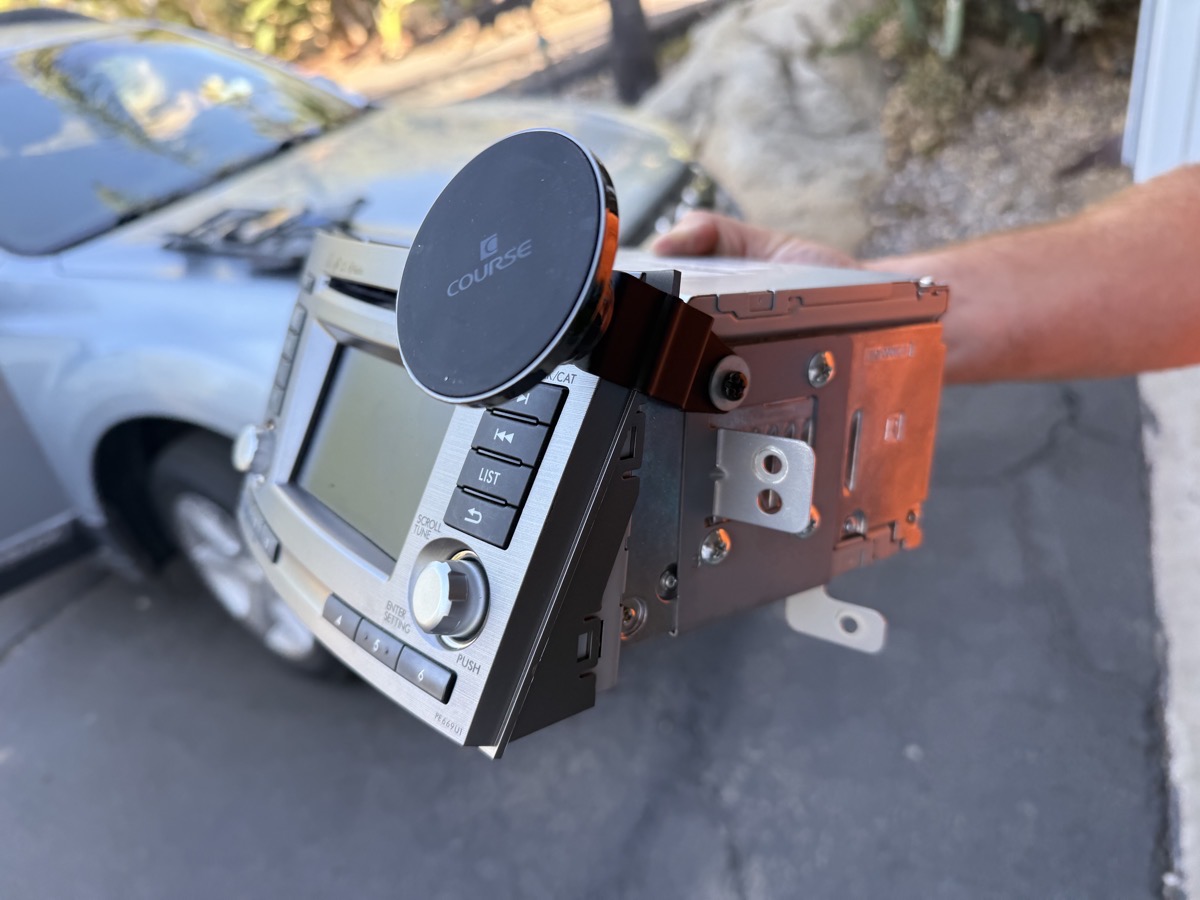
Once he had the recalcitrant screw out, they put a new screw in and were able to attach the Course Motorsports magnetic mount to the side of the head unit and make it look super clean and neat on Lindsay’s car.
The guys were pretty much done with the hard part of the project, but before they buttoned up the dash, we decided to make it a wee bit harder.
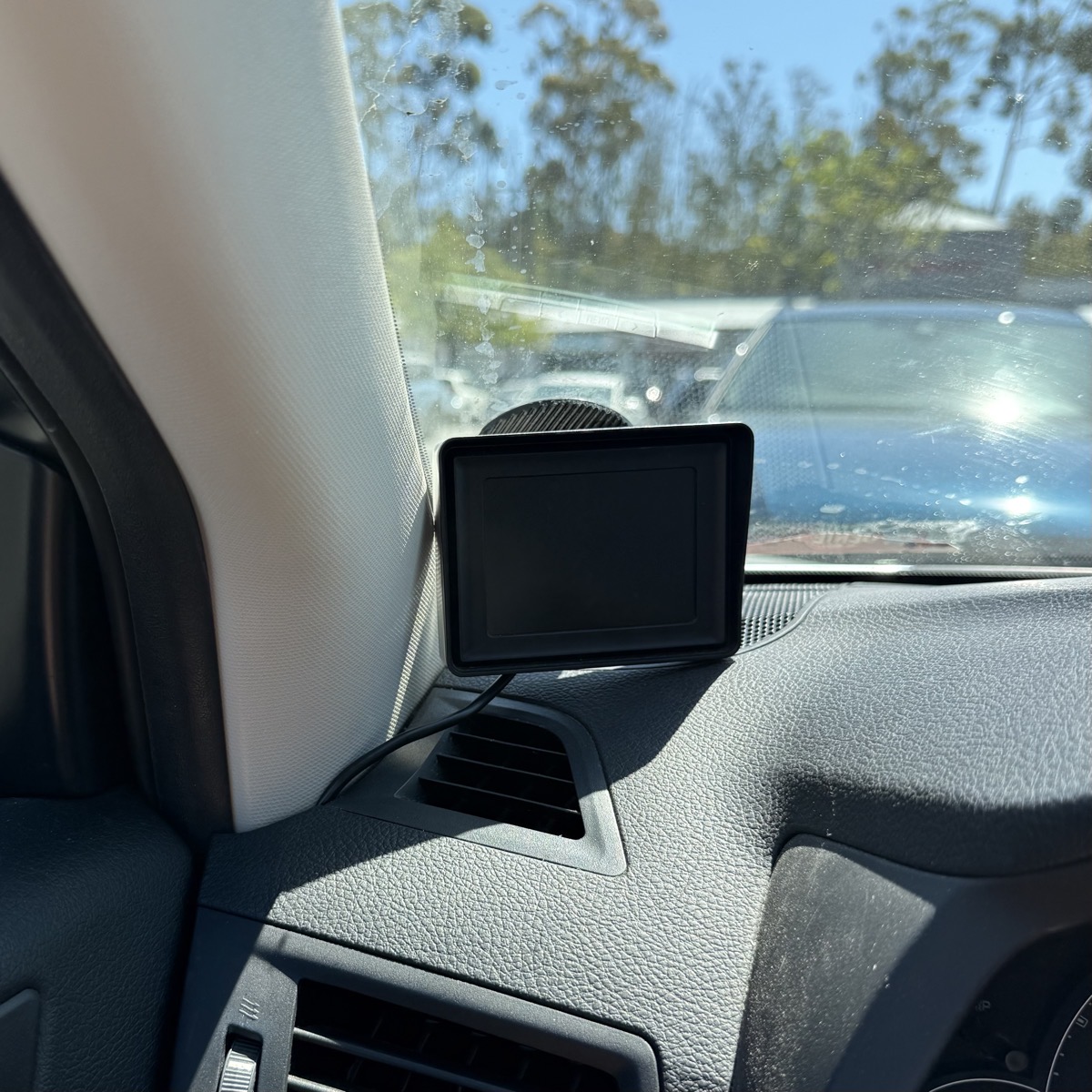
When Lindsay bought her car, she had the dealer install an aftermarket backup camera. They mounted it to her license plate in the back and ran the wires all the way up to the front windshield, where they mounted the saddest little display you’ve ever seen. Remember that 5″ requirement for the driver’s side of the windshield? It had no trouble fitting in the legal zone. Not only was it tiny at maybe 3″ diagonal if I round up, it was super dim. Technically, it was better than no camera at all, but just barely.
The CarPlay screen I bought came with a new backup camera, as many of them do. I told the boys about it, hoping that maybe there was a way they could tap into the existing camera’s wires, and then Lindsay could have that beautiful 9″ display for the rear camera’s view.
You know there’s no way that worked, right? Of course, there were different numbers of wires, and the connectors were not at all the same. And the idea of the boys having to route those wires the full length of a car sounded insurmountable.
But then they made a crucial error. They plugged the camera into the display and saw how gorgeous the view was. They were motivated and decided to make it happen.
I’m going to fast forward quite a bit, but after five and a half hours of feeding wires through the head unit, across and under the steering column, down to the bottom left of the driver’s seat, under the carpeting past the front and back seats and hatch area, up through the D-pillar, and through some bendy tubes to enter the hatch, they were done.
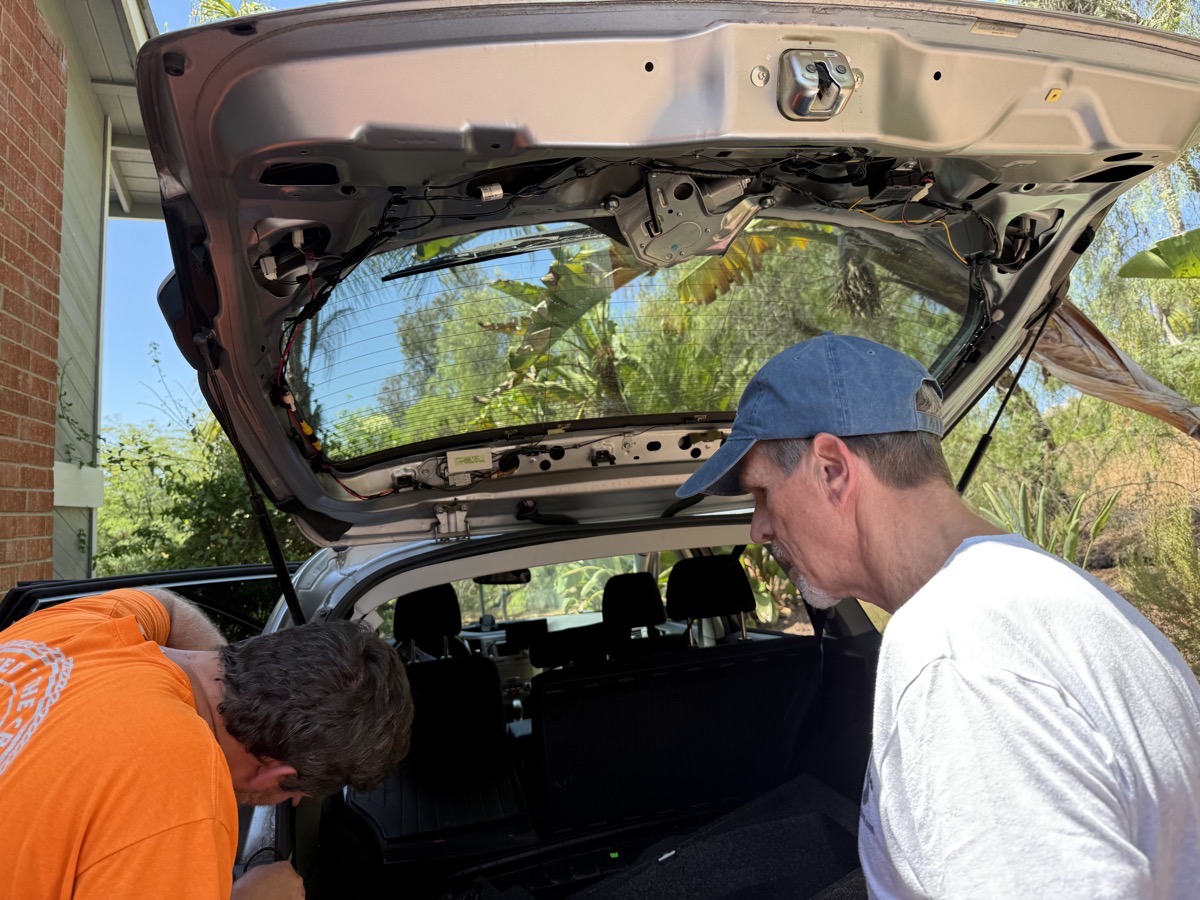
And you know what? It’s freaking amazing. I can’t believe how hard they worked on it, but they seemed to enjoy working together, solving each problem with their complementary skills.
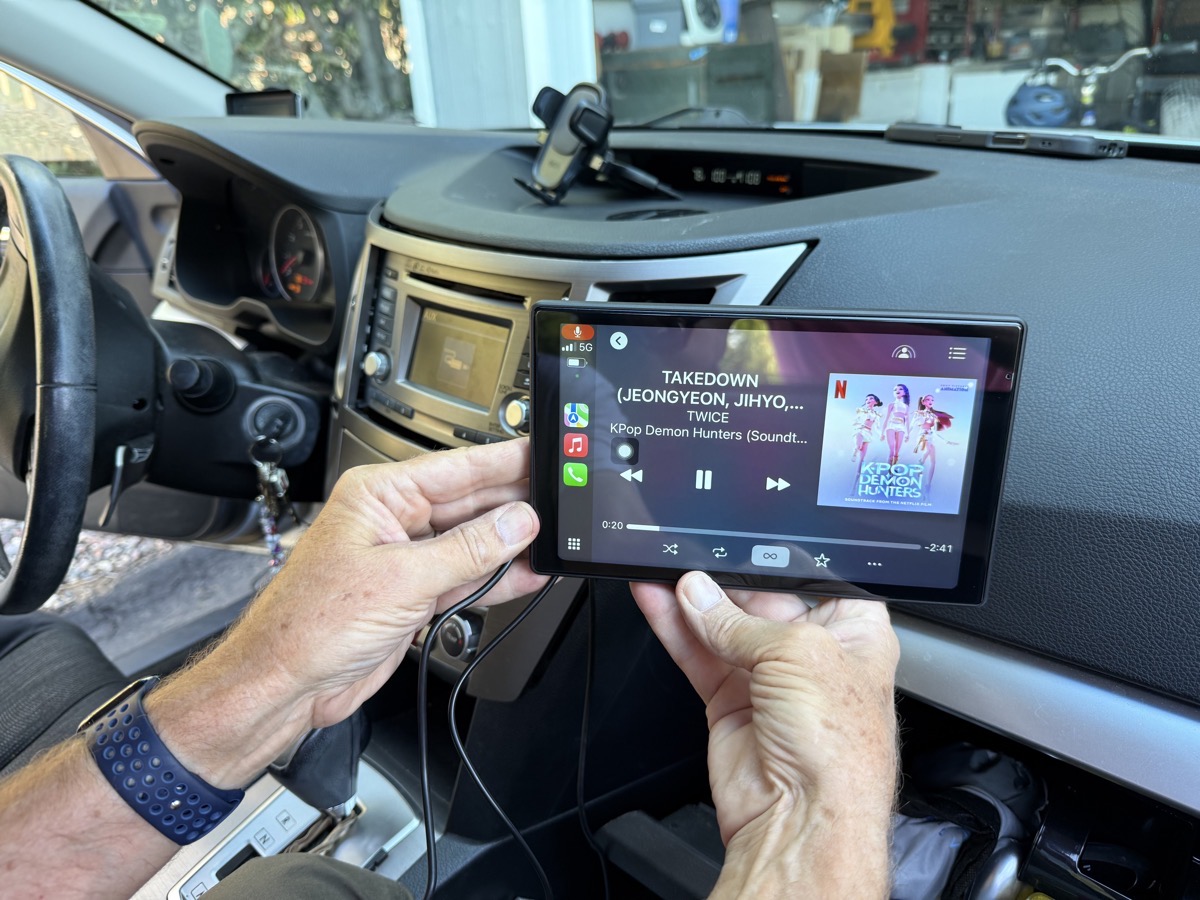
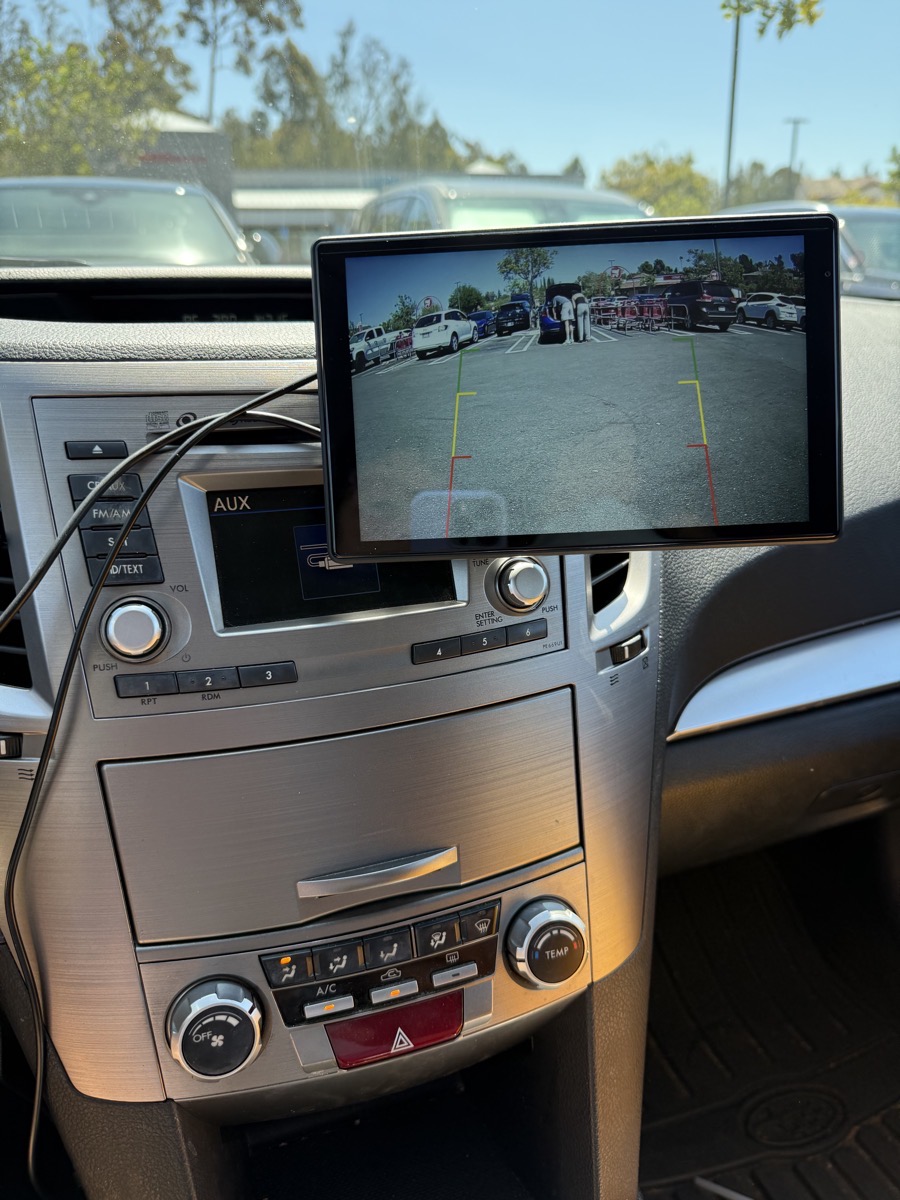
The display sticks well to the magnetic mount from Course Motorsports and can be set to landscape or portrait orientation. I used it in portrait orientation because my prescription sunglasses are perfectly polarized to make the screen black in landscape.
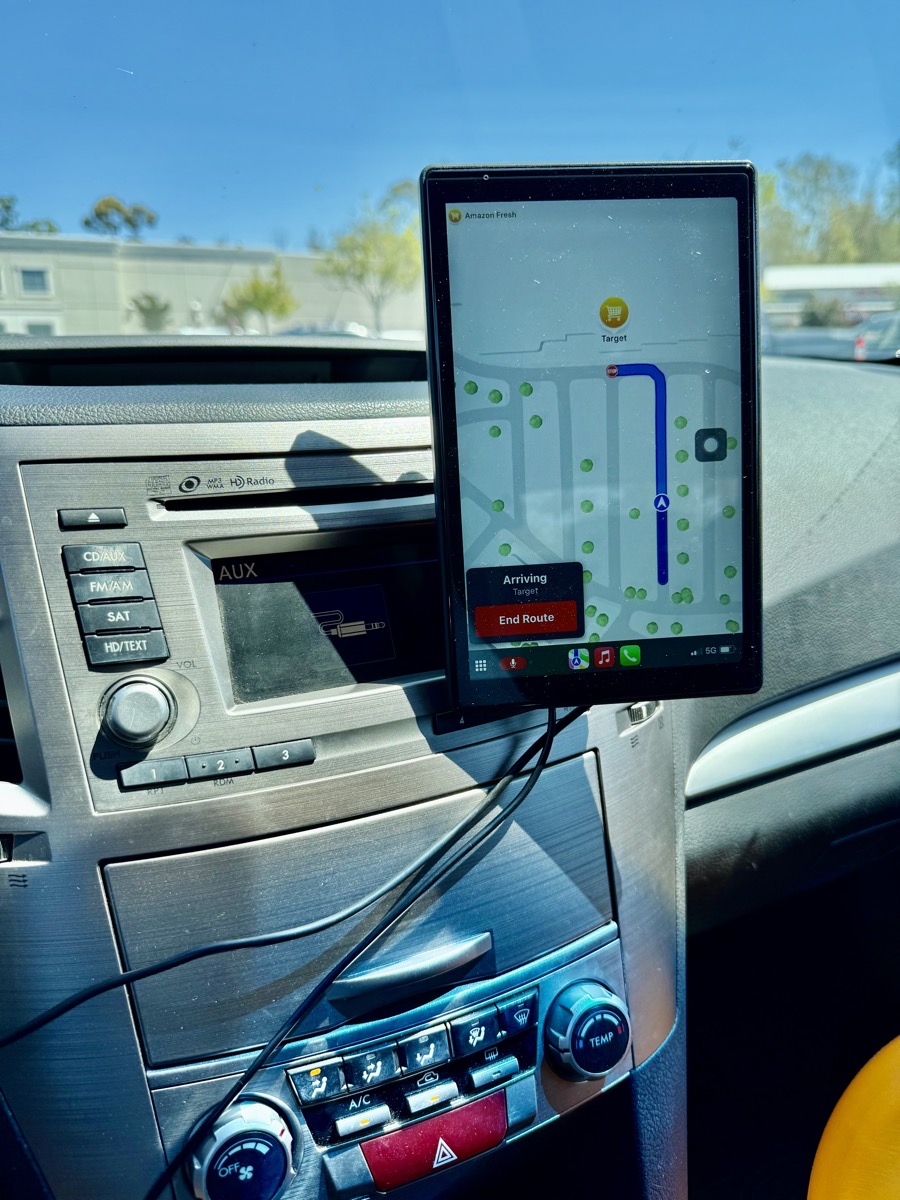
Luckily, Lindsay’s sunglasses seem to work with it in both orientations. The backup camera looks fantastic, and she’s not quite sure which orientation she’ll stick with just yet. The only thing left to do is attach some cable tie downs and route the cables to clean up the look once she decides which way she likes it. Her aux and power cables both come out of her center armrest, so it’s still a bit messy.
Bottom Line
The bottom line is that it is quite possible to add a CarPlay screen to an aging car and bring it up to the modern age, and even add a great backup camera. The Eonon 9″ display was only $70, and I just bought it about a month ago, yet it’s now showing as no longer available. How’s that for a terrible end to a review?
But these weirdly named companies seem to be almost placeholders, because I found what looks to be an identical screen with identical accessories and a circular magnetic mount from a company called Avylet also for $70 on Amazon. I can’t vouch for it personally, but I bet it would be just as good. I would also suggest you pay someone to mount the rear camera for you if you get one!
I’m so happy that Lindsay finally has good CarPlay, can make phone calls with Siri, and has a backup camera to keep everyone safer.
It’s interesting how much the mounting options can make or break these setups, especially in older cars where vent placement isn’t standardized. I hadn’t considered that call lag might be an issue, but it makes sense that it wouldn’t show up in reviews if most people only use CarPlay for navigation and music. Your experience highlights how tricky it is to find a solution that works across different cars and use cases.