
Every year, Steve and I make the pilgrimage to the Chicago area to attend Macstock, and every year, I struggle with how to describe it to you. If I gush too much and talk too long about it, it will be like your Aunt Edna showing you photos of her trip to Niagara Falls on the slide projector. Nobody wants that. And yet, it’s such an extraordinary experience, I really want to share it with you.
The structure of the show is pretty simple, but it has evolved over the years. This year, we had 45-minute talks and 90-minute workshops all in one single track. The amazing Mike Potter runs the show, and he’s careful to put long breaks between sessions because, as we all know, the “hallway track” is where most of the knowledge transfer actually happens. The delightful Brian Henson is the MC of the show and is brilliant at keeping the speakers and attendees on track. I was very impressed that every single talk started on time. Macstock is the most inclusive conference I’ve ever been and as a tech conference it’s remarkable that around 30% of the attendees are women.
NosillaCastaways Represent
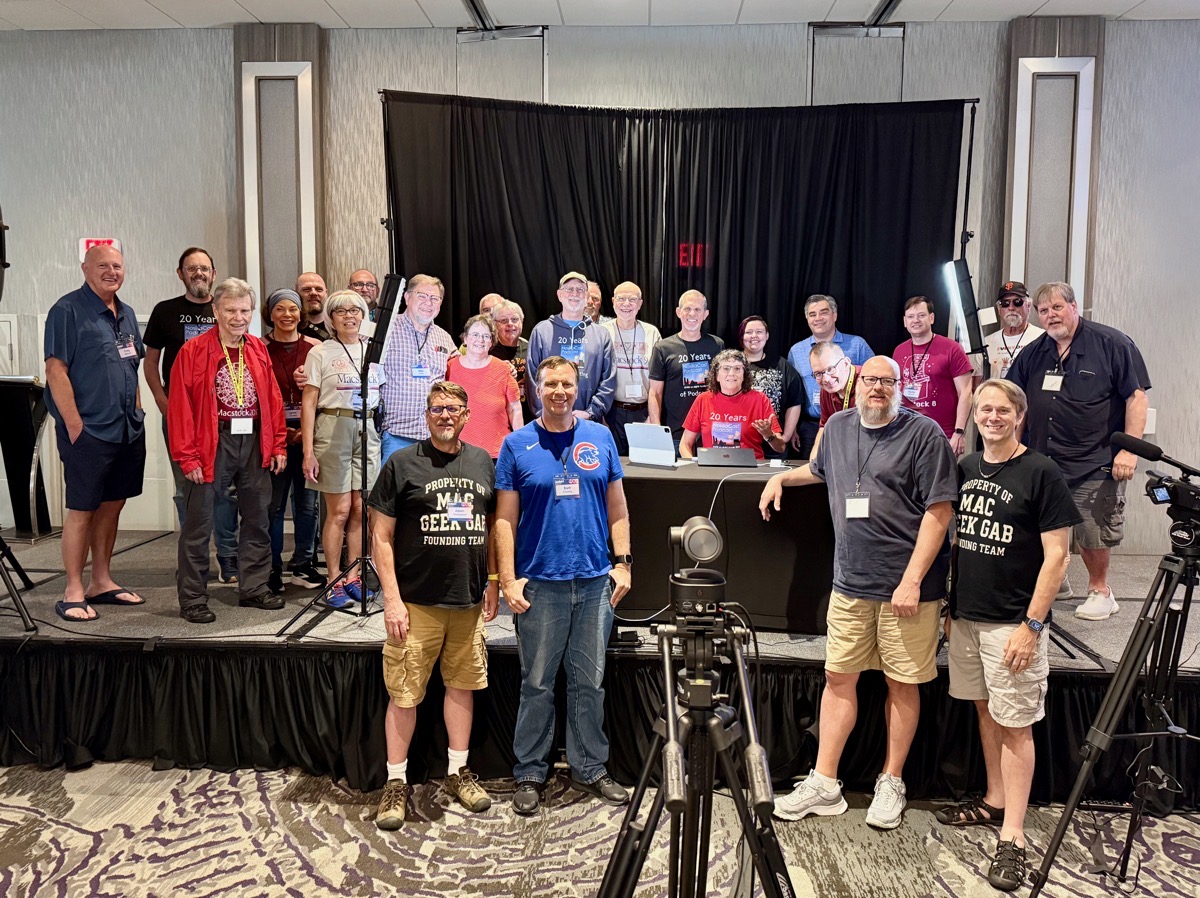
One of the best parts of Macstock for me is how well represented the NosillaCastaways are at the show. We take a family portrait every year – this year’s photo has 26 people in it, and that wasn’t even all of us. I put the photo in the shownotes, along with a key Steve and I created so you’ll know who’s who. It was Marty Jencius’s idea to create the key photo, which is just an outline of each person with numbers on them, along with a table of all the names.
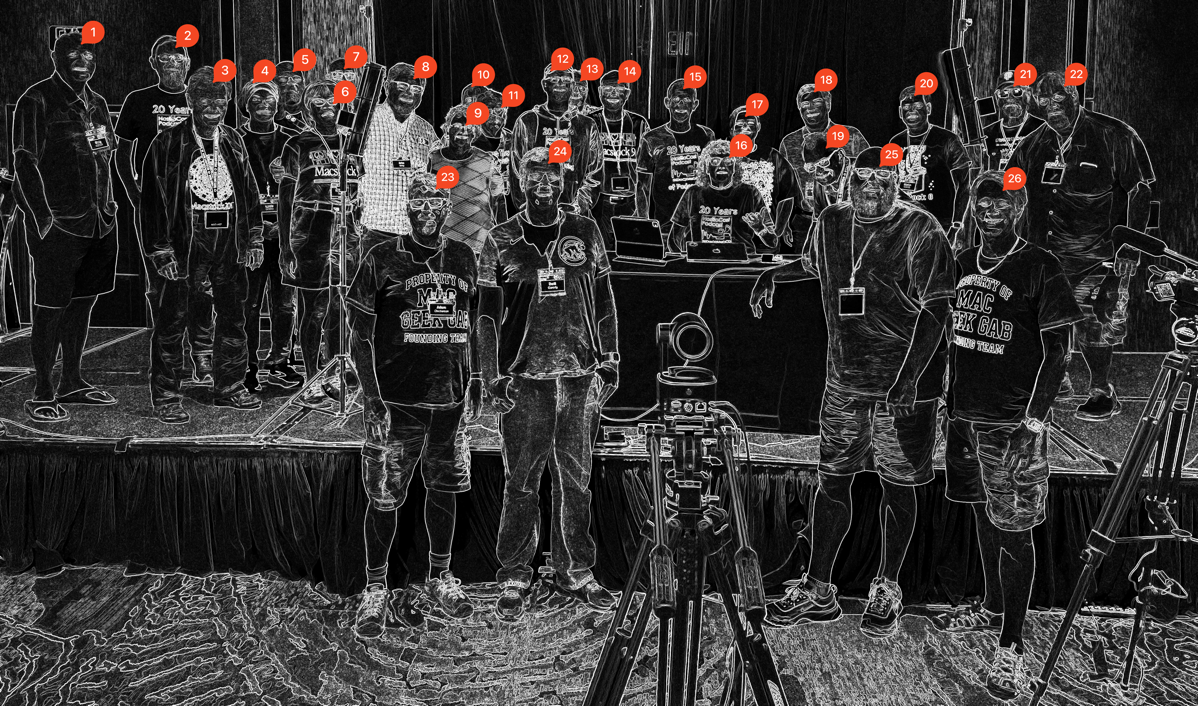
| # | Name | # | Name |
|---|---|---|---|
| 1 | Craig Allebach | 14 | Doc Tim |
| 2 | Charles Gousha | 15 | Steve Sheridan |
| 3 | Roger Harmon | 16 | Allison Sheridan |
| 4 | Lynda Gousha | 17 | Rhea Brennand |
| 5 | Brett Terpstra | 18 | Norbert Frassa |
| 6 | Kirschen Seah | 19 | Brian Henson |
| 7 | Jeff Freeze | 20 | Martijn Blokhuis |
| 8 | Father John | 21 | Gary Apter |
| 9 | Jill McKinley | 22 | Marty Jencius |
| 10 | Brian Flanigan-Arthurs | 23 | Adam Christianson |
| 11 | Patrick Brennand | 24 | Brett Canedy |
| 12 | Bruce (AL) Baellsworth | 25 | Corky Heath |
| 13 | Jim Bozworth | 26 | Dave Hamilton |
Not only did we represent as attendees, but we rocked the stage too. Amongst the awesome speaker list we had Kirschen Seah, who has followed the show for ages, the delightful Jill from the Northwoods, Marty Jencius (also known as Drunk Nick Nolte in the live chat room), and Chris Cooke, who you’ve only recently met on the NosillaCast.
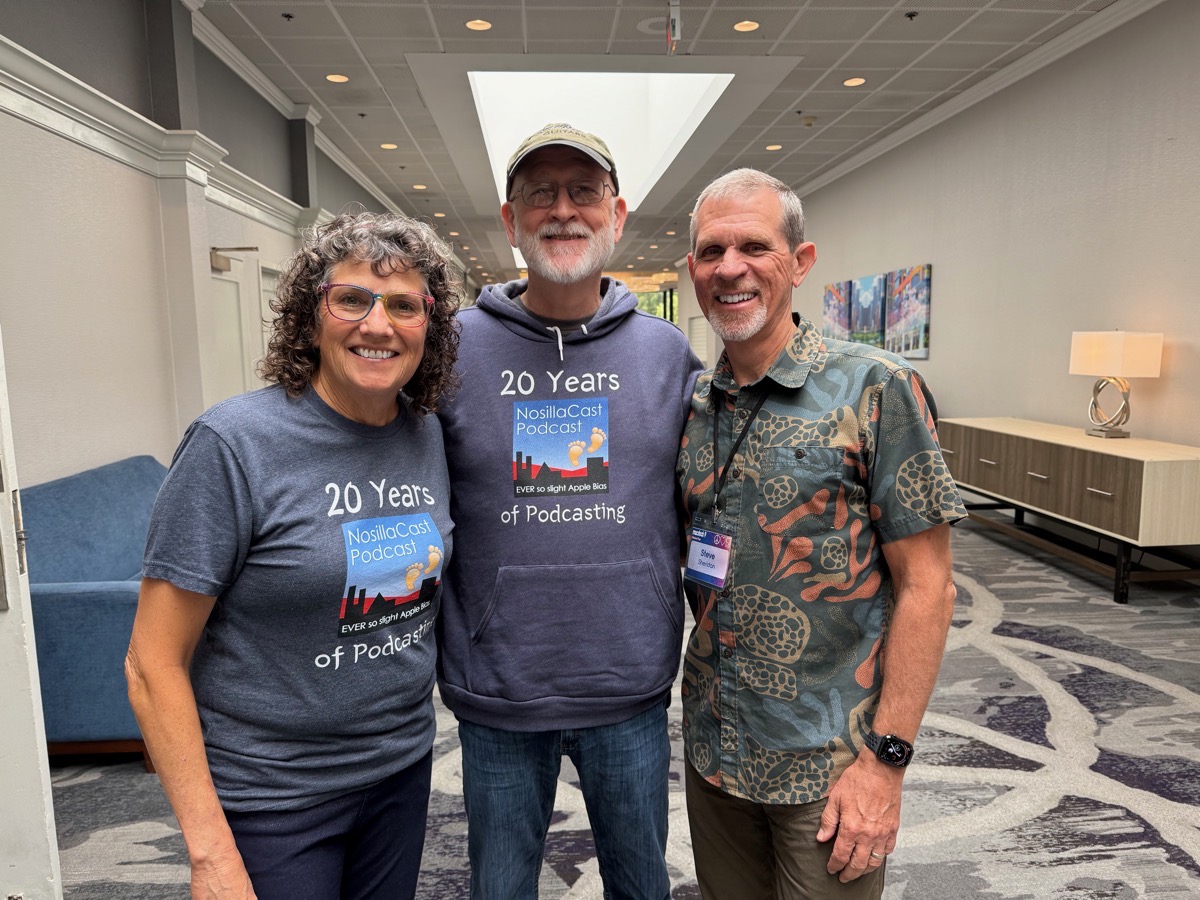
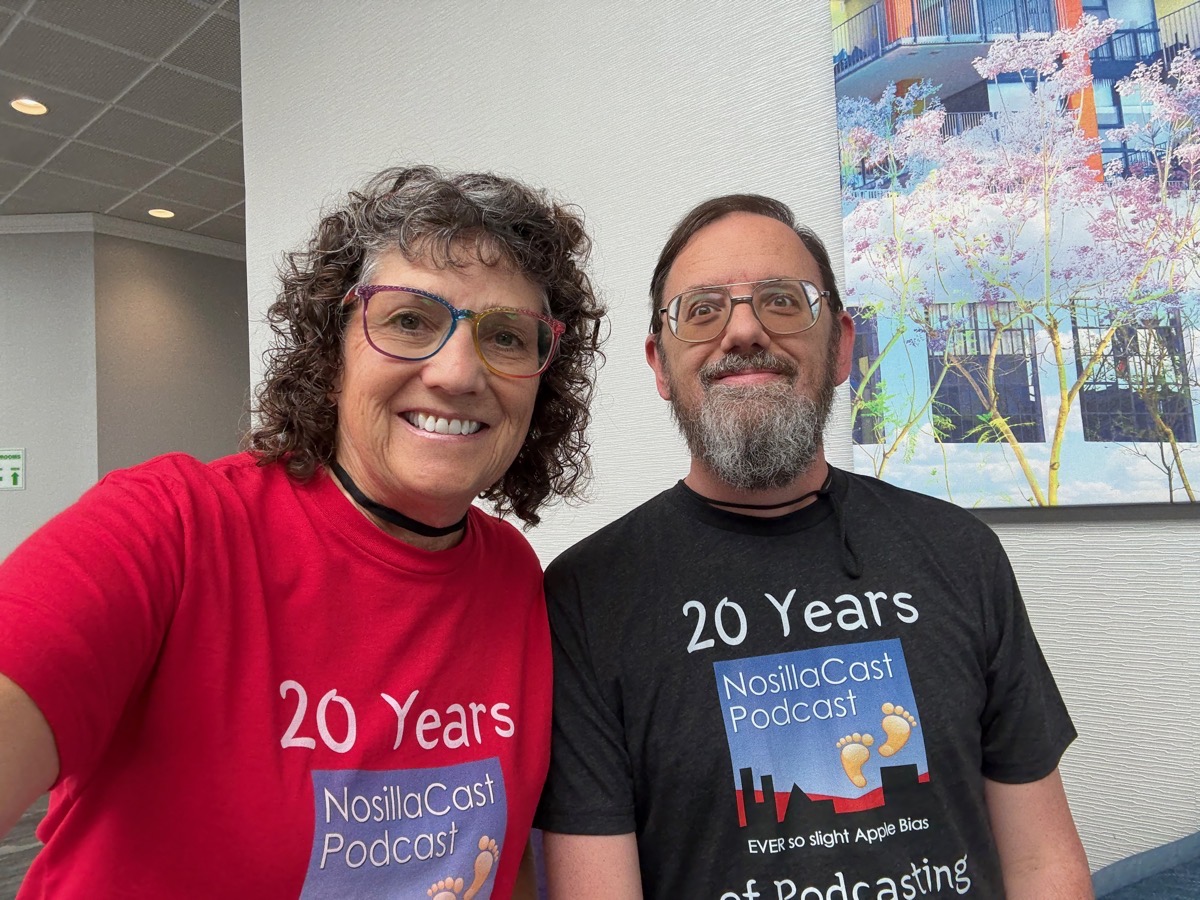
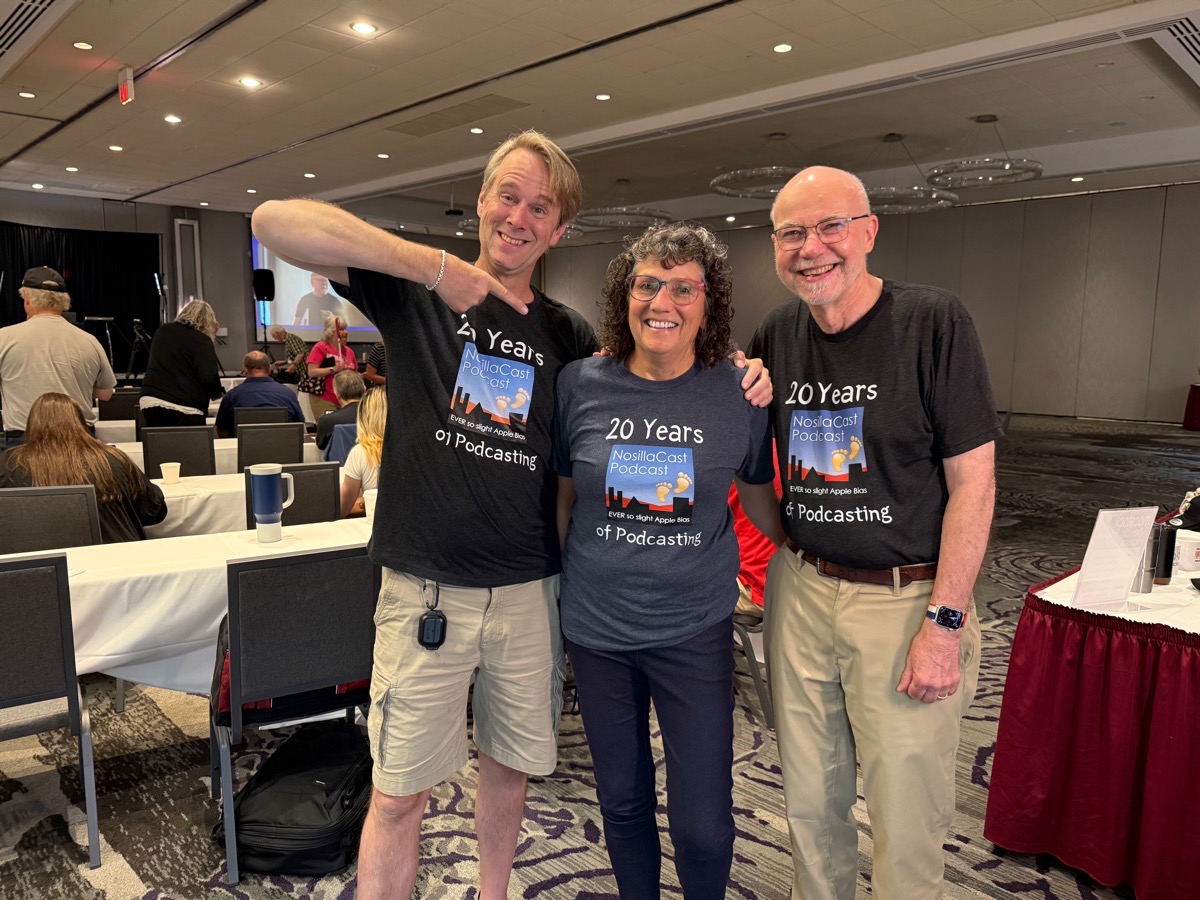
I think one of the most touching things was people who showed up in their NosillaCast 20-year Anniversary shirts. Doc Tim had his on, so did Charles Gousha, and to my absolute delight, Dave Hamilton. Bruce from Alabama showed up in the hoodie, which I don’t even have yet. He kept going on and on about how soft it was. I didn’t get a photo of Steve wearing his 20th anniversary shirt, but he definitely had it on for the last day. I wore a different-colored version of the anniversary shirt each day because Chuck Joiner gave me a hard time a few years ago for not branding myself at trade events.
Things I Learned
I’d like to go through a few highlights of things I learned at Macstock.
Jill from the Northwoods did a fantastic job talking about how to get fit and healthy with Apple devices and tools. Out of the blue, she dropped in a life-changing tip.
Apple Fitness+ has a big focus on music, which is great for people who care about Music. I’m absolutely not against music while working out, and in fact, I kind of like it, but it’s not the focus for me. During some workouts, I’ve noticed that sometimes it’s hard to hear the trainer over the music.
Jill’s tip is that Apple Fitness+ has a toggle where you can choose whether to emphasize the trainer’s voice or the music.
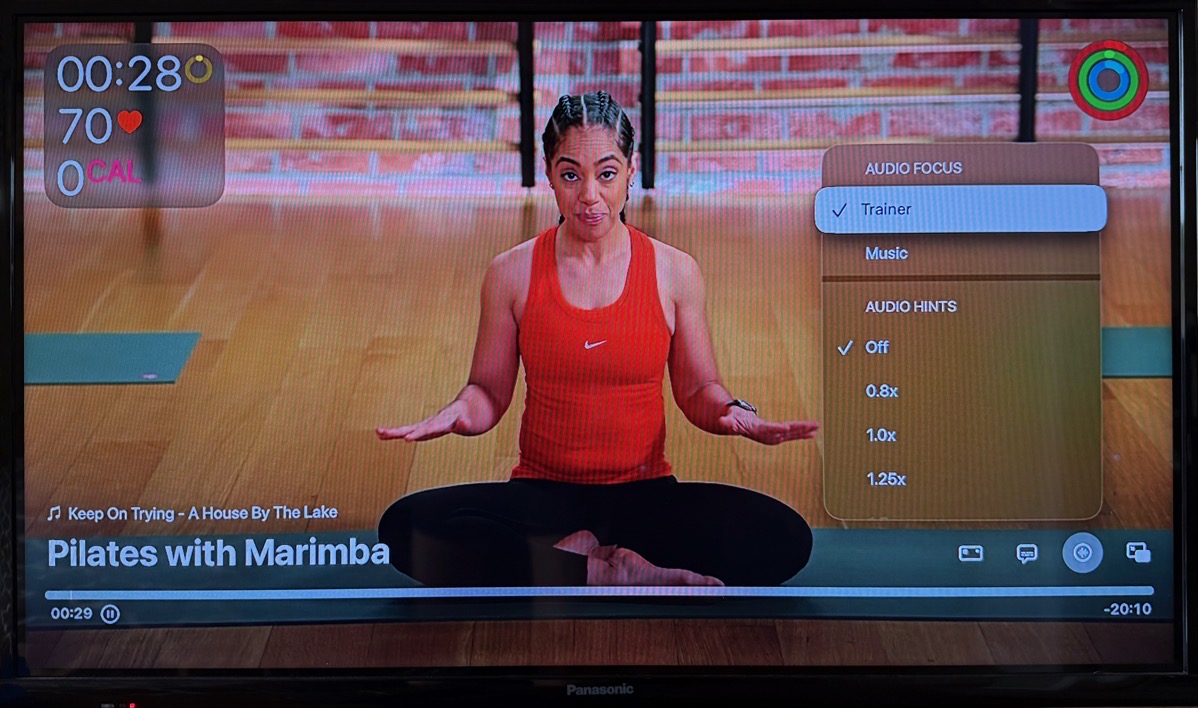
On the Apple TV, when you pause or just have the timeline visible, just above it, you’ll see four icons. The fourth one is a circle with a waveform in it, which, when selected, pops up a menu. At the top, it says Audio Focus, and you can toggle it between trainer and music. Maybe you prefer the music at a higher volume, and we can both be happy!
I also discovered that it’s in this menu that you can turn on Audio Hints. If you’re blind or low vision, it’s handy to have the Audio Hints telling you what the trainer is doing. You can set how fast Audio Hints play from .8x to 2x. In this way you can control how much it talks over the trainer.
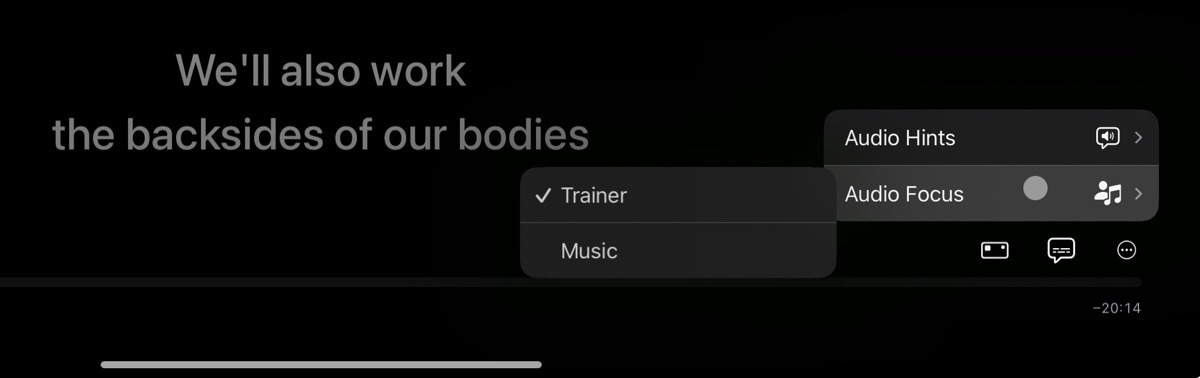
On iPad, it’s slightly different. There are three icons on the bottom right. The third one is a 3-dot menu, and it pops up to show you Audio Hints and Audio Focus, both of which fly out separate menus. In there, you can see the Trainer vs. Music option Jill told us about.
Oddly, Apple Fitness+ on iPhone doesn’t have controls for Audio Focus or Audio Hints.
Jill had another idea that really resonated with me. When she was talking about her health journey, she shared an excellent strategy. She will only let herself listen to the best audiobooks when she’s exercising. Isn’t that a great idea? They become treats, making working out something to look forward to.
Jeff Gamet did a great talk on security and privacy, starting with the basics of HTTPS and DNS. As he added layers of knowledge, he eventually made it all the way to explaining DNS over HTTPS, or DoH. Bart has explained this to us in Security Bits, but it sure doesn’t hurt to have it cemented in your brain to hear it more than once.
But the main takeaway I got from Jeff was an analogy that made me laugh, while making sense. He said that privacy is like his underpants drawer. There’s nothing secret in there, but it’s nobody’s business but his to look in there. The only problem with this analogy is that I’ll think about Jeff’s underpants every time someone is trying to explain why privacy is important. You can thank me later for planting that image in your mind, too.
Mike Schmitz talked about AI and Large Language Models. He encouraged us to maybe not use LLMs to get our work done faster, but rather use them to help you be more creative. He walked through the various LLMs and talked about which ones helped you to be more creative in what area. The one that surprised me was when he talked about how he uses Grok. I only know that it’s been trained to be a Nazi (up to and including talking about how awesome Hitler was and how he would fix the problems of today).
Mike said he’d found a good use for it. He said he uses it to argue with him. By that, he meant that he uses it to play devil’s advocate to help challenge his own thinking. I’m fascinated that someone would think of this idea in the first place. I’m noodling on what kinds of arguments I’d like to have with Grok, and whether I’m willing to take the risk of it turning nasty.
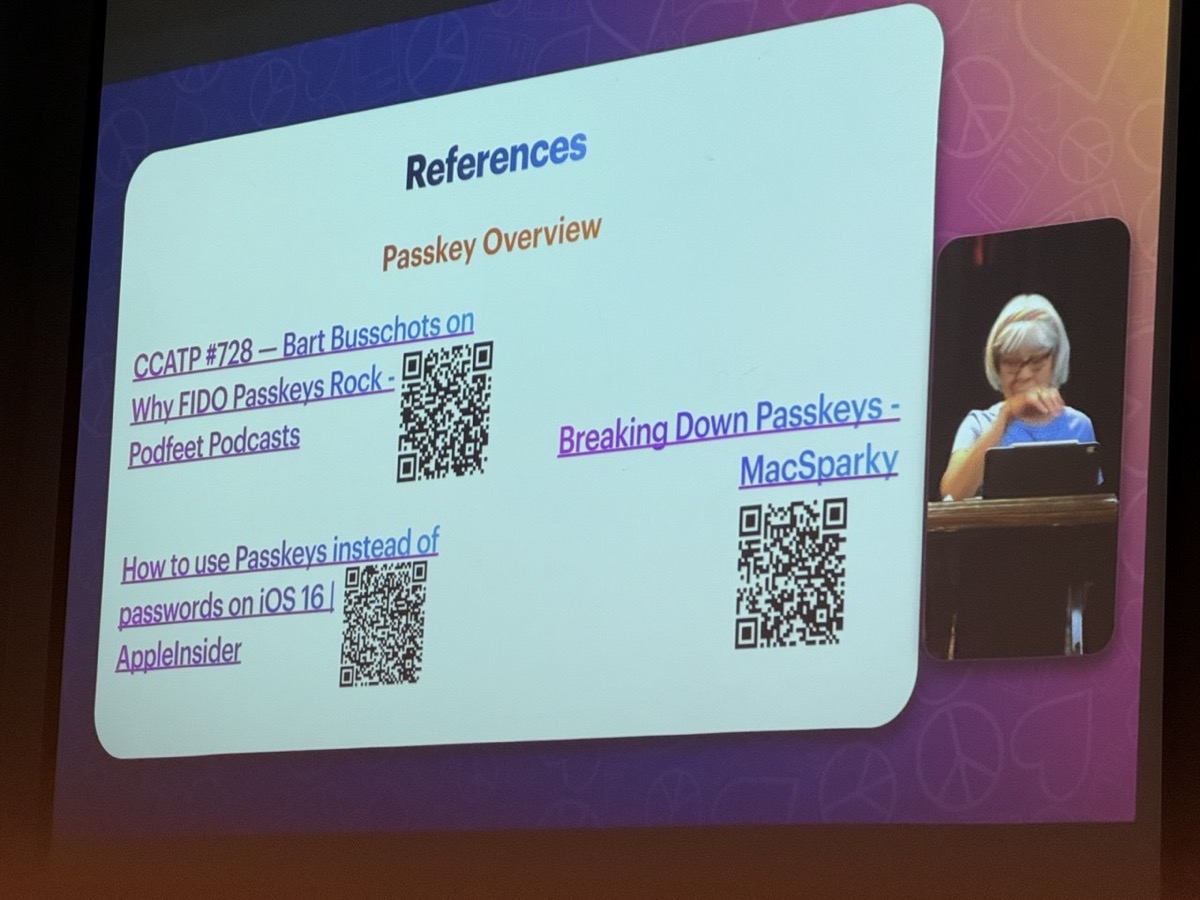
Kirschen Seah did a very good talk on Passkeys. After walking through all of the reasons why passwords are a hot mess, she went step by step through explaining public key cryptography and how it’s used to authenticate you with Passkeys. Bart has explained public key cryptography to us many times, and I mostly get it, but a penny dropped during Kirschen’s explanation.
Public key cryptography, when it’s used to encrypt information to be passed over the Internet, requires both ends to have public/private keys, encrypting the file in both directions. I had it in my head that you always had to do that.
But with Passkeys, Kirschen explained that public key cryptography is only used for authentication, so it’s a one-sided problem. You give the public key to the website, and then encrypt your authentication with the private key, and if the public key can decrypt the authentication, the website knows you are who you say you are. I hope I didn’t make a dog’s dinner of that, but it felt like a real revelation to me.
I also liked Kirschen’s talk because she gave a specific shout-out to Bart’s explanation of FIDO passkeys and why they rock from Chit Chat Across the Pond #728.
I’m a big ol’ screenshot fanatic (as you’ve probably realized), so I didn’t expect Dave Ginsburg to be able to teach me anything on the topic. This is why it’s important to go to talks even if you think you know everything. He talked about Techsmith’s Snagit app, which I used probably 15 years ago on Windows when I was still working. It wasn’t much to write home about back then, but as Dave showed the interface, I discovered the modern version has a lot of nifty features.
The thing that really woke me up, though, was when he showed that they have a brand new feature called Snagit Steps, and it looks like it might be a contender to replace my beloved ScreenSteps. For many years, I advertised for ScreenSteps, and it was an easy sell because I was constantly writing tutorials for the podcast using this tool. I was heartbroken when Blue Mango Solutions decided to discontinue it for personal use and focus on their business product. I haven’t tested Snagit Steps yet, but I sure plan to.
Chris Cooke rocked the house with her talk on accessibility. She played the video she and I created, demonstrating how she could control my screen with Remote Incident Manager from Pneuma Solutions. But she also talked about a cool tool Pneuma have called Scribe, which does “document remediation”. I’d heard this talked about on the Double Tap podcast, but I had no idea what “document remediation” meant.
Imagine you’re blind, and there’s a handout for a meeting that everyone gets ahead of time, or a document that’s being shared during the meeting. What if you could have it made accessible real-time during the meeting? How life-changing would that be? That’s what Scribe can do.
I should say that I was delighted at how much fun Chris had at Macstock, and how she was welcomed into the community. She’s already planning on coming back next year.
Brett Terpstra gave a talk on Mastodon. He started with the problem to be solved — explaining the cesspool that is the anger algorithm of other social media platforms. After making a compelling case to move away from the other tools like Twitter and Facebook, he explained that Mastodon has no algorithm. Then he detailed how federation works between server instances and how to choose an instance for Mastodon. It’s not hard, but it can be confusing because it’s not like any other social media platform.
I learned a couple of tips on how to get more traction on Mastodon. I knew that having a good bio on your profile helps, but Brett gave even more suggestions. On your profile page, Mastodon lets you put links to things you do, and you can explain what you care about, what you talk about, and even add hashtags of what you’re interested in. He also said having a pinned post on your profile was powerful in letting people know why they should follow you. He also said that the thing that gets him to follow people is often simply that they interacted with him in a positive and constructive manner.
Mike Burke was a brand-new speaker at Macstock, and he took a big swing. In his 90-minute workshop, he had us work on the preparation before starting a new project. He used the term “mise en place”, which is a French phrase that means getting all of your ingredients ready before you start cooking. His idea is to do mise en place for his digital workplace.
First, we had to come up with a project idea to do in the workshop. Then we were to tell our neighbor our idea. I was sitting next to Doc Rock, and his idea was to plan a murder. So that was fun. Mike didn’t use that example; rather he chose planning a trip to Macstock.
Mike had us download and install four apps to follow along. We started with MindNode for mind mapping, where we brainstormed what we needed to do to prepare for Macstock. Then we copied the text from the mind map into Drafts, which is the tool he uses to think about the work. He had us install something called Task Paper Parser to format the information in Drafts.
In Drafts, he created tasks with variable names that would have meaning when we get to Keyboard Maestro as the last step. He imported the to-do items into the app Things, where you actually do the work.
When he got to Keyboard Maestro, it got super cool. His idea was that before you go on this trip, you need to create a folder structure for all of the information for Macstock. A folder for reservations, like your hotel, plane, and car. Another folder where you’ll take notes, etc. He also likes to have placeholder documents for taking notes during sessions.
He said to the audience that he wanted to create a shell script for Keyboard Maestro that would do all of this automatically with a few prompts, so he started listening to and reading Taming the Terminal. But then he apologized and said that while it was cool and he plans to go back to Taming the Terminal, for this demonstration, he asked ChatGPT to help him write the shell script!
This was a lot to do live during the 90-minute workshop, but if you made it this far, you could download his Keyboard Maestro macro and run it, and see that it created the folder structure he described with all of the placeholder files right on your Desktop. It was very cool. I did raise my hand and say that we should all always download and run Keyboard Maestro macros from strangers who give them to us to run shell scripts. That got a good laugh.
Mike’s talk was way above some people’s heads in the room, but it was delightful to me to be challenged. It tickled my brain on how I could use this technique of mise en place. If you’d like to learn what we learned (at a more leisurely pace), Mike documented it (including the Keyboard Maestro macro) at www.themikeburke.com/…
Brian Flanigan-Arthurs did a talk entitled, “Automate, but Don’t Take Shortcuts”. He explained all of the reasons for automating things in your life. Time efficiency and improved accuracy are both well-known reasons, but he also talked about automating saving money by using an Apple Card and having the cash back go right into an Apple Savings account. He talked about automation helping with consistency, like using the medication reminders in Apple Health.
He pointed out that you can reduce stress because you don’t have to remember when and how to do things. He gave examples of how he sets focus modes on both location and time to make sure he is on task when he’s at the school where he works. He even talked about saving energy with automation by putting his water cooler on a smart switch in HomeKit. You know I sent him our Vacation Switch automation to go along with that.
Marty Jencius, who is a professor with at least one PhD (maybe two?), brought his son Will along, who also has a PhD but in Chemistry. They do a podcast together called “Gear Up and Go”, which is a tech-in-travel podcast. Instead of a presentation, he and Will invited audience members to fill out a little Google web form where they entered their favorite tech item for travel. People jumped on the form, but they took the first 15 ideas and had them come up to the front one by one to tell the audience about their tech gadget or software.
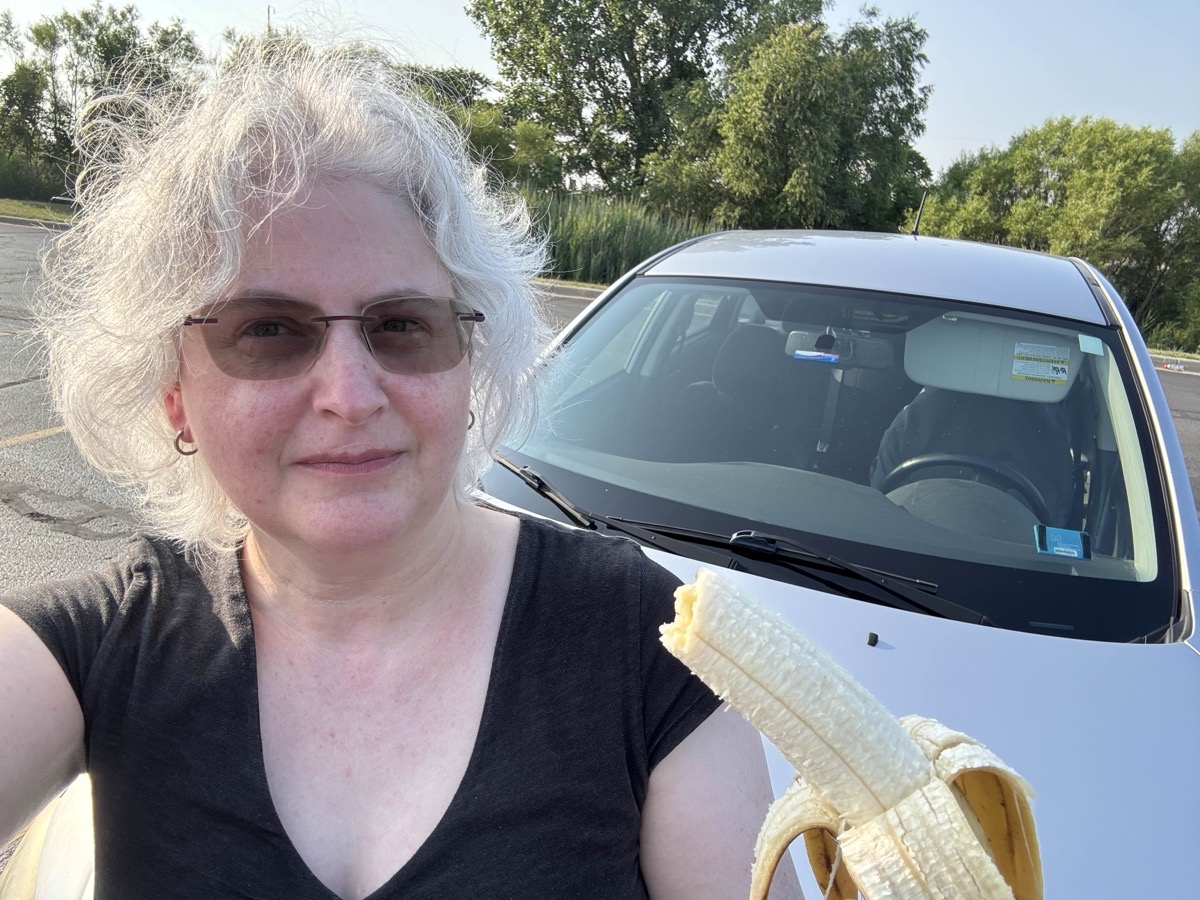
On the stage, they’d lined up a bunch of paper lunch bags with numbers on them. Some of the surprise gifts were super cool and useful, like one person won a MagSafe battery pack. But there was a lot of variability. My favorite was when Marina Epelman won a banana.
After the show, since they had this handy webform, they created a web page with all of the ideas people gave out at the show. They also created a web page for the tech gifts they gave away, which is linked in the shownotes. It was a great idea, broke up the monotony of presentations, and showed off how fun this father and son team is, which made me want to subscribe to their Gear Up and Go podcast.
One of the great additions to this year’s Macstock was sponsorship by the company ECAMM. They make a product you’ve probably seen used, which allows video content creators to create fancy scenes and transitions in their live videos. This isn’t a new concept. You may have heard about the open source project called OBS, MimoLive from Boinx, and others over the years. But ECAMM seems to be making live broadcasting easier and better.
I wouldn’t normally gush over a company at a conference, but the big joy came from ECAMM because Doc Rock, known in the Mac circles since his TUAW (The Unofficial Apple Weblog) days, works for them, and he was at Macstock. He’s funny, he’s kind, and he’s brilliant. He’s a training/coach/evangelist for ECAMM, and he inspired a lot of people attending the show.
My Talks
Ok, enough about everyone else’s talks, let’s talk about MINE! In a moment of silliness, I volunteered to do not one but two talks at this year’s Macstock. The first was a 90-minute workshop, and the second one was a 45-minute inspirational talk along the lines of the theme of the show, “Share”.
Editing Photos in Apple Photos on macOS
People ask me quite often what photo editing tool they should buy for their Mac, followed quickly by saying, “but I don’t want anything too complicated”. My answer is always to use Apple Photos. This common question got me thinking why people don’t realize how powerful this built-in app actually is. I think it’s because Apple hides a lot of the depth of the app under wee tiny chevrons.
In my workshop, I walked through every single one of those little dropdown menus and hopefully demystified them by demonstrating their effect on purposely chosen photos. The good news is that Steve recorded the workshop using his fancy new Pocket 3 camera. The bad news is that we forgot to charge the fancy new microphone that goes with it, so he had to record the house sound. The good news is that Final Cut Pro has a pretty impressive filter built into it that allows him to remove the room echo reasonably well. He posted it to YouTube, and of course, there’s a link to it in the shownotes.
Steve’s video of my talk on photo editing with macOS Photos
Chain of Happiness
I was sad that my second talk was the very last talk of the entire conference, at 5 PM on Sunday night. That’s the worst, right? On the first day, we discovered that one of the speakers, Kelly Guimont, wasn’t able to attend. I suggested to Mike that he pull my talk forward to the first day to take her place. To my dismay, he said that my talk was the perfect way to end the show. It turns out he was right.
People actually stayed to the very end, which surprised me, and my talk was a great way to end the show. Throughout the three days, people said nearly everything I had prepared, but that was a good thing. I sewed all of their comments together into a cohesive story where I encouraged them to share what they learned, and made suggestions how they should share this knowledge.
I was very proud of my slides because I created 35 of them and had zero words on my charts. Ok, I’m lying, one chart had a TON of words on it, but it was to illustrate how too many words are a bad thing.
I won’t tell you too much more about the talk, because Steve has created a video for this one too. The good news is that we charged the mic this time so the sound is even better.
Steve’s video of my talk on Chain of Happiness
I’m also including a nice video of just my charts. If you watch this video, you’ll have virtually no idea what I talked about because all of the details are in the speaker notes.
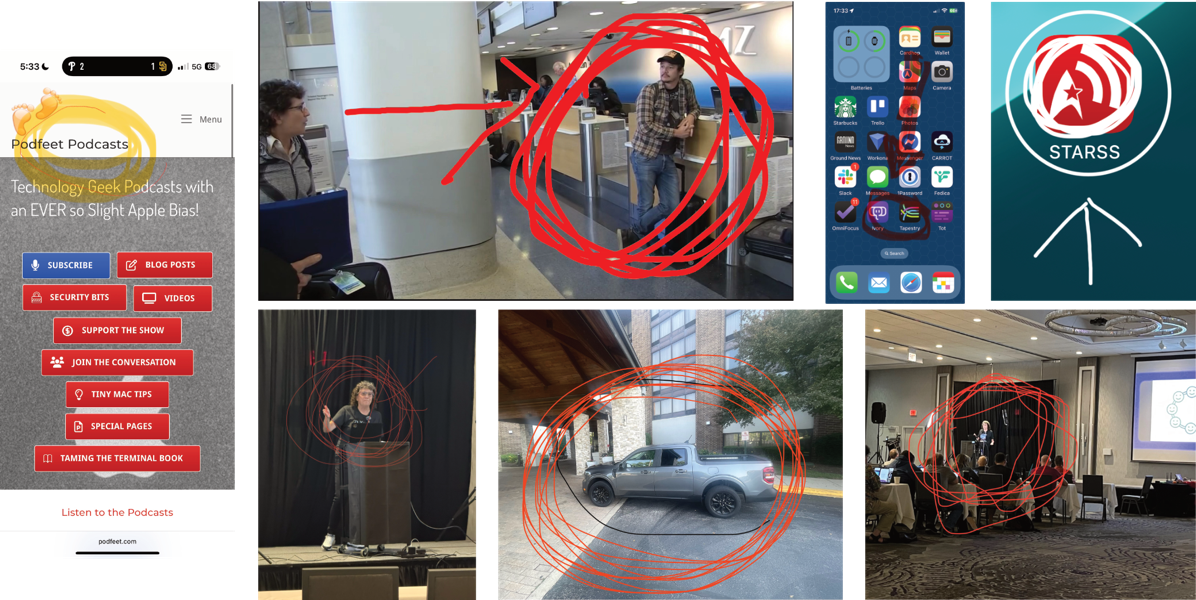
I do have to spoil one part. One of my very last slides showed how people like to scribble on iPhone screenshots to point at something and how terrible that is. I showed how to make nice rectangles and arrows and such instead, and I begged the audience … no I actually forbid the audience to ever send me a screenshot like that.
I should have known not to do something like that. For the next half hour, I was barraged by screenshots with scribbles on them from the attendees. It’s good to have friends…
After Hours
As much fun as the sessions were, the after-hours activities were great too. One night, Barry hosted a wine tasting, and one night we got to watch the Mac Geek Gab live. That was a real experience, because for reasons nobody could explain, Pilot Pete came out in a toga exclaiming, “I thought this was Mac Greek Gab!”
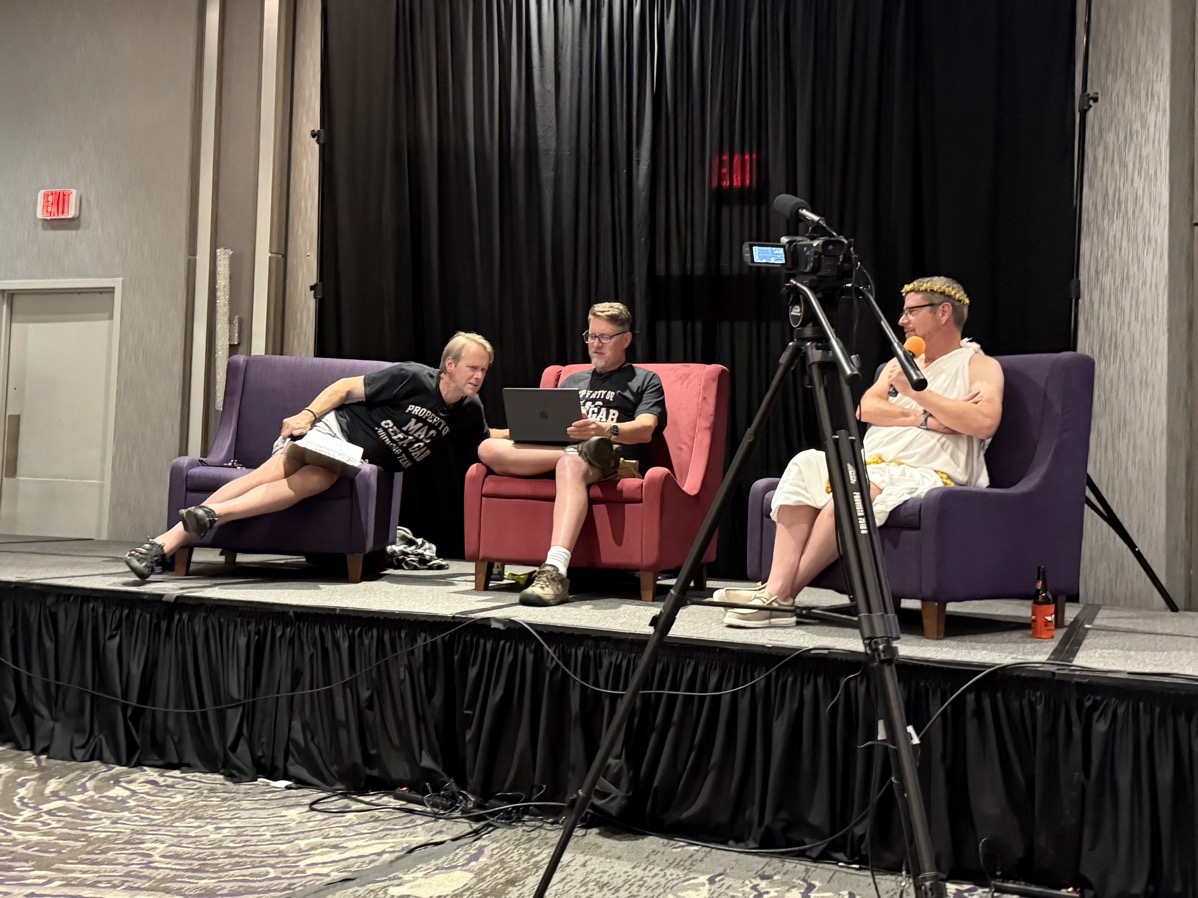
Chuck Joiner did a live recording of Mac Voices (but he did NOT wear a toga), and Marty Jencius and friends hosted the Vision Profiles meetup where everyone could play with the Vision Pro.
For many of us, the best after-hours event was hosted by Kaylee. Yes, the Kaylee who was on the NosillaCast years ago, and who surprised me last year by showing up out of the blue. She’s moved to Japan, and yet managed to get herself back to the States just for Macstock.
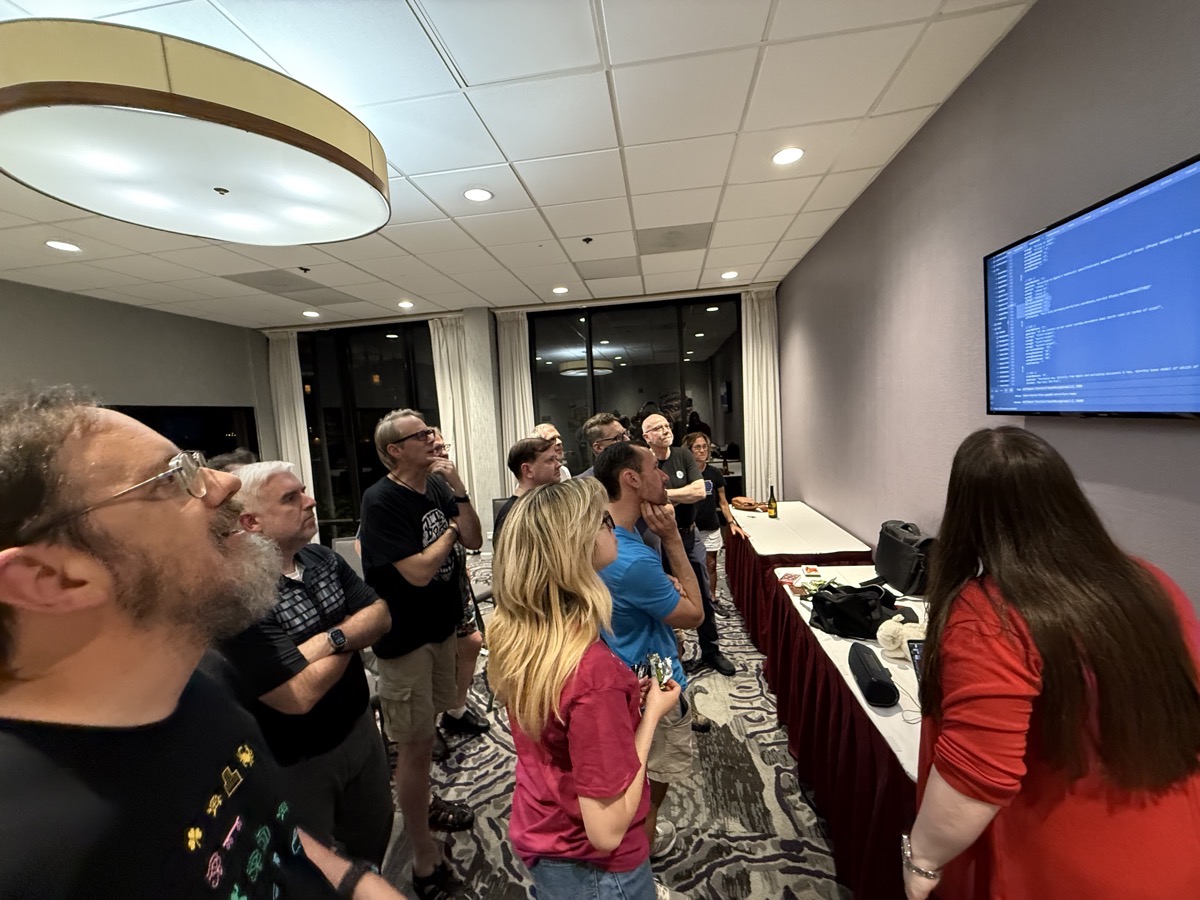
Kaylee has created a simulation of the old TV game show, “Who Wants to Be a Millionaire” … all written in JavaScript on a Mac! She divided us up into 6 teams, each of a different color (Get it? Six Colors?), and had us put one iPhone each onto an ad-hoc WiFi network to her Mac. This instantly made the connected iPhone into the control surface for us to choose our answers during the game. The clues were all either Apple-centric or at least nerd-centric, which made it great fun.
The gameplay was just like on the TV show, and if anything, Kaylee was an even more enthusiastic MC than Regis Philbin! I’m not exaggerating when I say it was so exciting that several of us were biting our nails to see who would win.
But the best part was that when the game was over, Kaylee let us see her code. She walked us through a lot of it, and kept apologizing for its crudeness while everyone exclaimed at her brilliance. When it was over, I suggested to Dave Hamilton and Adam Christianson that this was probably both of their favorite part of the entire show, and they enthusiastically said, “Yes!”
Bottom Line
I love Macstock with every fiber of my being. It’s a very loving and inclusive environment. I don’t think I’ve hugged as many people in the last year as I hugged over the weekend.
Mike Potter puts on an amazing conference with attention to all of the right details, and gives us the space to nerd out, party together, and feel like we’re home.