
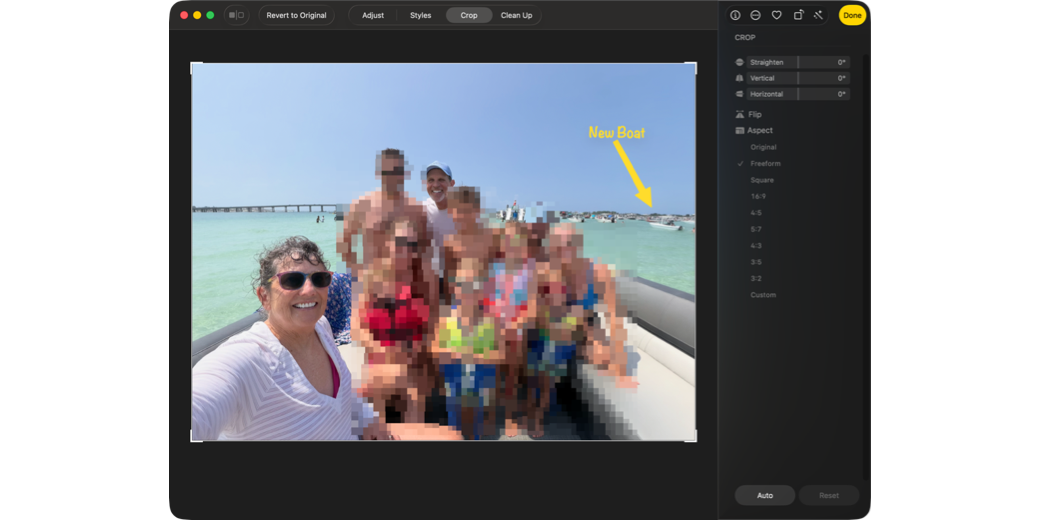
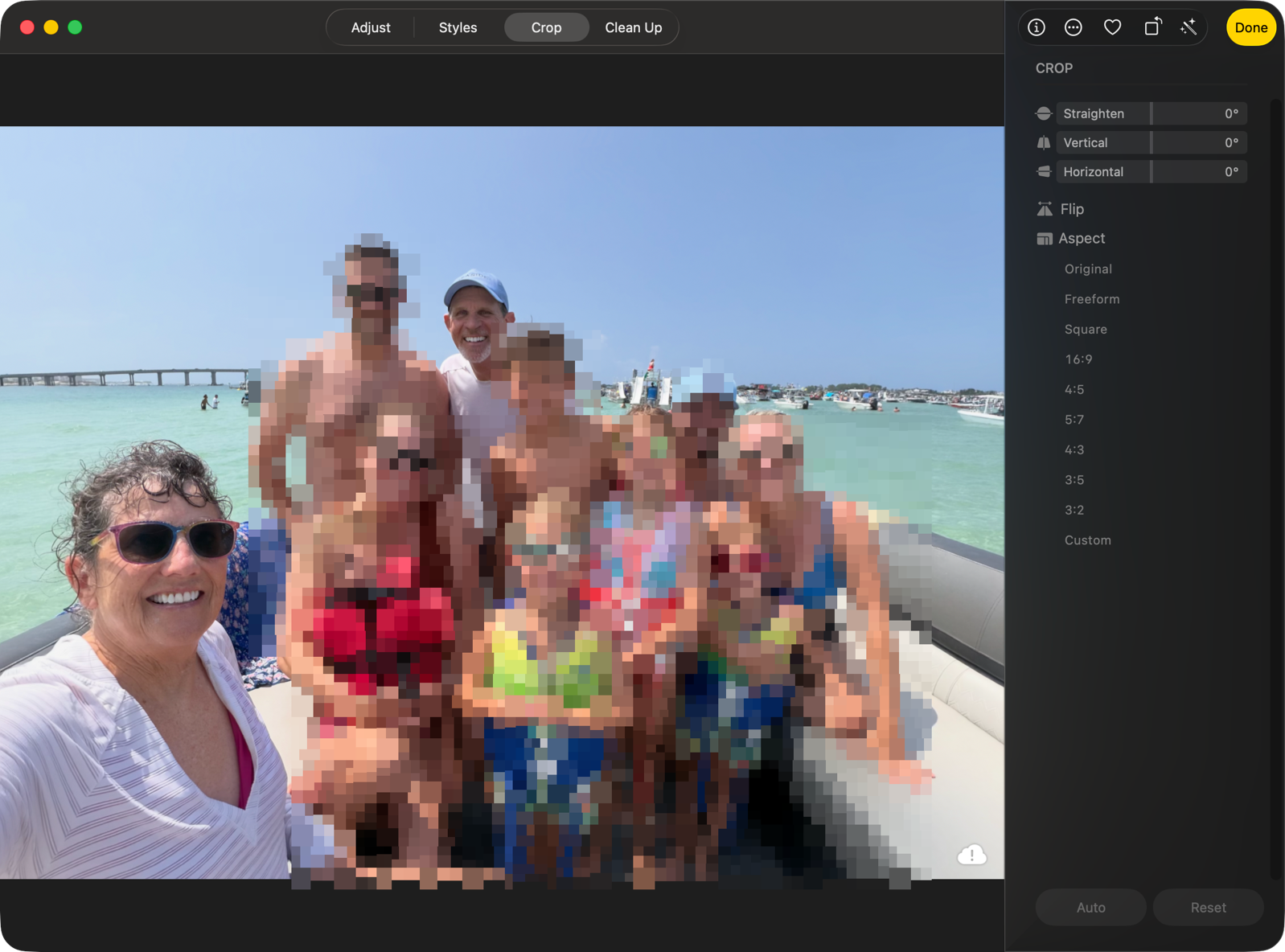
I wanted to tell a quick story of how OS 27 saved an almost great photo I took while we were on vacation in Florida. We went out on a pontoon boat, and I asked everyone to gather at the stern of the boat for a casual family photo. It was a fabulous, joyful photo… but the horizon was tilted about 18 degrees!
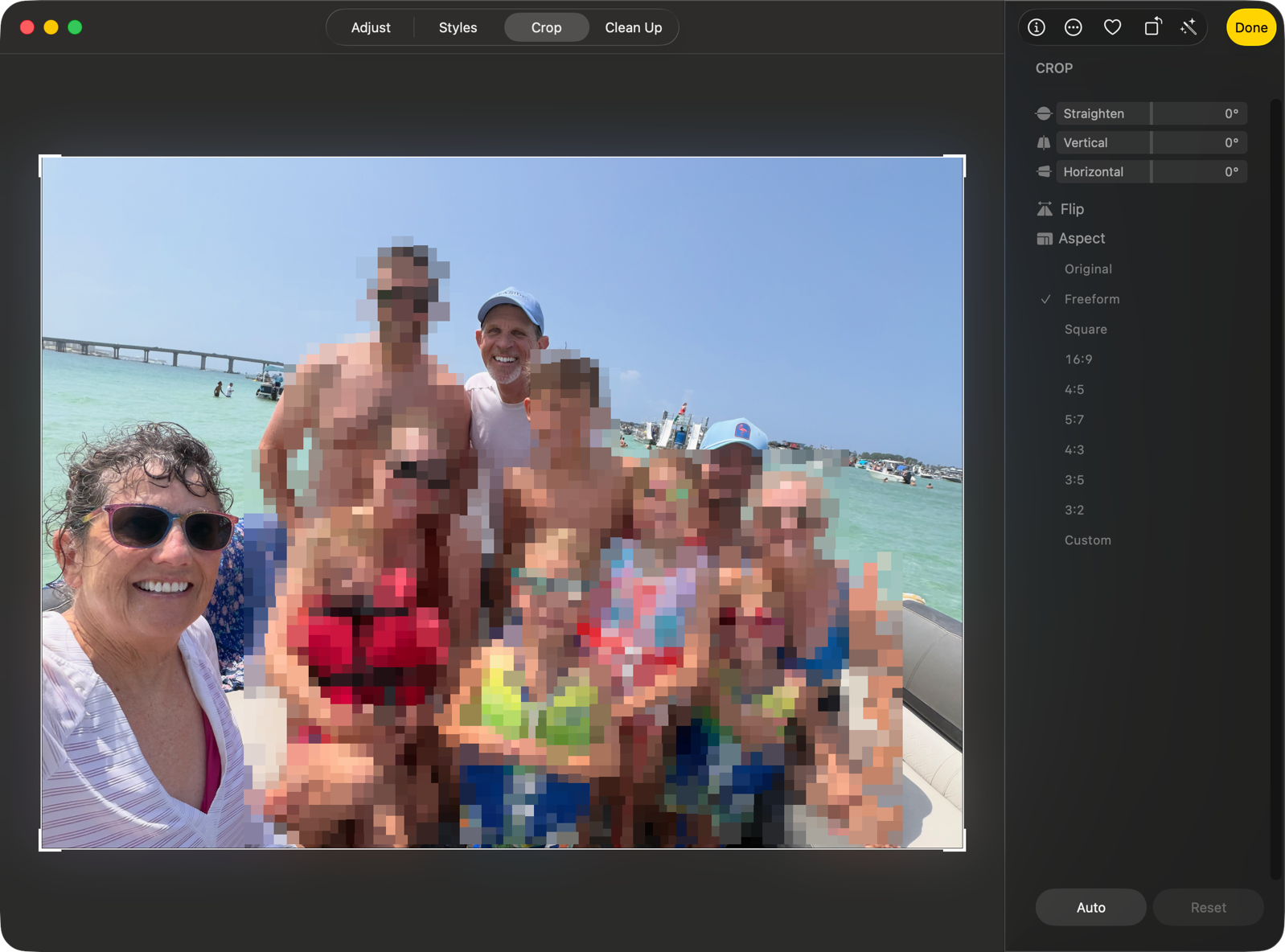
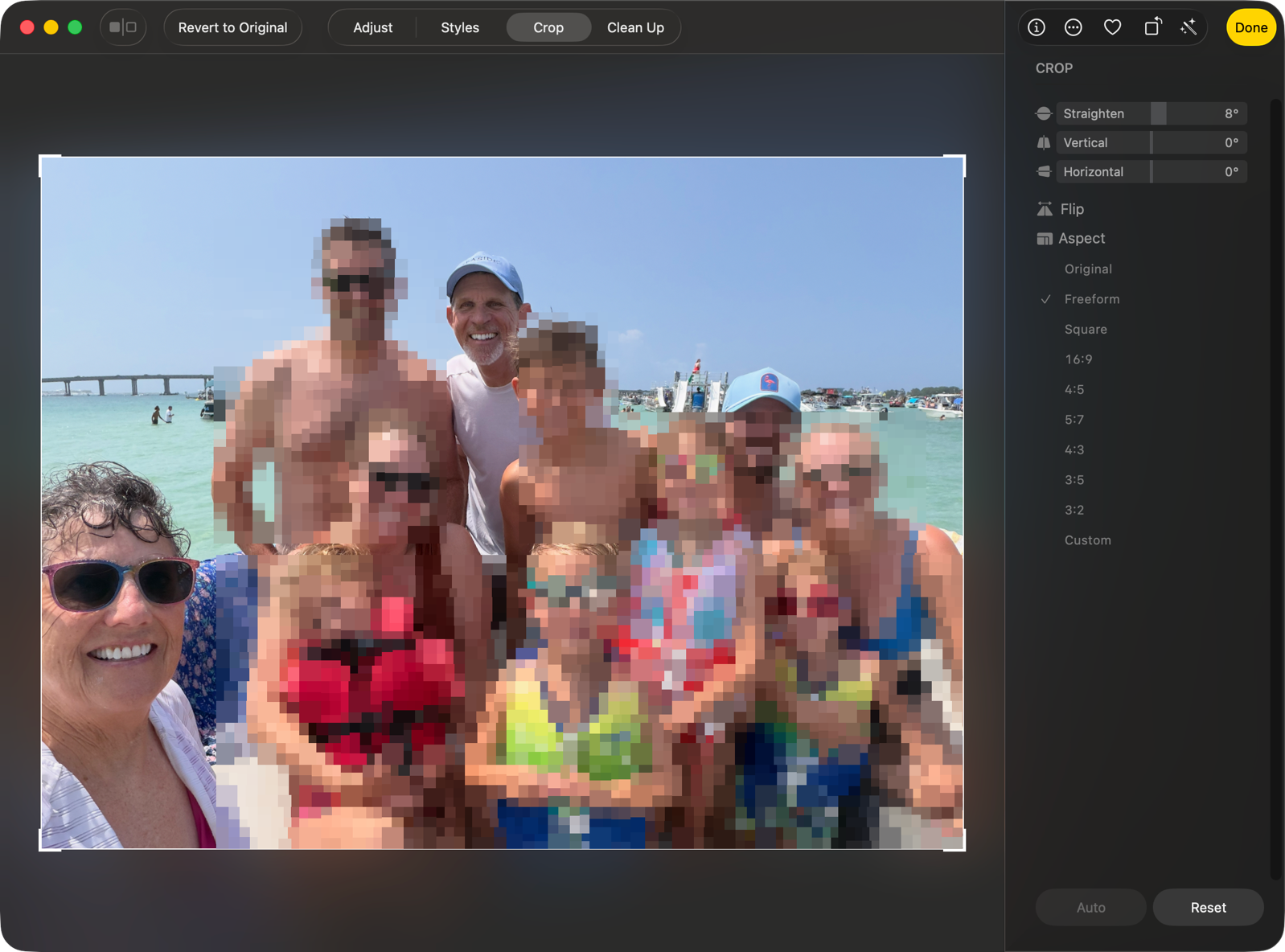
I could easily rotate the photo to correct for that, but when I did, it cut off a third of my face and wrecked the composition entirely. The photo was irreparable, and I was heartbroken.
But then I remembered the new Extend feature announced at WWDC, which was advertised as a way to give yourself extra background on your images. I’m running the beta on an iPhone 15 Pro with my photos synced, so I opened it up on that device, went into edit mode, tapped on the little Apple Intelligence symbol, and chose Extend. It indicated I should pinch to zoom, which showed a blurry area covering up the sides of the original photo.
It churned for maybe 15 seconds, and it perfectly extended the still crooked photo. It wasn’t a super challenging fix, since most of the background was water, but it did a great job. The new image had my selfie-taking arm a bit longer, created more upper body for me, added feet to some of the people, extended a bridge in the background, and even added a boat on the water that was not a replica of any of the other boats in the original background.
Once I had the extra real estate on the crooked photo, I was able to rotate the photo without cutting off my face. It was looking pretty good.
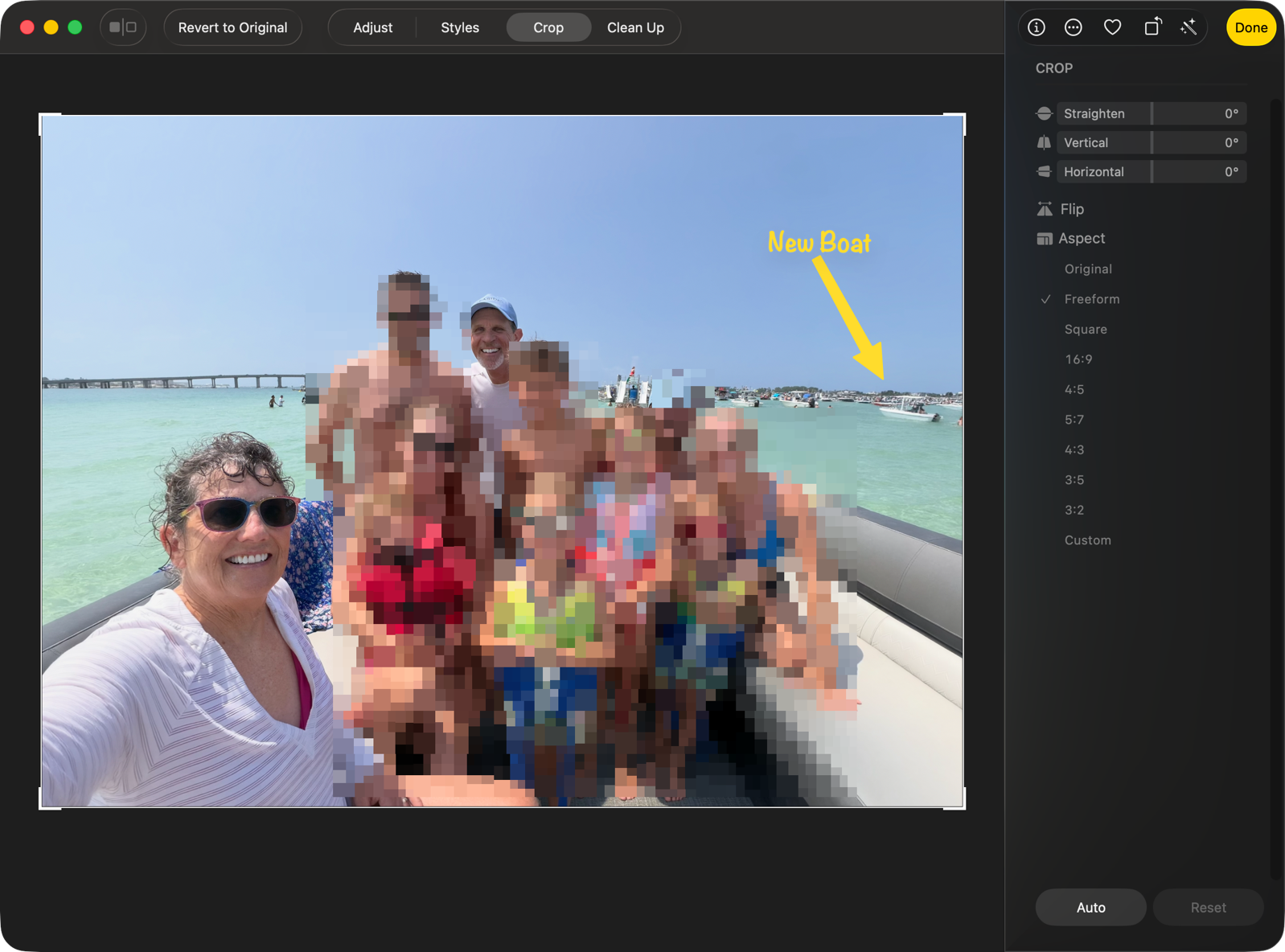
With the extra real estate, I was able to make a more pleasing crop, and now I have a fantastic family memory.
I think for me, this might be one of the biggest game changers of OS 27!