

The Apple Watch, all by itself, is a capable cycle computer, but when you add in Bluetooth cadence and heart-rate sensors (as previously reviewed), you get a superb cycle computer, just one with an awkwardly small screen! iOS 26 solved that final problem with the Workouts app’s live activity on the iPhone — you can now get a full-screen, real-time, easy-to-read copy of the metrics you’ve configured the workouts app on the watch to show. The final challenge is a mount to connect your iPhone to your handlebars in a robust and reliable way. That’s where Peak Design enter the story!
After years of resisting becoming one of those guys with a great big iPhone strapped to their handlebars — I’m now using my iPhone 17 Pro Max as the screen for my cycle computer! While my experience has changed a lot, the actual mechanism for tracking and recording the metrics is completely unchanged — it’s still the standard workouts app on my Phone sending everything to Apple Health!
The Brains of the Operation — Apple Watch + Bluetooth Sensors
- Still using the Wahoo Tickr Fit heart-rate sensor I reviewed in 2023
- Still using the Wahoo RPM Cadence sensor I reviewed in 2024
- Very important tip (even if you only use the watch as your screen) — take the time to customise the views for the Cycling workout type in the Workouts app on the Apple Watch
- At the very least, delete the screens you don’t use so you have fewer to scroll through
- Some of the metrics screens can themselves be customised, so you may want to do that too
Projecting to the iPhone
You don’t have to do anything special to project a workout in progress to the iPhone, as soon as you start you’ll see it show up on your lockscreen as a live activity! Simple tap it, let FaceID happen, and your phone becomes a full-screen cycle computer that will stay unlocked until you end the workout or press the lock button. You can even control the workout from the phone, so you can water lock the watch and never worry about accidentally tapping the end-workout button with your sleeve (again)!
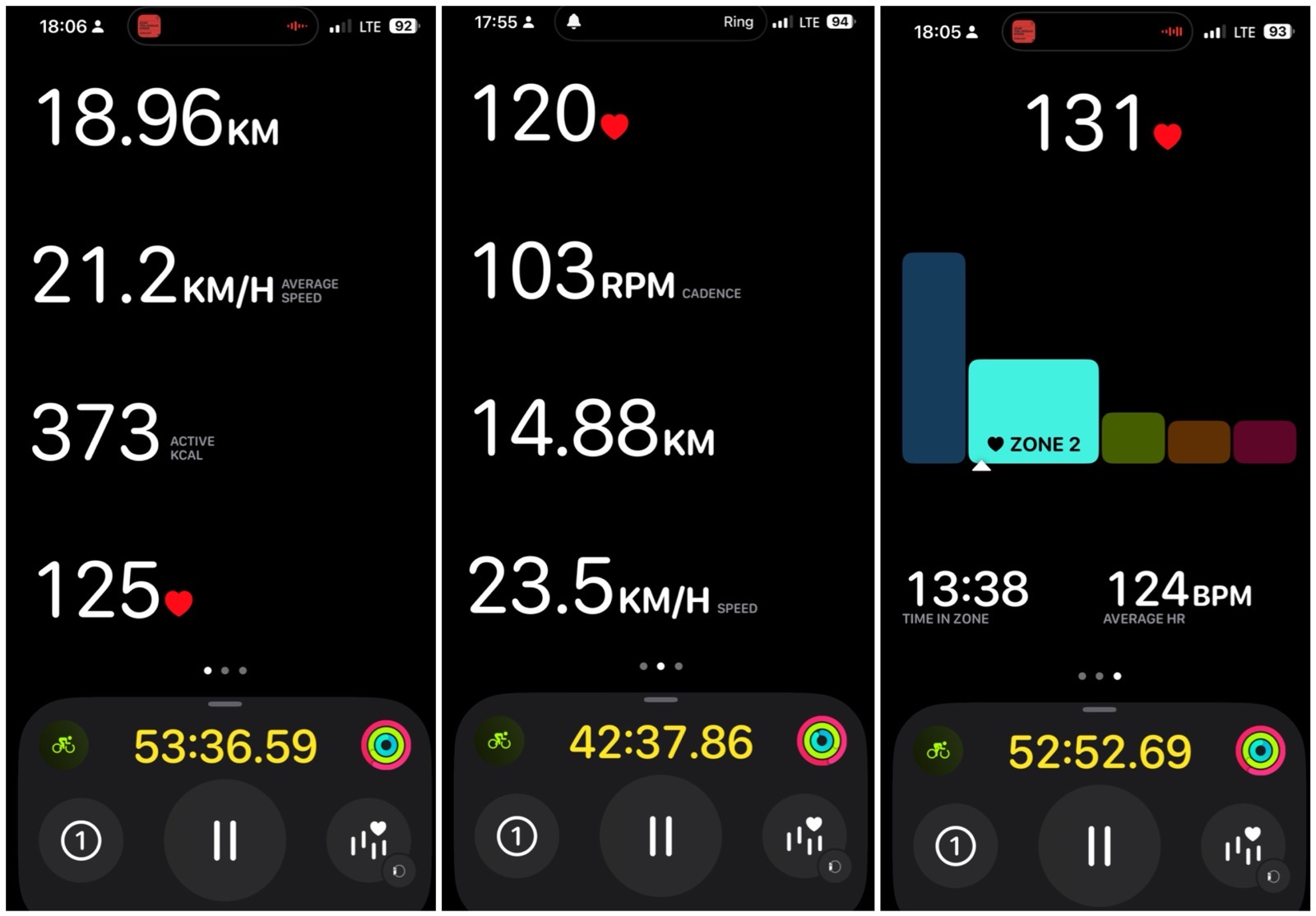
Securing the Phone to the Bike
I buy expensive iPhones, and I cycle on rough roads and dirt tracks; the biggest reason I have avoided strapping a phone to my bike to date is simply my fear of destroying or losing it!
What finally convinced me were these two product videos from Peak Design:
I have two bikes — a mountain bike and a city bike, so I needed two mounts, and they did not necessarily need to be the same. This is what I chose:
- The Peak Design GNAR Case for my iPhone 17 Pro Max in bright orange (or Ibis, as PD call it)
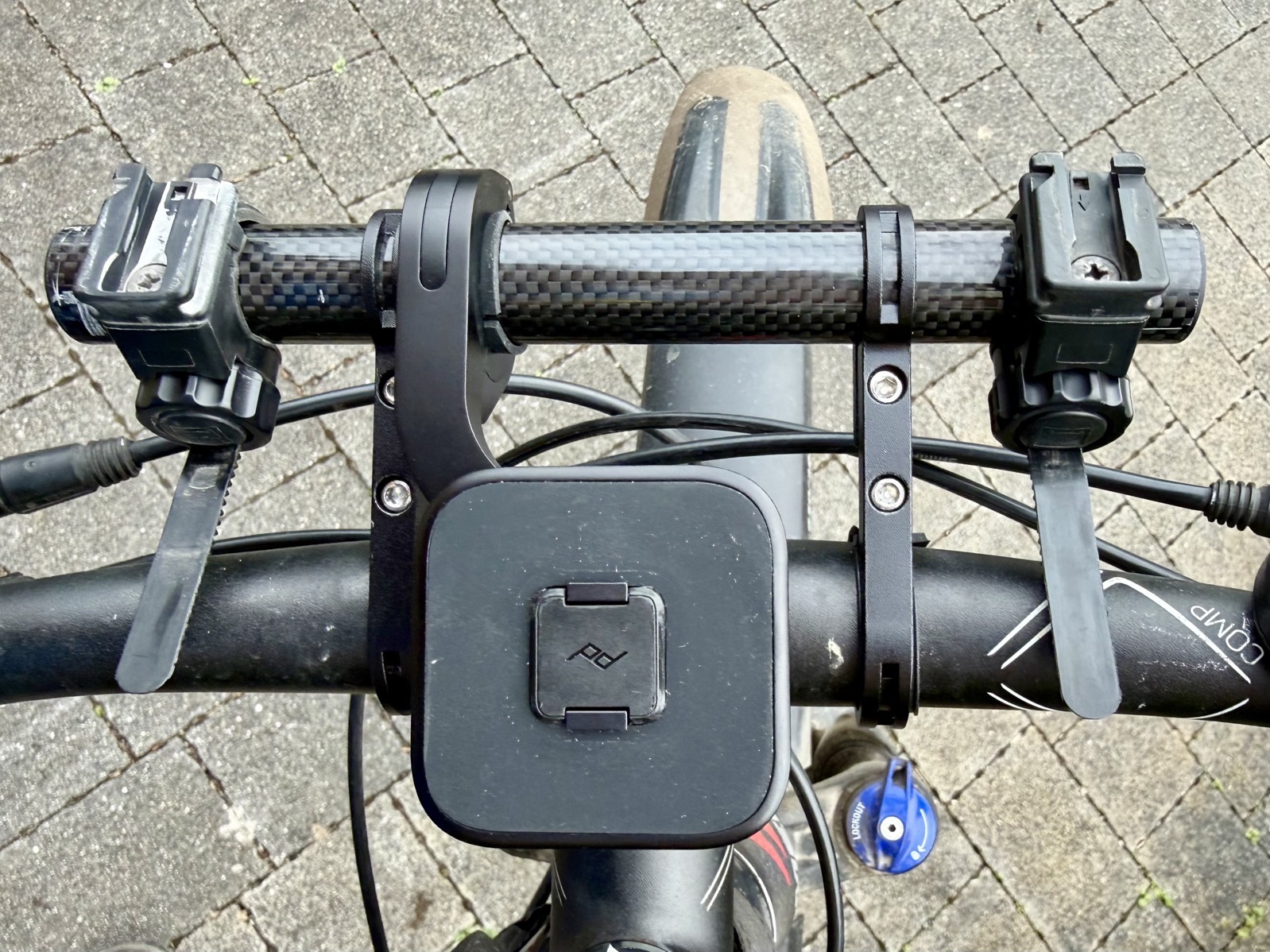
- The Peak Design Out Front Bike Mount V2 for the mountain bike (with the hex screw for maximum security)
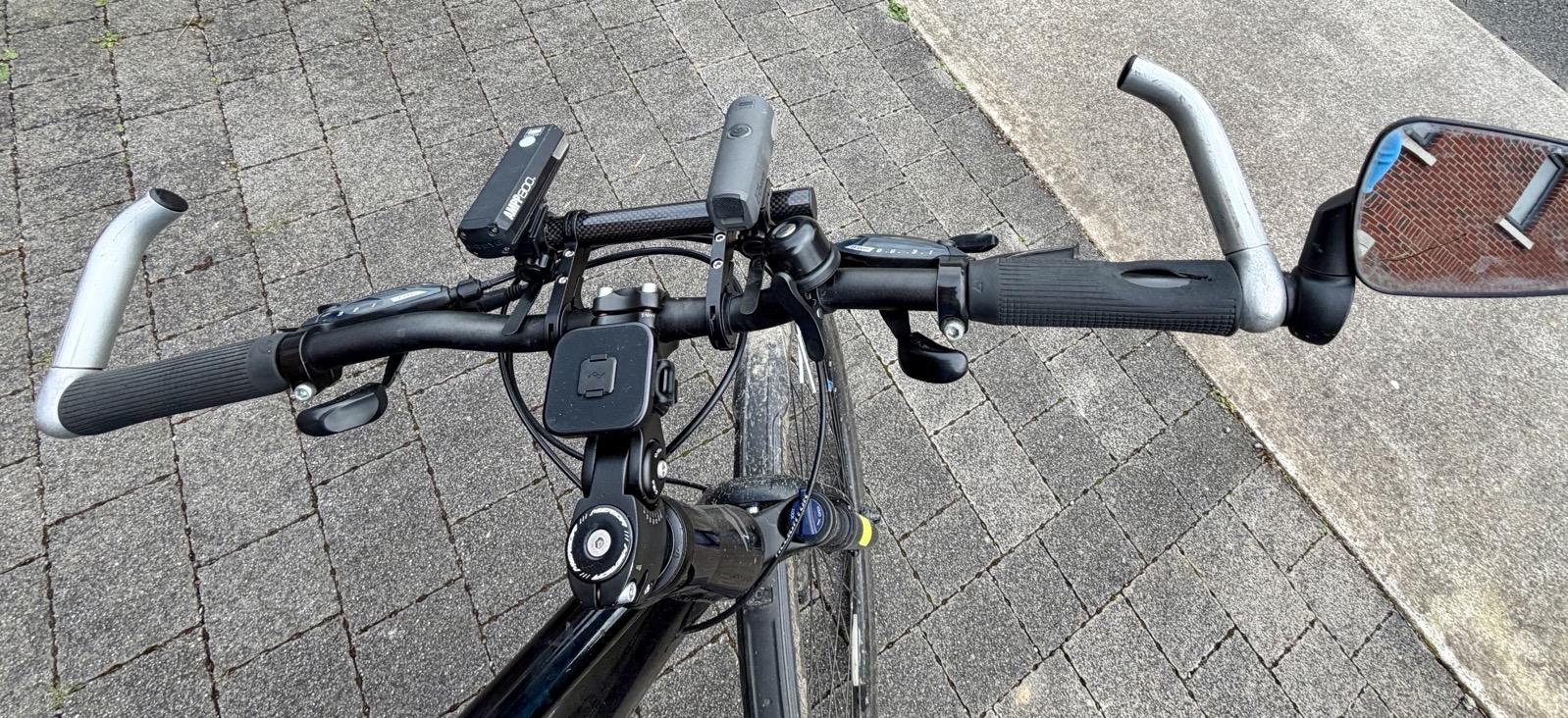
- The Peak Design Universal Bar Mount for the city bike (mounted on the T-bar)
My bike handlebars were already crowded places, and my iPhone 17 Pro Max is BIG, so while I did manage to squeeze everything on initially, I found it a lot more comfortable to add a carbon fibre mounting bar for my lights, moving them forwards of all the other stuff on my bars and letting me space everything out better — the Yizhet 20 cm Bicycle Handlebar Extender for a mere €12.99 on Amazon!
City Bike with Universal Mount (+ Bar Extender)
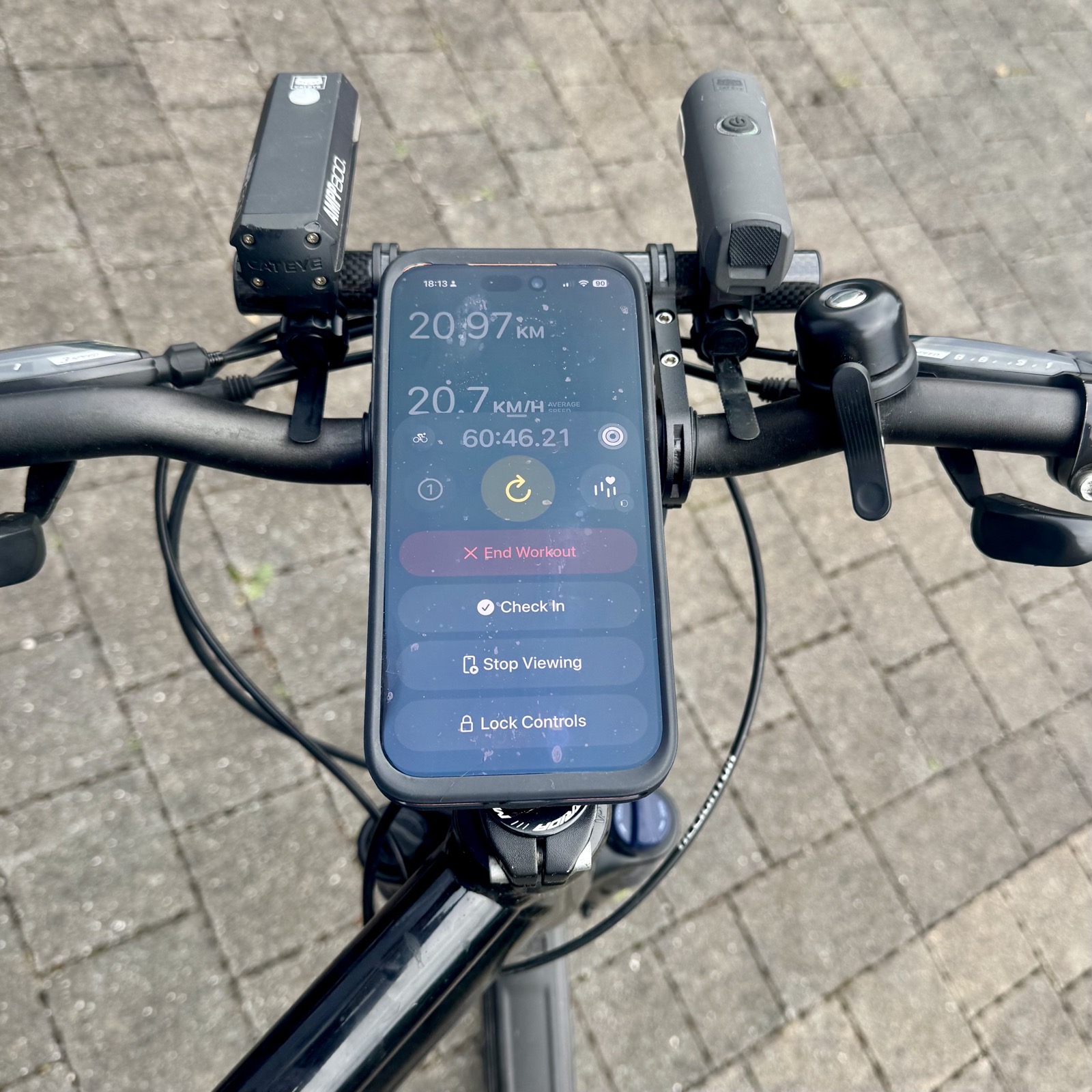
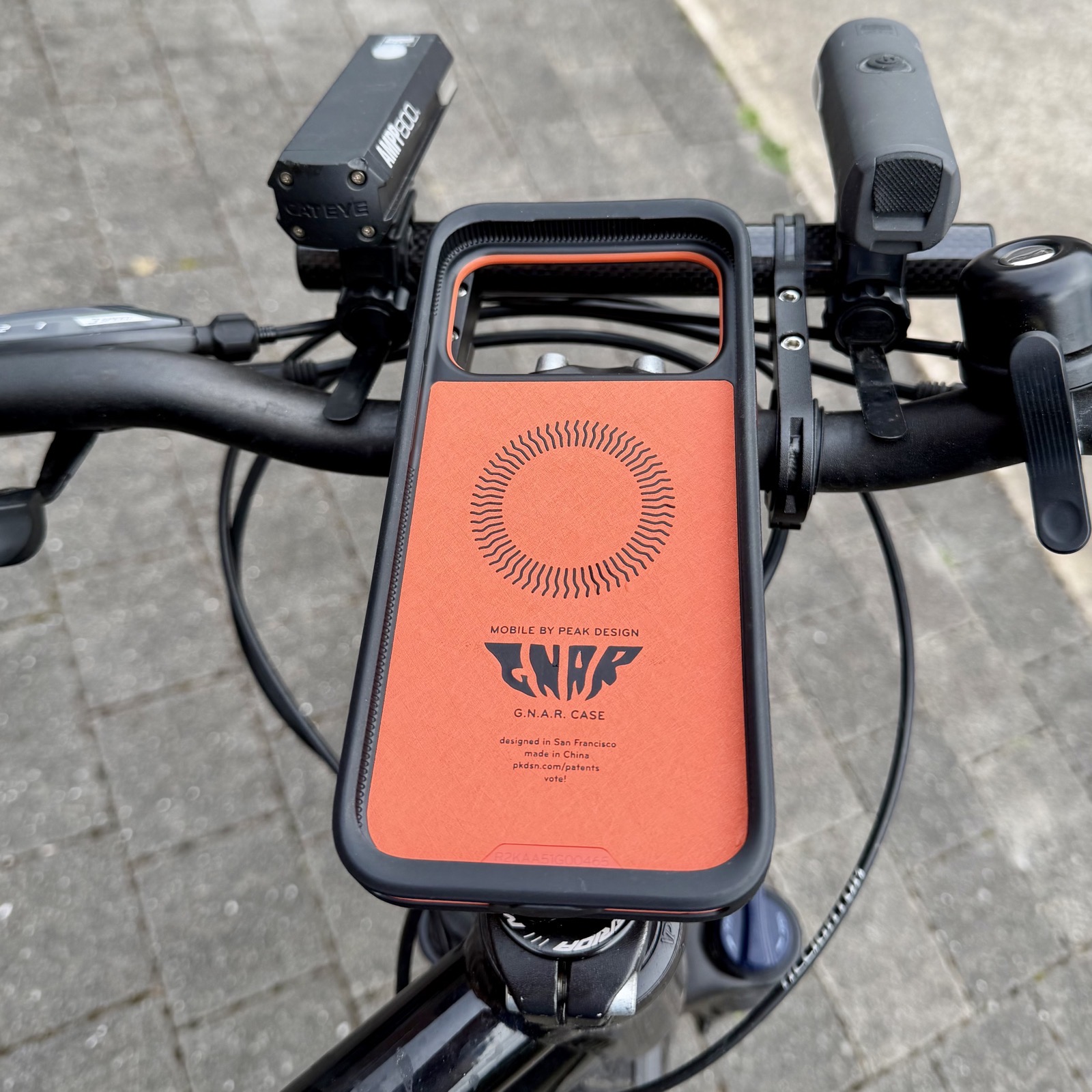
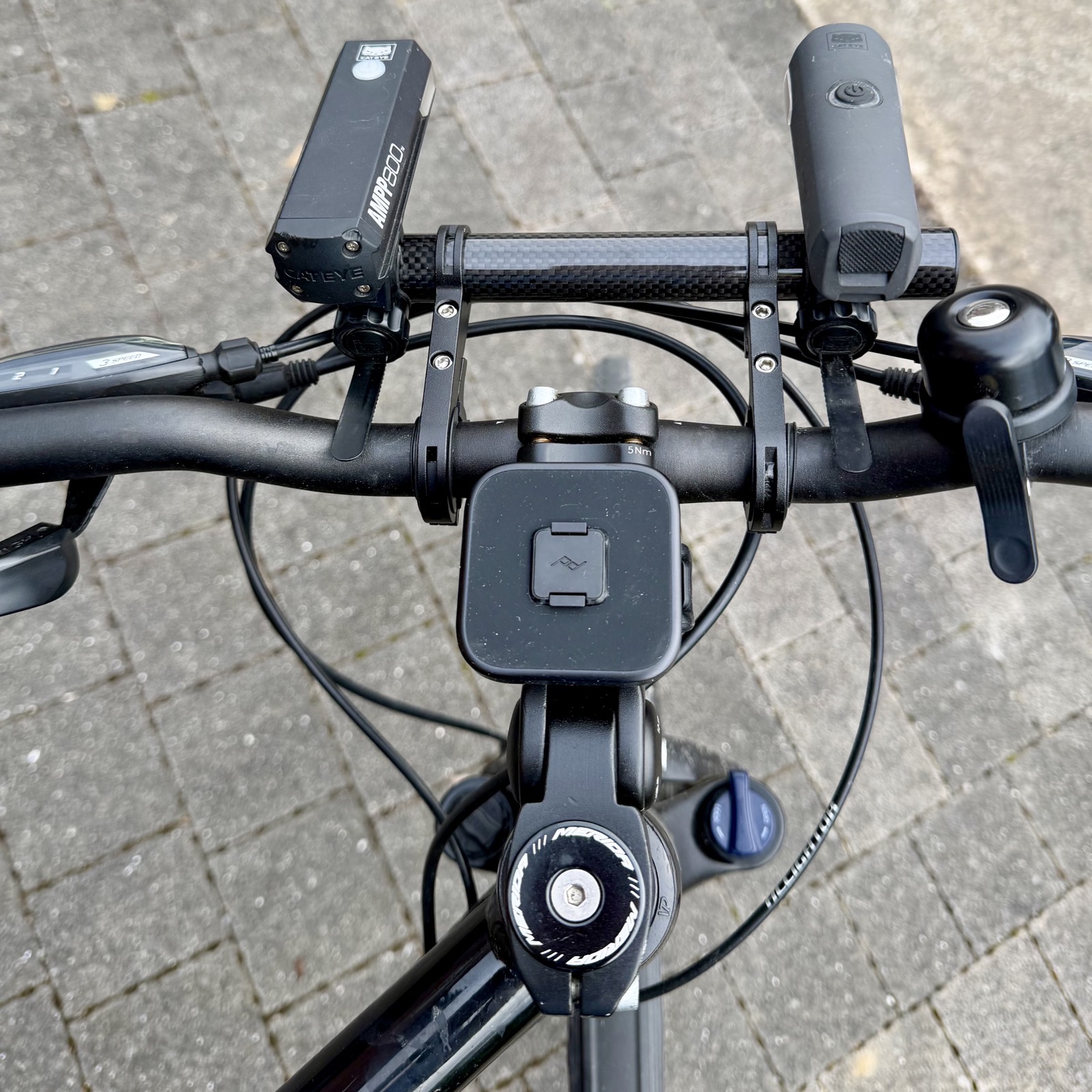
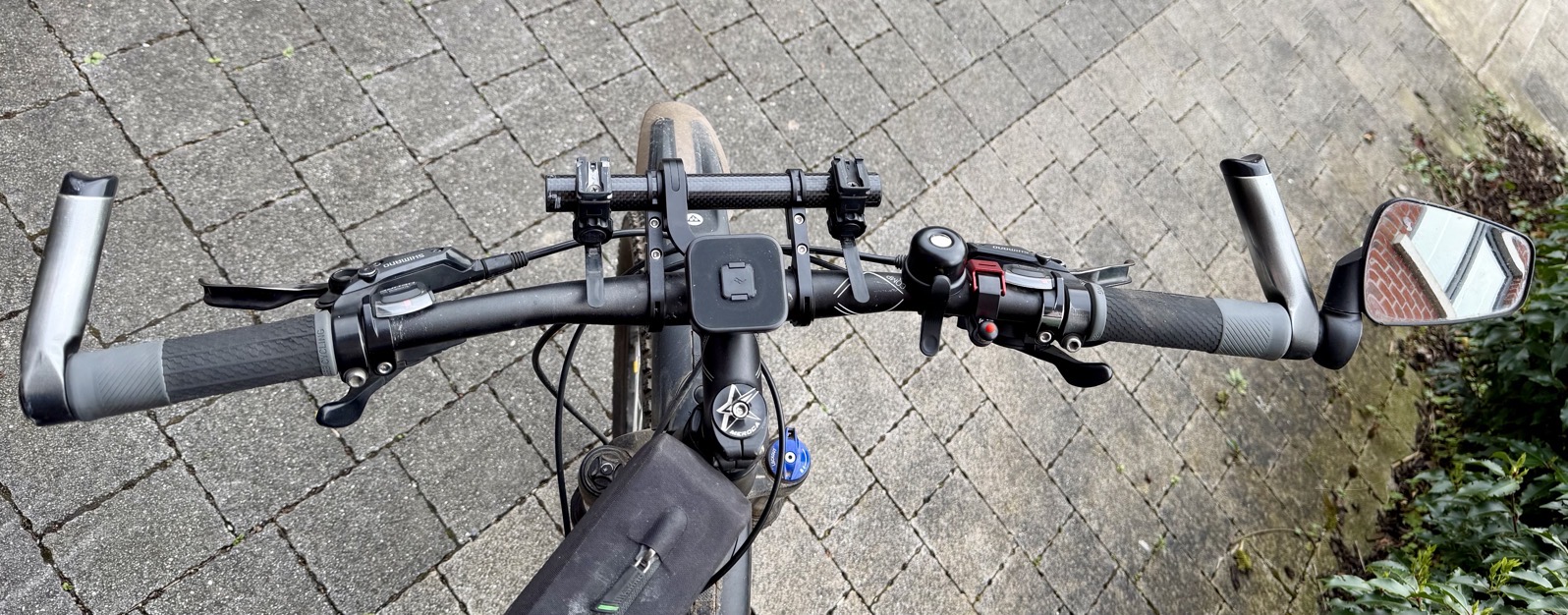
Mountain Bike with Out Front Mount (+ Bar Extender)
Bonus Extra — Can You Spot my AirTags?
Each of my bikes hides an AirTag, both are on the bars for easy batter replacement, can you see them?
They’re in the base of the black bells!
Inexpensive, make a really nice ring, easy to install, easy to replace AirTag when you know it’s there, and available on Amazon!
I love Peak Design – I’ve been a fan since their first Kickstarter. Bart, if you need one more reason to visit Los Angeles sometime, Peak Design have a brick and mortar store in Venice, CA. Funny thing, I just walked back in the door from visit their occasional display/returns sale where they offer many items at 30% or more off the regular price. (Being friendly with their sales person and they will just round down the price too!). I have not used their cases because I enjoy the minimal case I have from Moft.com – perhaps one day as their attachment system is awesome.
Peak design cost me enough money from just their mailing list, if I went into their store I’d be out of house and home