

I’m a huge fan of the well-known app Hazel from Noodlesoft. You’ve probably heard of it and may use it yourself, but just in case you haven’t I’ll briefly describe what it does and the problem it solves for me. Hazel watches folders you specify and then takes action on the items in those folders […]
Continue readingTag: terminal

Assist Your Wordle with Taming the Terminal – Regular Expressions
If you’ve been on the Internet in the last few weeks, you’ve probably heard about a wonderful new word game called Wordle. Just in case you haven’t heard of it, or if you’re confused at all about it, let me give you a quick intro before I give you a way to help you play […]
Continue reading
NC #861 Proxy Icons are Back, More M1 Max Mac Musings, Automate Launch of Terminal in Current Finder Window, Pozio to Secure Smart Device Listening
Hi, this is Allison Sheridan of the NosillaCast Apple Podcast, hosted at Podfeet.com, a technology geek podcast with an EVER so slight Apple bias. Today is Sunday, November 7, 2021, and this is show number 861. mp3 download CCATP #704 – Chris Ashley & Rod Simmons on BBQ and Tech Podcast with Steve Sheridan Blog Posts […]
Continue reading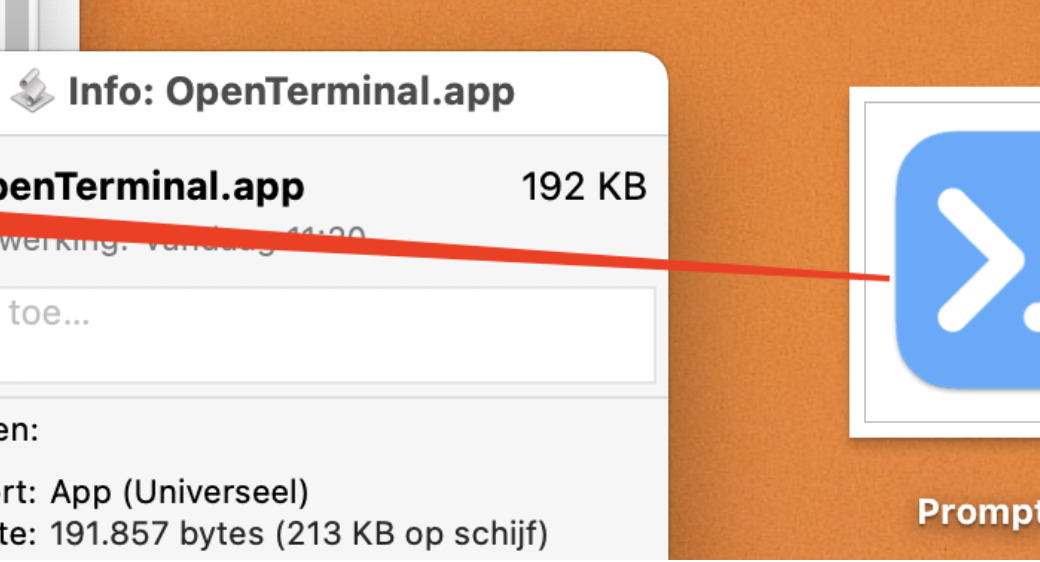
Tiny Tip – AppleScript to Launch Terminal in Current Finder Directory by Frank Vos
Last week I talked about using the proxy icon in Finder windows to drag into a Terminal window so I could quickly change directory quickly without typing the full path and without having to escape out the spaces between words in my directory paths. Frank Vos wrote in with a great tip on how to […]
Continue reading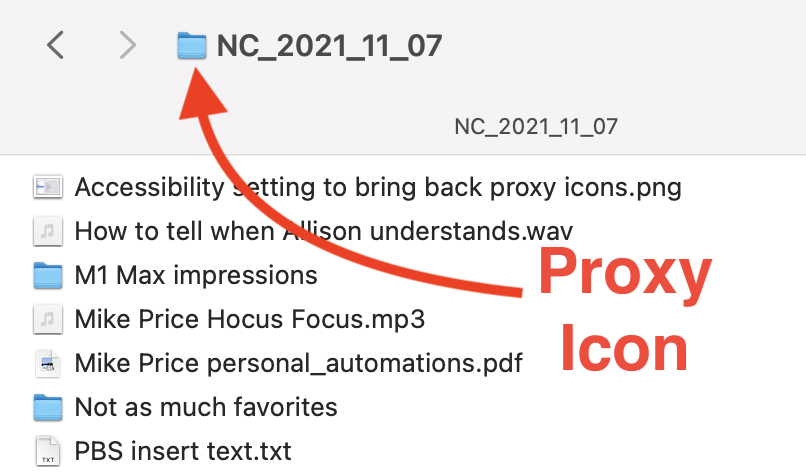
Proxy Icons are Back! (In macOS Monterey)
Proxy Icon Last week I gave you a set of Tiny Tips from Helma about how to take advantage of the Path Bar in Finder windows. I explained that I used to use the proxy icon to drag into Terminal windows to avoid typing the path to a directory, and the Path Bar icon will […]
Continue reading
Tiny Tip(s) – Use the Path Bar by Helma
View → Show Path Bar in Finder This week’s tiny tips come from Helma from the Netherlands. She sent me an email recently and agreed it would be ok if I elaborated on it for all of you. Her opening line was: Did you know that the Path Bar in the Finder is more than […]
Continue reading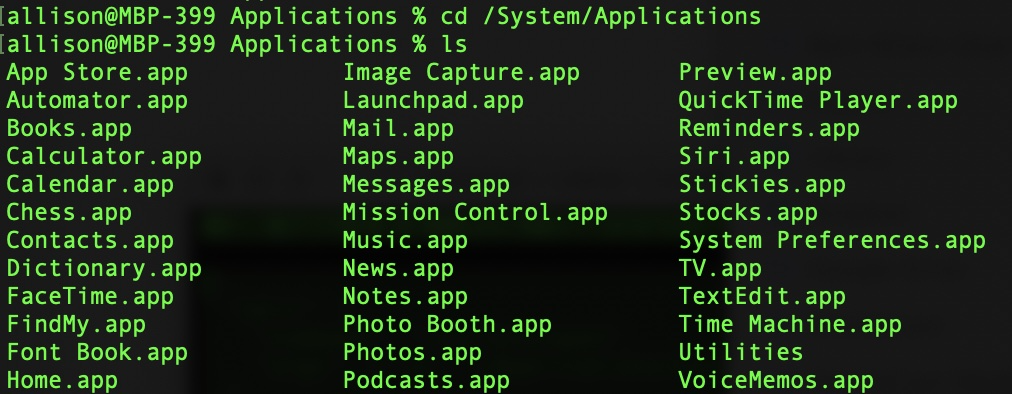
Apple Apps Aren’t In Your Normal Applications Folder and Why You Might Care
Applications Folder Shows Apple Apps Did you know that Apple apps aren’t REALLY in your top-level Applications folder with all of your other apps? If you open your Applications folder on your Mac using the Finder, you’ll see all of your Apple apps intermingled with your third-party apps, but it turns out they’re not really […]
Continue readingNC #848 My Love for AirPlay 2 with Belkin, Bulk Storage on the Cheap, Calendar in Terminal, Security Bits
Hi, this is Allison Sheridan of the NosillaCast Apple Podcast, hosted at Podfeet.com, a technology geek podcast with an EVER so slight Apple bias. Today is Sunday, August 8, 2021, and this is show number 848. mp3 download Chit Chat Across the Pond You know I’m super proud of the uninterrupted 16 years of the […]
Continue readingTiny Tip – View Calendar in Terminal
Terminal Showing Command `cal 2018` Have you ever needed to see an entire month or an entire year calendar just to look at dates but not with it all cluttered up with your appointments? On macOS there’s a super easy way to do it. To instantly see the current month, just open the Terminal app […]
Continue reading
How to Back Up iCloud Photos When Your Only Mac Can’t Store Originals
ICloud Photo Library Optimize Storage My friend Diane was visiting her granddaughter, and, as one does, she was giving tech support to her daughter-in-law. She wanted to bounce ideas off of someone so she brought me in with the “phone a friend” option. The problem to be solved was one I hadn’t given much thought […]
Continue reading