
Hi, George from Tulsa, phoning in from Christmases past.
It must have been twenty years ago, maybe more, that I converted my friend Gary to Mac. This Christmas his wife gave him a new Mini to replace his long obsolete iMac.
As I put together a list for them of my current favorite Mac desktop peripherals, it put me in a nostalgic mood for the good old days when Allison’s Nosillacast was all Macs all the time.
Regardless of what Mac you’re running, you need to protect it from power surges. This one’s really hard to explain since our office building has whole building surge protection, but the wild storms and flaky power lines in Oklahoma have destroyed any number of Uninterruptible Power Supplies. With one exception, they seem to have given their lives to save our computers and the three Synologies in our office, but I got tired of the smell of burnt UPS electronics, lost work, and replacement hassle and expense.
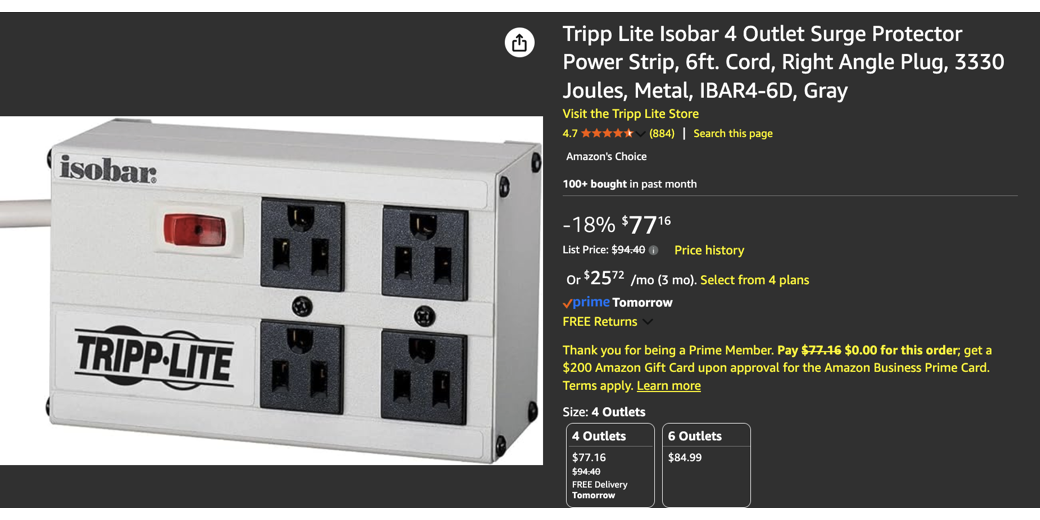
After a lot of research into whether it is a good idea or not, I decided to put good surge protectors in front of our UPS backups. Since doing that, we’ve not lost a single UPS, nor lost work to the power glitches that still happen. I chose the four outlet Tripp Lite Isobar 4-6D rated at 3330 Joules, currently $77.16 on Amazon.
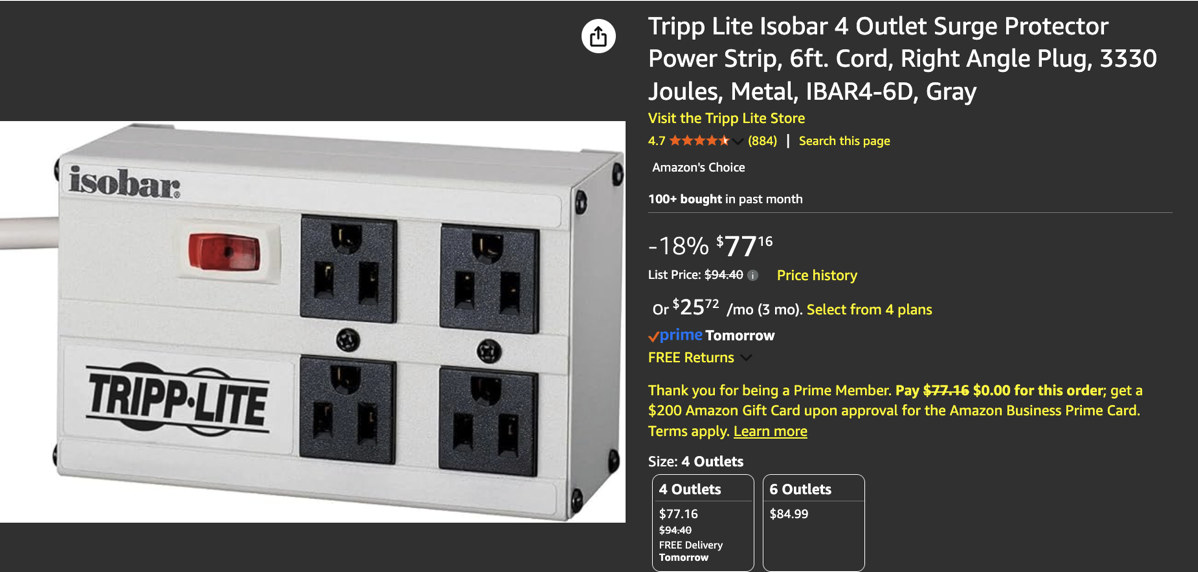
If you’re running a laptop with its built-in battery, a good surge protector like the Tripp Lite may be all you need. If you’re running a Mac desktop, you’ll want an Uninterruptible Power Supply. I had been buying 1500-volt models, but thanks to the extremely low power draw of Apple Silicon, I was able to replace the large ones blown up by our storms with much smaller units in the 650 volt range. You’ll want to evaluate the draw of your computer and monitor before deciding on how much capacity you need.
We have a mix of CyberPower and APCs, but have lately bought mostly CyberPowers.
Way back in June 2023, I told how my daughter had improved my life by gifting me a really inexpensive BIG PRINT backlit keyboard. At the time, I had both Linux and Mac computers on my desk. That keyboard became less ideal as I moved full-time back to Mac. But I got her money’s worth as I used it enough that the key cap printing started to wear off.
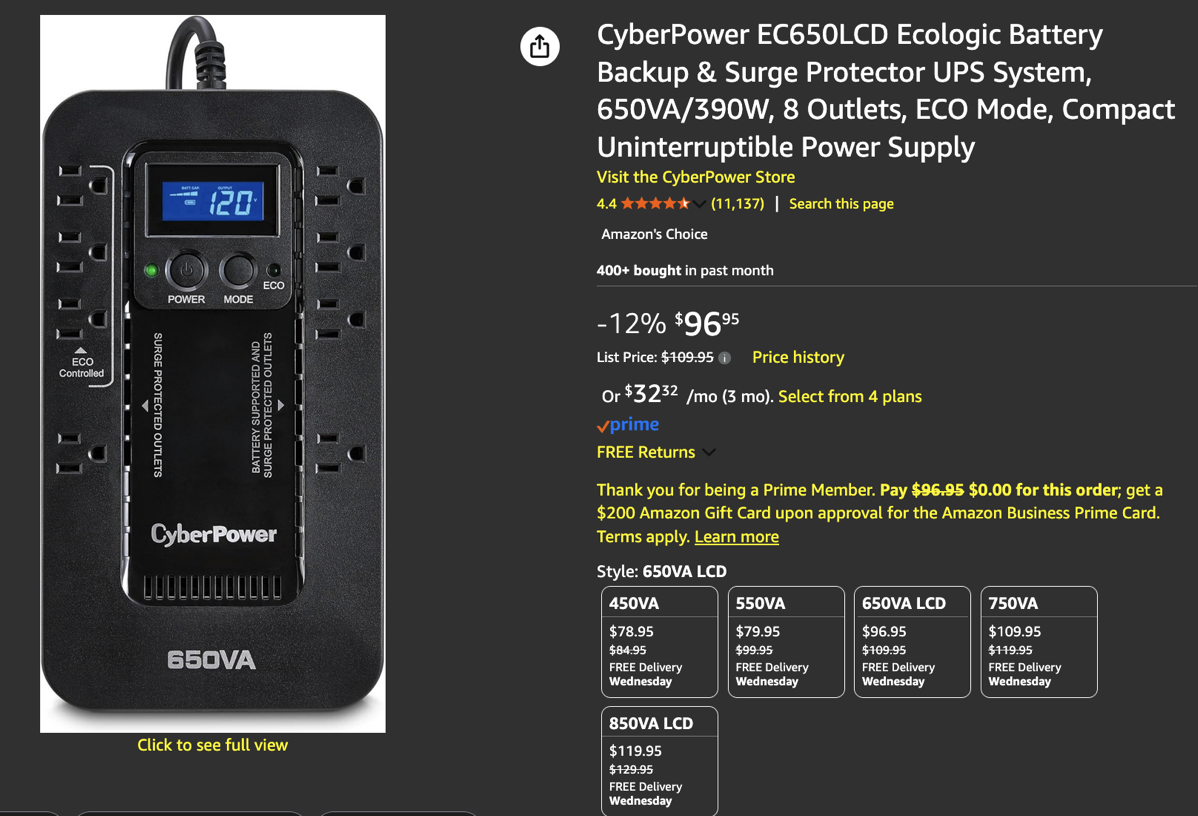
I still use mine with my Linux computers, but found a much better Macally Mac-specific backlit BIG PRINT wired keyboard. Currently $60 at Amazon.
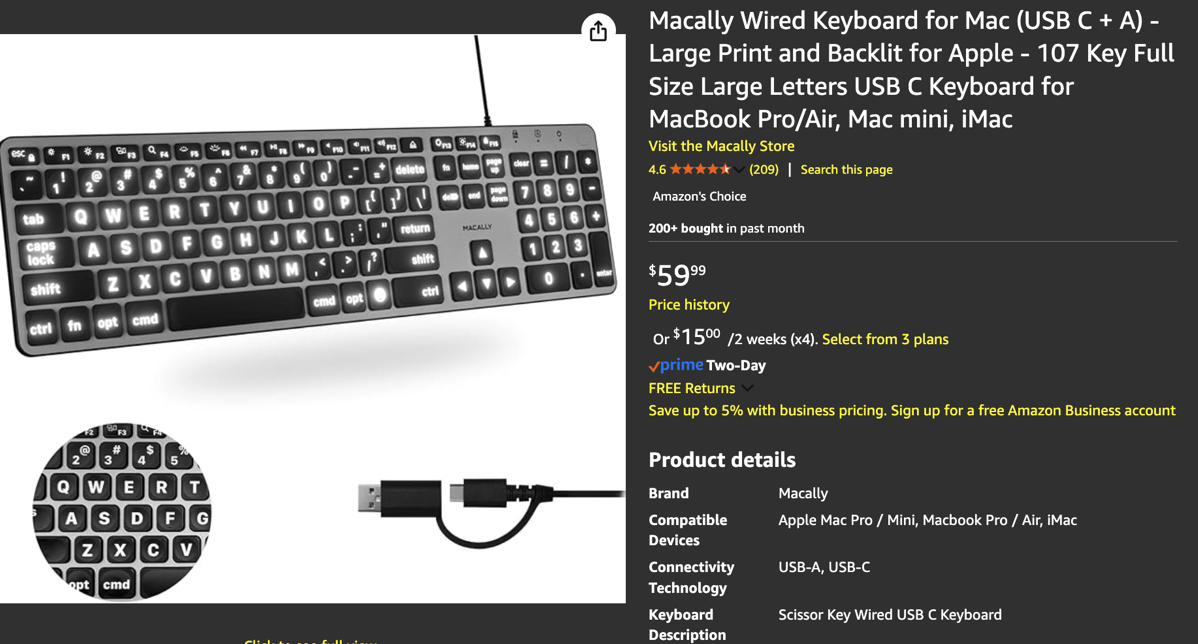
For my two co-workers who don’t need the large keycaps, I selected the Macally USB wired keyboards that also function as handy USB hubs. If you do buy one, be aware that there’s a limit to how much power they can pass through from a Silicon Mac’s USB port. Also about $60 at Amazon.

So far, there’s no sign of key cap degradation on the five Macally’s we’re using.
In February 2024, I talked about buying a 45” curved LG Ultra Wide Monitor and how it was helping me cope with vision problems. Which it did, on Linux, until I moved back to Mac full-time. The LG’s aspect ratio is 21:9, and just didn’t work well with macOS display settings.
The biggest monitor Apple sells is the 32” 6K Pro Display XDR. Its aspect ratio is 16:9, which has been the industry standard since around 2012. With non-reflective nano-texture glass and the optional, optional mind you, $999 stand, it lists at $6,998.
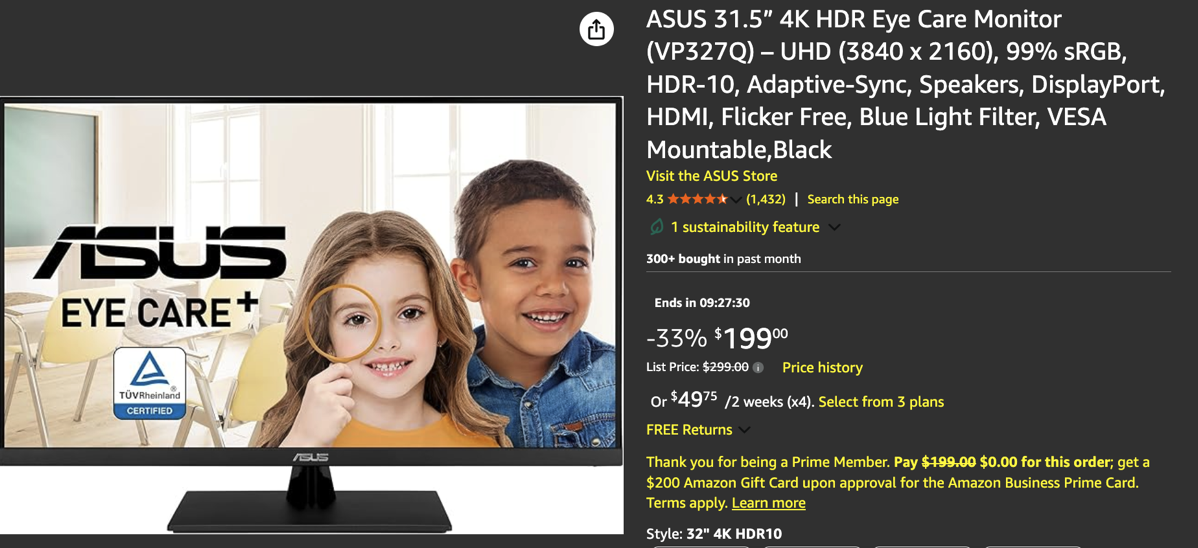
While I’m not going to try to tell you the non-reflectiveASUS 31.5” 4K HDR Eye Care Monitor, currently only $200 at Amazon, is competition for the professional videographer level Apple Pro XDR, I will tell you it is an excellent monitor for office work and my modest photo editing needs. Most importantly, macOS works well with its size and 16:9 aspect ratio.
If you’re running a Mini, you’ll want speakers. For $40 on Amazon, the very small Creative Pebble V3 that can power right out of a USB port are a great and useful value I first found in a Wirecutter review.
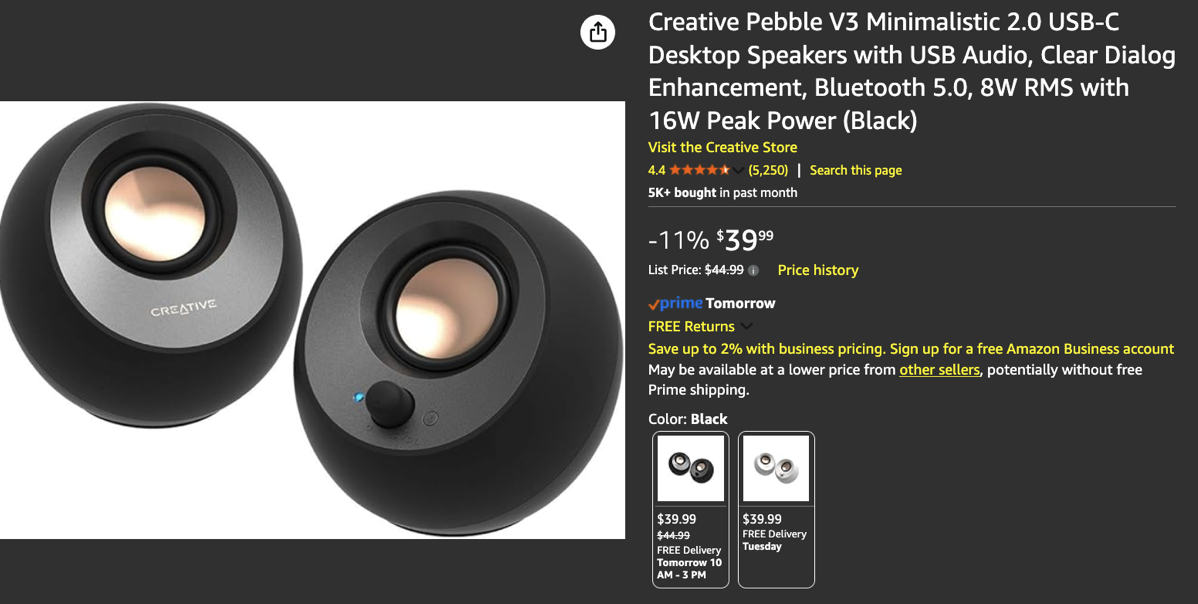
Desktop Speakers
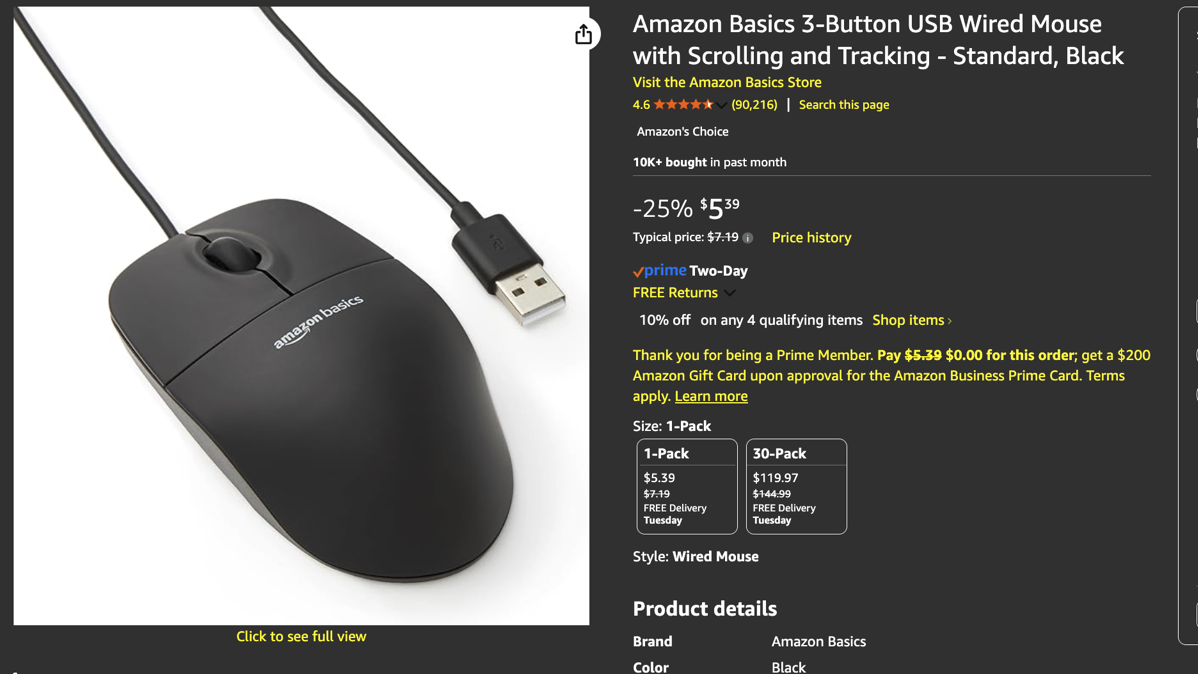
Finally, there’s the Amazon Basics USB Wired Mouse. Currently $5.39, just a simple and joyful tool that works without a squeak.
So, whether Allison worked this piece in before Christmas, or maybe after, when you have some gift money to spend, old lang syne and all, I hope you’ve enjoyed my spending your money.