
Introduction
This is NosillaCastaways Steve Mattan reporting from Piney Place in the New Jersey Pine Barrens with an overview of the application Touch Portal.
Most listeners of this podcast will be familiar with the Stream Deck, and many likely own one (or more). As I have a soft spot for such gadgets, I was intrigued, but I’m also a bit frugal (aka a cheapskate). And thus did not want to buy a device that could wind up gathering dust sitting on my desk.
The Problem to be Solved
Thus, the problem to be solved is to alleviate my FOMO with respect to these “bunch of button” devices. The good news is that there is a Stream Deck mobile app for iOS. The bad news was that at the time, it was subscription-only, a hard pass for me for any app that does not incur direct costs from my use of the app (there is now a one-time purchase option). But somewhere along the way, I learned of Touch Portal, a software “box of buttons” system that checked all the boxes for me.
Touch Portal
Touch Portal consists of two parts: the “Host and Editor”, which is installed on the computer you wish to control, and the “Client”, which is installed on your mobile device. Touch Portal hosts are available for MacOS 10.13.6 or later, both ARM and Intel, and Windows 10 and 11. There is also a beta version available for Linux. Touch Portal clients are available for iOS 12.0 and later, and Android 5.0 and later. Touch Portal’s support for older iOS versions appeals to my frugal side, as I am using it primarily on an original iPad Air. A device that would otherwise be gathering dust in a closet or decaying in a landfill. The folks at Touch Portal note:
We try to keep compatibility with old mobile OS versions as long as we can as we think it is important to recycle old devices as much as possible. Giving them new life helps keeping our world just a little bit healthier.
I concur.
As I have only used Touch Portal on my Mac and iPad (and more recently on my iPhone XS), I will focus on these.
Costs
The other thing about Touch Portal, which appealed to the cheapskate in me, is that it is a one-time purchase. For the princely sum of US $13.99 (less than a year of Stream Deck Mobile), you can unlock the “Pro Upgrade”. I mentioned that in addition to my iPad, I also have Touch Portal on my iPhone XS, which is enabled by purchasing the “Multiple Devices Upgrade” for US $6.99. There are four additional upgrades available, dealing with UI customization. If you buy all four, it will set you back another US $6.76. Thus, for a total of US $27.74, you can unlock all of Touch Portal’s functionality.
So what do you get with the Pro Upgrade? The free version of Touch Portal allows you to create up to 8 buttons, in a 4×2 grid, and two pages, more than enough to experiment and see if it will work for you. The Pro Upgrade allows up to 110 buttons per page (!) with unlimited pages. That’s a lot of buttons.
So What Can You Do With Touch Portal?
Stuff. Cool stuff! And much more than I am going to cover here. The cool stuff includes …
- Launching Applications.
- Opening Folders.
- Opening URLs.
- Running AppleScripts.
- Running Keyboard Maestro macros.
- Sending virtual keystrokes (i.e., keyboard shortcuts).
The last three open up quite a few possibilities as macOS automation tools work quite well together. Here are some things I do with Touch Portal …
- Pause/Play Music.
- Launch my morning Bunch file to set up my Mac at the start of my day. (Side note: Bunch by Brett Terpstra is awesome.)
- Start up my Windows and Ubuntu virtual machines in Parallels.
- Connect to my Promox, Home Assistant, or Raspberry Pi systems.
- Toggle on/off my office ceiling fan, underdesk fan, desktop cup warmer, desk lamp, Windows laptop.
- Launch a web browser and bring up specific websites, such as the highly informative and entertaining Podfeet Slack site.
- Put my Mac to sleep (the topic that led to this overview).
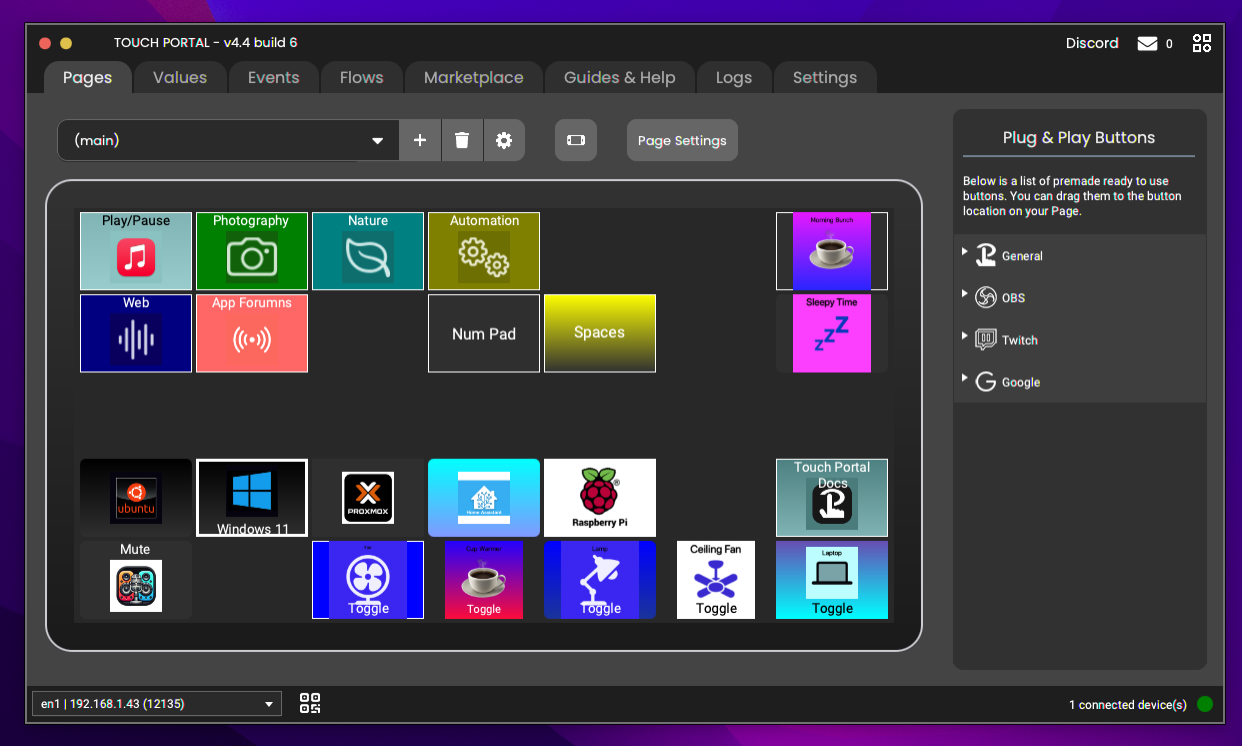
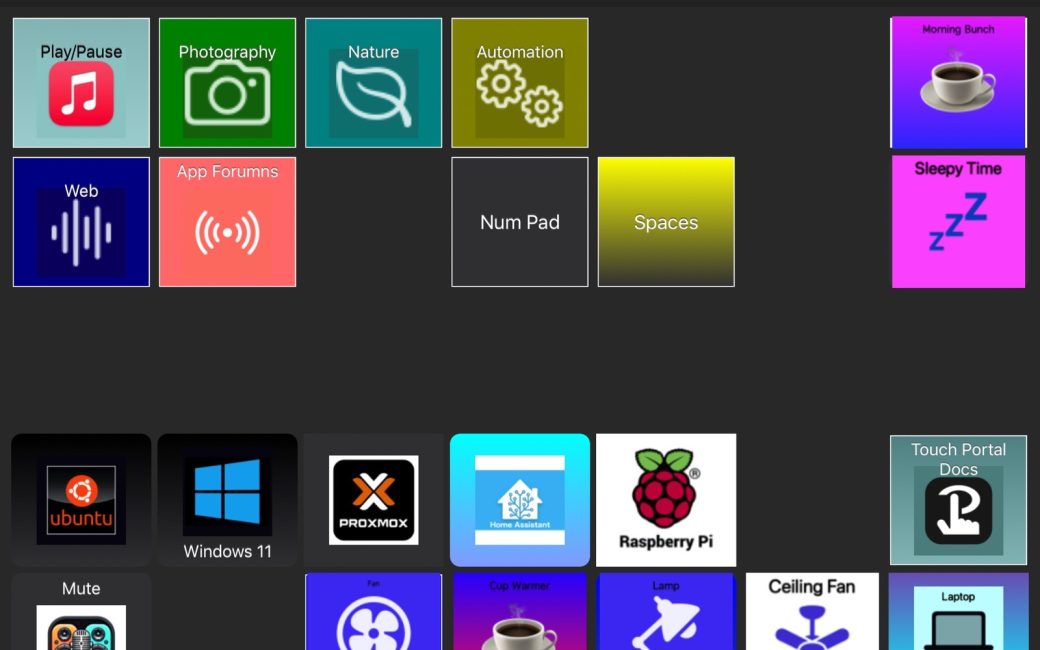
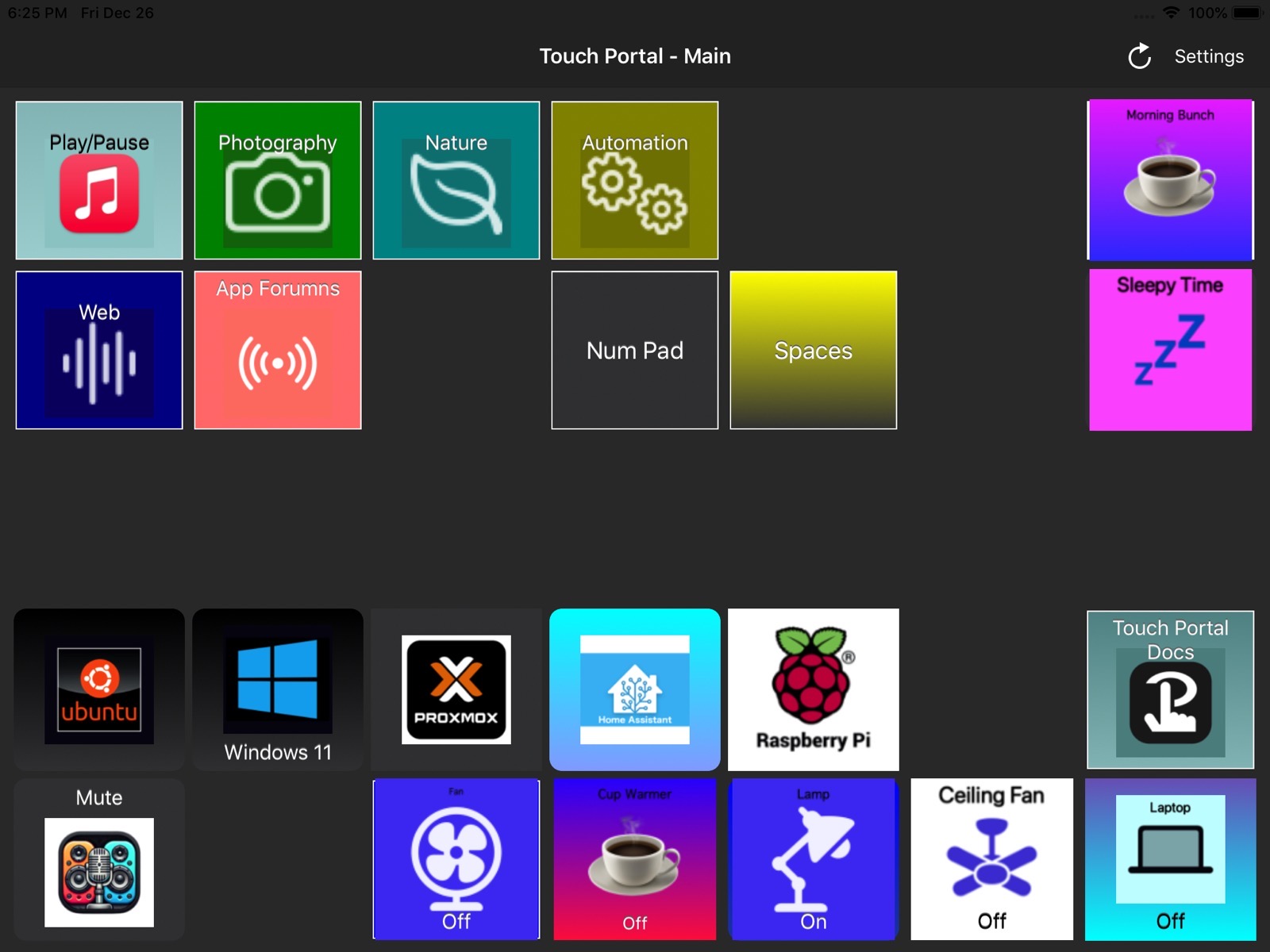
My main Touch Portal window [host shown above; client shown below] is a grid of five rows and seven columns, and twenty-two of the thirty-five slots have buttons. From this Touch Portal main window, several of the buttons open other Touch Portal windows, each having its own layout of buttons, with one window being a virtual numeric keypad. Some buttons open further windows, with even more buttons.
I will note that Touch Portal is not, as Mr. Gruber would put it, “a Mac assed app”. It is Java-based, and as such, it doesn’t quite follow Apple’s Human Interface Guidelines. But it is easy enough to learn and use. Documentation is available from within the app and on the Touch Portal website, although occasionally it seems Windows-centric.
Configuring a button in Touch Portal is similar to macOS Shortcuts or Keyboard Maestro in that you select an action in the editor window on the host machine, and then enter the details for the application, URL, keystrokes, or AppleScript, etc., you want to open or run. Upon save the client is immediately updated.
There is a Touch Portal Marketplace, where you can find community-created, pre-configured Touch Portal pages (the virtual numeric keypad mentioned earlier is one such page), Plug-ins, and Icon Packs. Icons can also be created using files on your computer. The Touch Portal Marketplace is available from a tab within the Touch Portal host/editor app or on the Touch Portal website. Even more community assets are available on the Touch Portal Discord server. The Keyboard Maestro Touch Portal Plug-in, is one such available via Discord. It, like all other marketbplace items, is free to use.
In Conclusion
NOMO FOMO!
With Touch Portal, I’ve found a way to keep old devices off the scrap heap, enhance my daily computer use, and bring joy to my inner knurd*.
You can find more information and download links at www.touch-portal.com/…
So go get that old iPad or iPhone (or that old Android phone, we won’t judge …) out of the closet and give Touch Portal a try. Have fun!
* definitions.net/definition/knurd
A quick note from Allison:
Touch Portal host is available for macOS, Windows, and a beta version for Linux. Touch Portal mobile is available for iOS and Android.