
When rumours began circling about a new low-end MacBook, many commentators pointed back to the unique 12” MacBook from 2015.
I owned one of those. It was underpowered and that single USB-C port was frustrating, but the form factor was sublime. At only 992 grams, it was over 20% lighter than today’s lightest Mac — the13” MacBook Air. Combined with the small size, it felt incredibly light on your lap or when moving it around. I loved it for that. Surely, Apple Silicon could make this form factor work well?
Then the MacBook Neo was announced, and many people were mildly disappointed that it was a “cheap” Mac laptop rather than a “super portable” one. Me included.
Still, the headline features appealed to me: a 13” screen, full-sized Magic Keyboard, the same weight as the Air, and some interesting — and saturated — body colours.
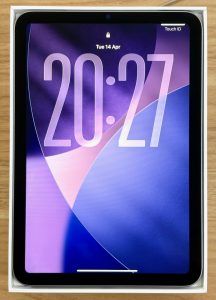 I had an iPad mini, the latest A17 Pro model, which I mostly used sitting up in bed in the evenings. I watched video via Plex and YouTube, caught up on RSS feeds in NetNewsWire, checked forums, and occasionally looked at Slack, Mastodon, email, or family iMessage conversations.
The iPad handled all of that well enough, though replying on forums could be annoying thanks to ‘clever’ Javascript that doesn’t cope well with touch screens.
One thing I rarely used the iPad for, despite often wanting to, was writing. The only sensible way to write on an iPad is with a hardware keyboard. Beside the bed, that might work, but I sometimes want to write elsewhere. Carrying a separate keyboard around seemed like a pain.
So the thought entered my mind… could a MacBook Neo replace my iPad mini?
The price was compelling for a MacBook — half that of the cheapest MacBook Air, even if not exactly cheap in absolute terms.
I started reading more nuanced previews and came across Stephen Hackett’s 512pixels post listing the technical differences between the Neo and the Air. The list was extensive.
At first, I was put off by how much had been removed. Technologies that had filtered down to Apple’s cheapest products were suddenly back on the metaphorical table. The two biggest concerns for me were the 8 GB RAM and the small, sRGB display. Then I thought harder about my actual use cases.
I wasn’t planning on photo editing, software development, or apps like Affinity Photo. My goals were watching video, reading, and writing text. I would still keep my 14” MacBook Pro with M4 Pro, 4 TB storage, and 48 GB RAM — usually connected to a Studio Display — for anything more demanding.
So I decided I would buy one. But only after getting hands on. I wanted to judge the screen, the weight, and the keyboard and trackpad.
With no Apple Stores in New Zealand, I was reliant on local retailers. Apple seemed in no hurry to get demo units out, despite advertised launch times. Days later, I walked into one retailer and initially saw no coloured laptops. A staff member asked if I needed help.
“Do you have the new MacBook Neo?”
“Yes.”
“A demo model?”
“Yes.”
He pointed to the Citrus model, hidden behind a divider from where I’d approached.
I was instantly in love with the Citrus colour. Keyboard? Good. Trackpad? Good. The physical click feels different to Apple’s haptic ones, but not better nor worse. Screen? Surprisingly good. Weight? A little heavy. Then I picked up the nearby 14” MacBook Pro. OK, no, that was heavy.
I asked whether they had the 512 GB model in Citrus. While he checked the stock room, I noticed the yellowish colour reflecting in the white areas of the display. Something to think about.
They only had the 512 GB model in Silver and Indigo. There was only one choice, right?
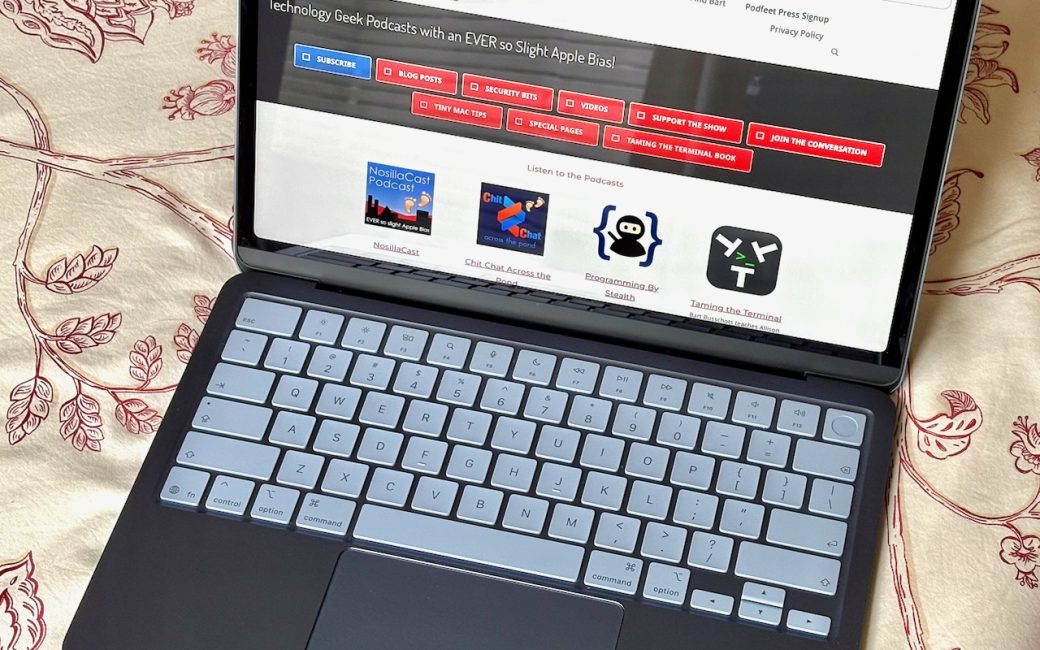
The Indigo colour is just about perfect. In use, the aluminium doesn’t really look blue, but leave it on a desk in good light and it’s unmistakably blue. The downside is the matching keyboard. Because it isn’t backlit, the blue keys can be difficult to see in low light. Bright screen content helps, but really it needs moderate lighting.
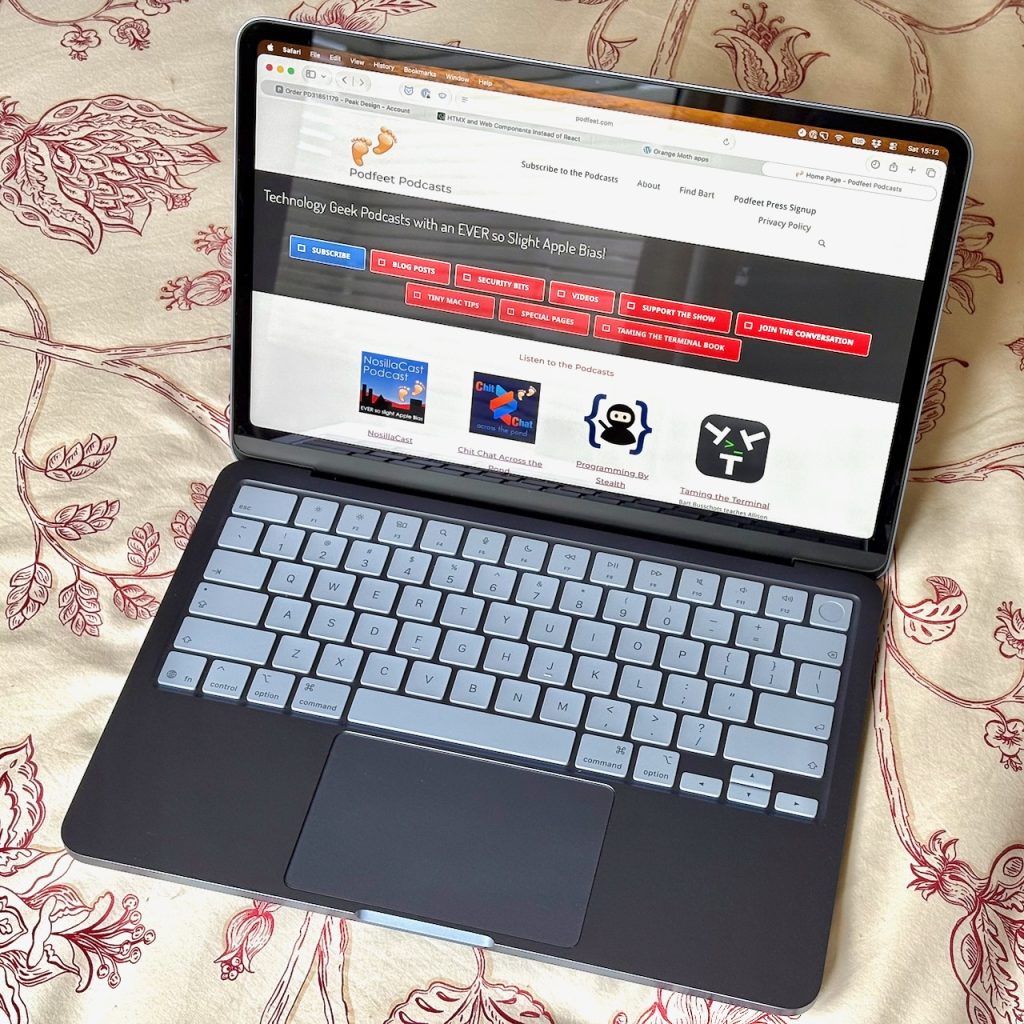
When I first opened the Neo, the thicker screen borders were obvious, but after a week I barely noticed them. I also barely notice the lack of a notch, which is nice because I do notice the notch on my MacBook Pro regularly.
Once iCloud stopped doing its best to murder the battery during the first couple of days, I settled into charging every second day or so. My usage includes at least an hour of video nightly, the usual social and reading tasks, and taking it into the office daily where it serves as my lunchtime social media machine, occasional personal computer, and dealing with the tasks of a self-employed person. While writing this review, it has also handled plenty of ad hoc daytime tasks without complaint.
There is one thing the Neo is not really suited to that the iPad mini excelled at: showing off photos. I make do with my iPhone 16, but the iPad mini is almost perfect for that purpose — easy to hold with a screen large enough to appreciate the image. The Neo screen is great, it’s just the laptop form factor that makes it unsuitable.
As I finished writing the initial version this review, the iPad, and Apple Pencil Pro were both sitting in their boxes. I hadn’t turned the iPad on since the Neo arrived, except to look up information before listing it for sale. It is telling that it took me weeks to commit to selling it. The iPad mini is a special device — but selling it second hand recovered around half the price of the Neo.
Which is also a special device.
Oh, and yes, I have been writing on it. Parts of this review were written or edited on it.
[…] MacBook Neo – Can It Replace an iPad mini? […]