
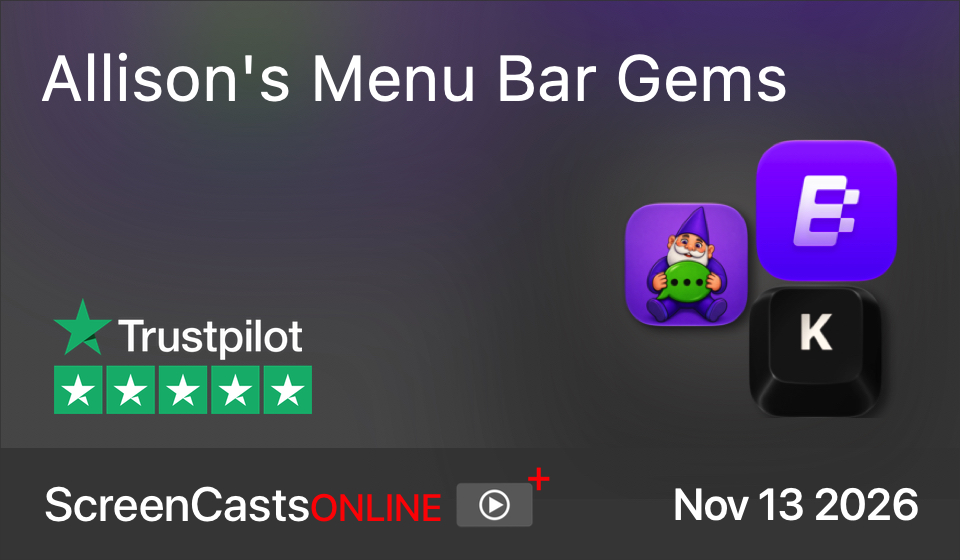
ScreenCastsONLINE have just published a super fun video tutorial I created, which we dubbed “Allison’s Menu Bar Gems”. In this tutorial I teach you how to use three delightful menu bar apps:
- Klack — a silly tool that makes your keyboard sound like one of those clicky mechanical keyboards
- Blip — which gives you Airdrop-like capability across macOS, iOS, Android, Windows, and Linux, and it works across the globe
- Gnome — another silly tool that gives you instant access to a vast animated GIF library right in your menu bar
Embedded below is an excerpt video that gives you a taste of each of the three apps as I explained them. You can sign up for a free, 7-day trial to see the entire video at www.screencastsonline.com/…. You can also watch any of the current back catalog for free too during those 7 days. I’ll give you fair warning though, ScreenCastsONLINE tutorials are amazing and you’ll want to subscribe to get them every single week!