
I’m really glad I had a lot lined up for the show early, because I feel like I spent my entire week fixing things and testing things.
HomeView
Steve and I pre-ordered two HomeViews the first day they were available. I bought a cute pink one for a bedroom, and Steve bought a boring space gray one for the kitchen. We thought it would be fun to set them up side-by-side, but immediately Steve was sad because only the owner of the home in HomeKit can set up a HomeView.
Setting them up is pretty intuitive. The HomeView puts one of those little swirly things on the screen at which you point your phone’s camera; the two have a little chat, and pretty soon you have a functioning HomeView. Or so you would think. We had a 50% success rate setting up our HomeViews.
The cute little pink HomeView let us set up a bunch of different stuff and will answer world knowledge questions along with specific questions associated with our individual accounts. Basically, it does what it’s supposed to do.
But the space gray HomePod started showing on-screen that it was downloading support for Siri. You may be thinking that I had this problem during the outages for Apple services, but it started the Friday before that. I did a hard reset and started over three separate times, and it was never able to answer any questions beyond setting a timer.
I even took one for the team and spent time with AppleCare, which sadly was a complete waste of time. The gentleman attempting to help me appeared to be learning how to use a HomeView from instructions he was reading on screen. He did his best, but he didn’t have any ideas beyond what I had already tried.
He disagreed with me that anything was wrong with the hardware but said that I should just wait until Apple came out with a new update, maybe sometime in December.
I had a better idea. Since I was still in the 14-day window after receiving the HomeView, on Monday, November 16, I simply drove to the Apple Store and told them I wanted to return it and then asked to buy a new one. When they asked me why I was returning it, I told them the truth. The woman helping me was very nice and did as I asked, but after she took the misbehaving unit back, she told me that they don’t have any in stock.
I had not heard anything about HomeViews being in short supply, but when I got home to order one, I discovered I can’t get delivery till December 11-18.
And on Wednesday, November 18, I chatted with Ken Ray about the issues I’d experienced with the HomeView, and he added my experience to his show notes for macOS Ken. And then later that evening he sent me a MacRumors article explaining that Apple pushed out an update to HomeView. According to the article, it fixes a bug where setting up a shared album on the Photos face “may prevent the device from downloading support for Siri”. I don’t think I was using a shared album but now we will never know.
I Spoke Too Soon
Remember last week when I said that I found the best of both worlds by using Migration Assistant for my data but doing clean installs on all of my applications? I’m afraid I spoke too soon. I spent much of this week trying to figure out why a few applications just don’t seem to work properly on the new Mac.
Hindenburg
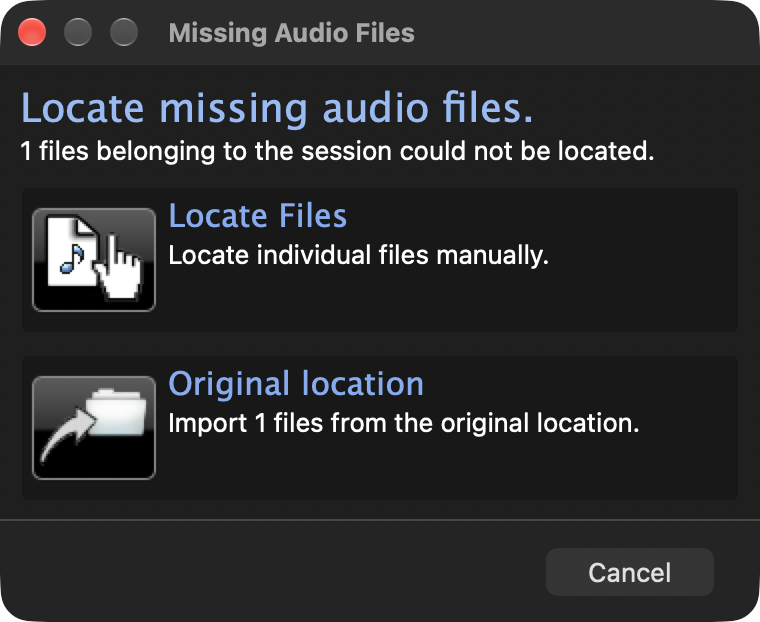
I mentioned that Hindenburg, the application I use to record the podcasts, had one missing audio file. I said that I only had to point to the correct audio file for it to identify it and be happy. But it wasn’t happy. To this day, every time I open Hindenburg, it asks for that same darn file, even though I keep telling it where it is. I am baffled as to how to fix this one.
Out of Memory
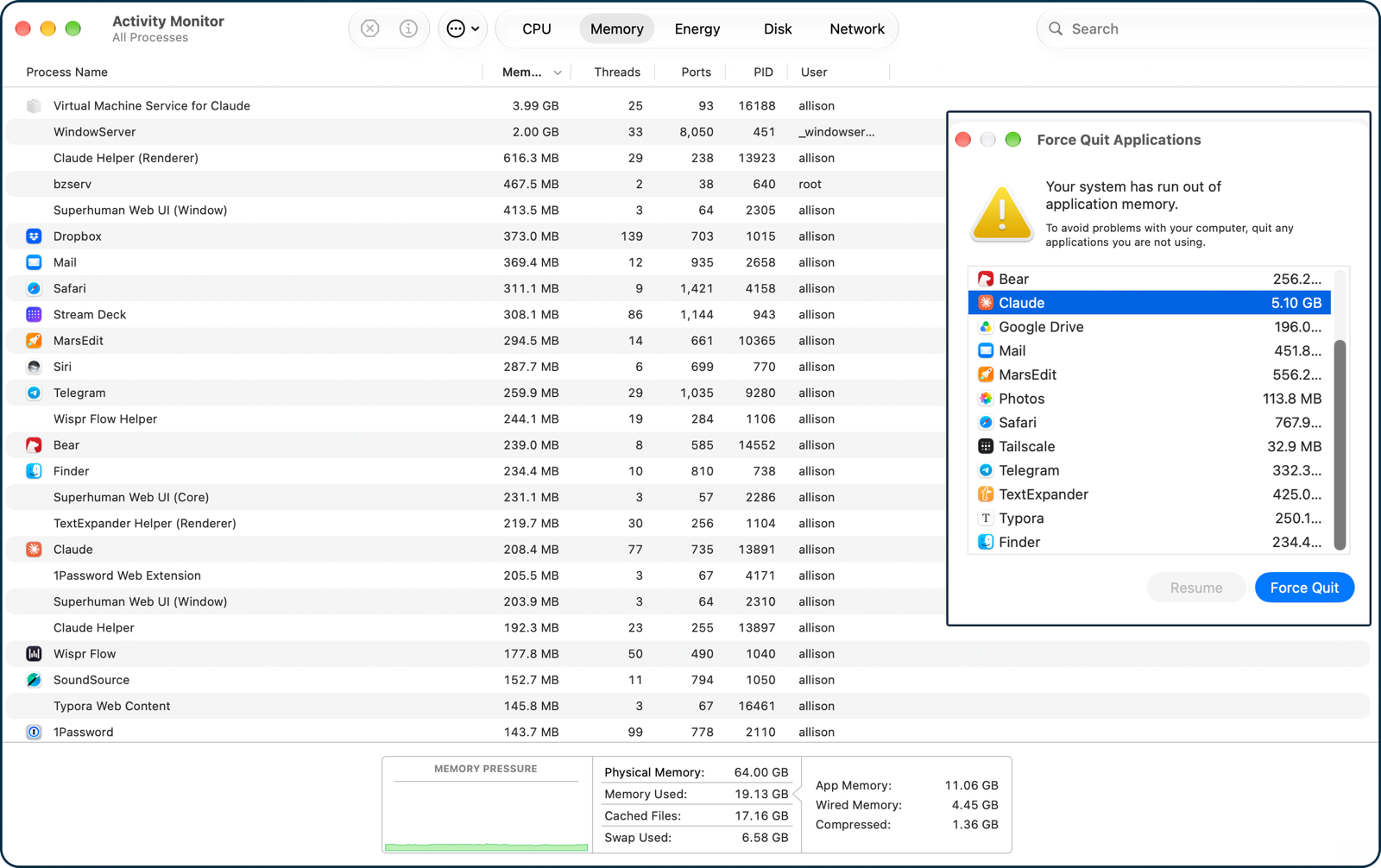
Twice this week, my Mac informed me that I was out of memory. This seemed surprising since I have 64 GB of RAM, and in fact, it only showed I was using less than 10 GB of that at the time. Safari was taking up a significant amount of RAM before I caught a screenshot: 3.21 GB with only three tabs open: Instagram, Backblaze, and weather.com. I rebooted, and it came back without issue, but it happened a second time that same day. I haven’t had it happen again, but of course that’s nice because it leaves me with a queasy feeling at all times.
My far, the biggest time waster for me this week has been Backblaze. This is an offsite backup application that has been rock solid for me for more than a decade. But it’s always dicey when I get a new computer. The process is to install Backblaze on the new computer and then tell it to inherit the backup from the previous computer.
The problem is that before you can tell it to inherit the backup from the other computer, it starts to back up the new computer with a trial license. Every time I try to do this, I end up with one extra backup in a weird state on Backblaze’s servers.
But this time it had a new entertainment for me. It simply got stuck on the step of inheriting the backup state. It should’ve been just moving a pointer, but after two days it was still running.
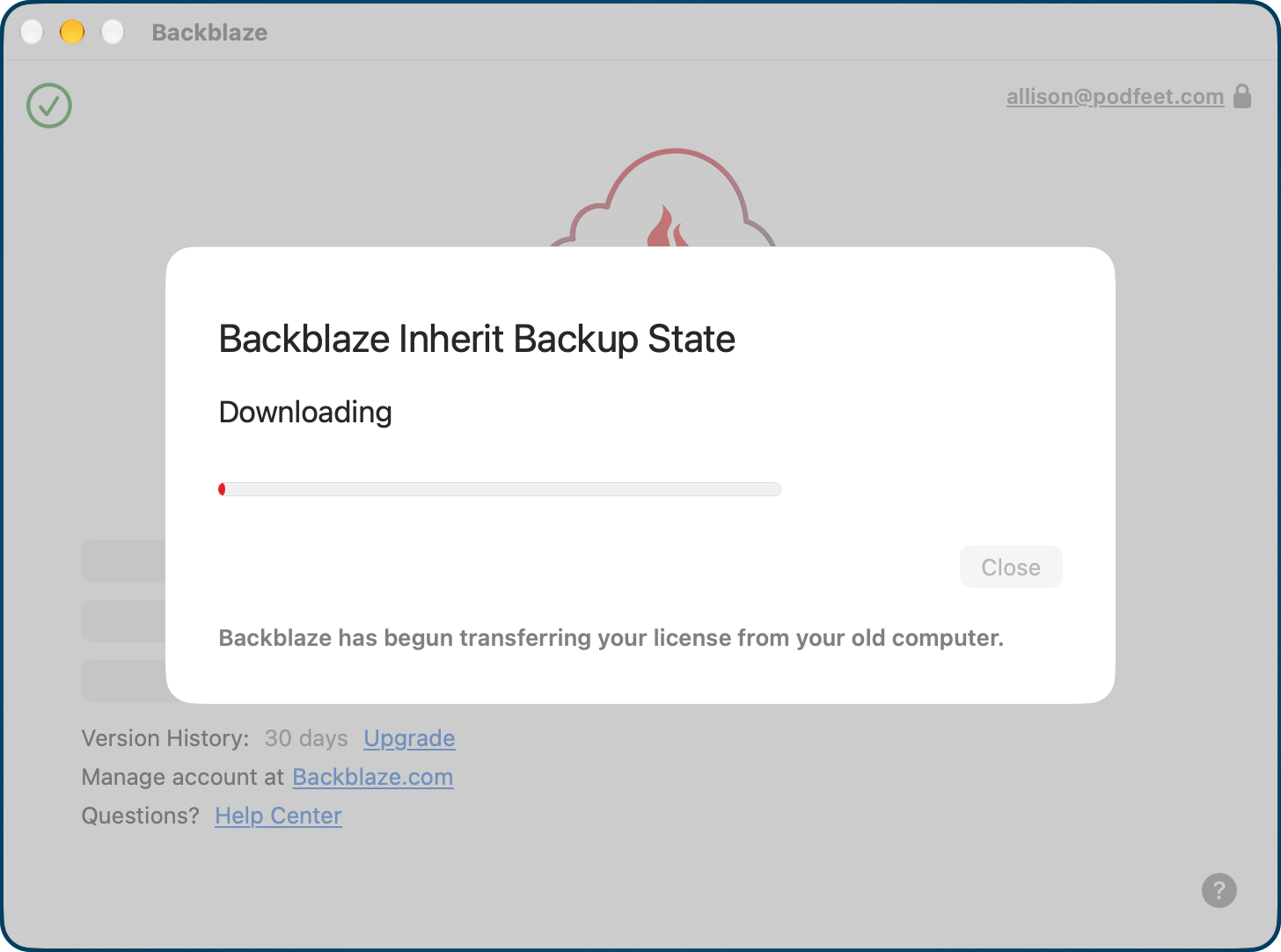
My new friend Luis from Backblaze helped me get this sorted. In the end, I had to manually move my license to the new backup instead of inheriting the old one. We suspect it had something to do with my genius move to migrate my data first and then install the applications.
But I’ve also been chatting with my friend Finn from Backblaze, trying to help me figure out why the background backup process is chewing up 100% of one CPU, and my laptop is getting uncomfortably warm. So that’s fun.
Location Services
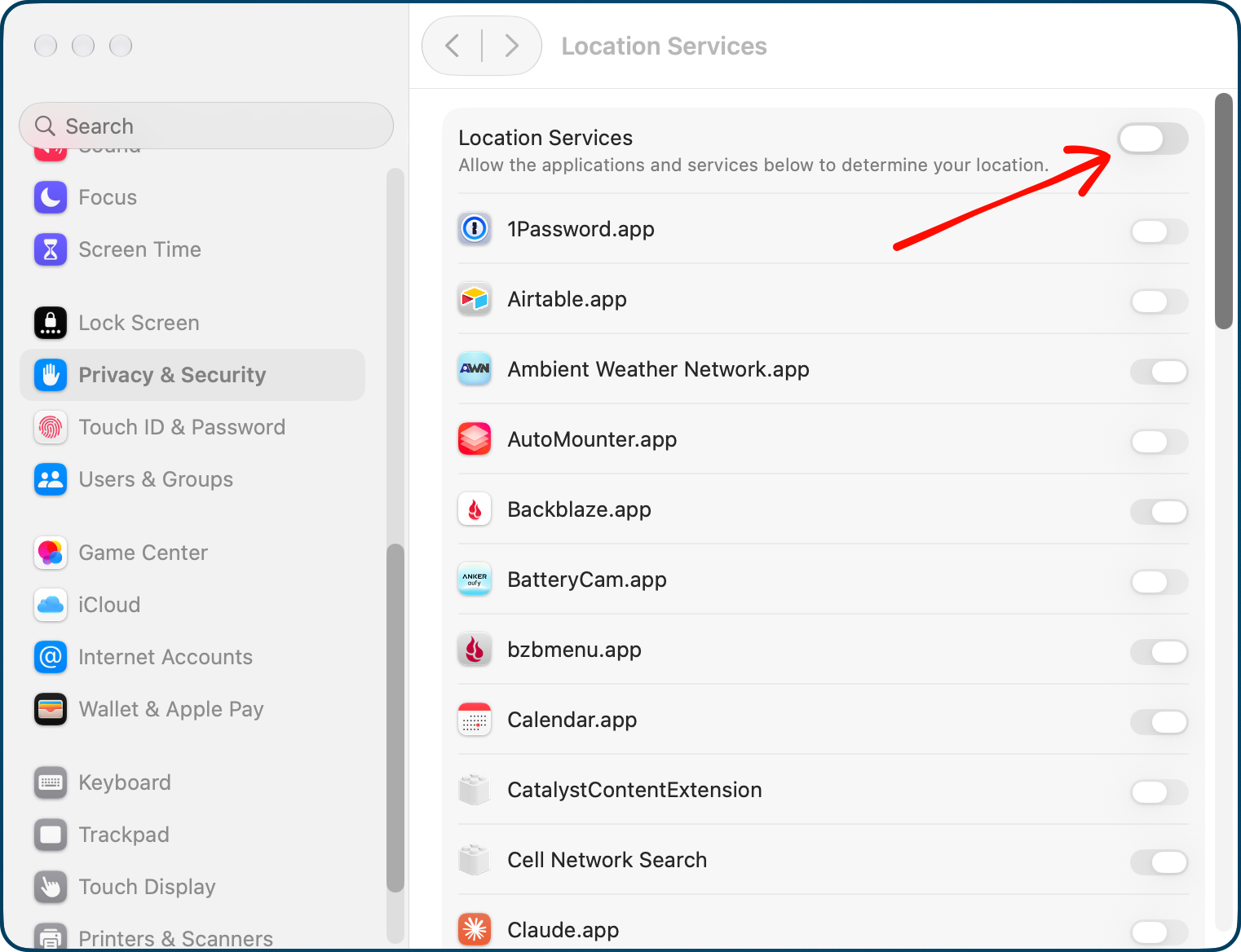
I often create Reminders to trigger when I get home. Oddly, after the migration, Reminders kept whining that I hadn’t enabled Location Services. I went to System Settings / Privacy & Security, and Reminders was already toggled on. I was puzzled, but decided to turn it off and on again. But it wouldn’t let me toggle it off. That’s when I noticed that the global toggle for Location Services was off.
I didn’t even know there was a global toggle for that. I toggled it on, and Reminders was happy.
None of these problems are catastrophic, and in fact I was able to record the live show on Sunday night just two days after I bought the new Mac. That is a world record to be up and almost completely functional.
Overall, I still think this was a pretty good process. I mentioned at the end that I was aware that this process migrated ancillary files associated with apps I didn’t reinstall on the new Mac. I installed Clean My Mac through Setapp to have it look for those leftover files. It found 762 items, adding up to 3.9 GB associated with applications I had not installed.
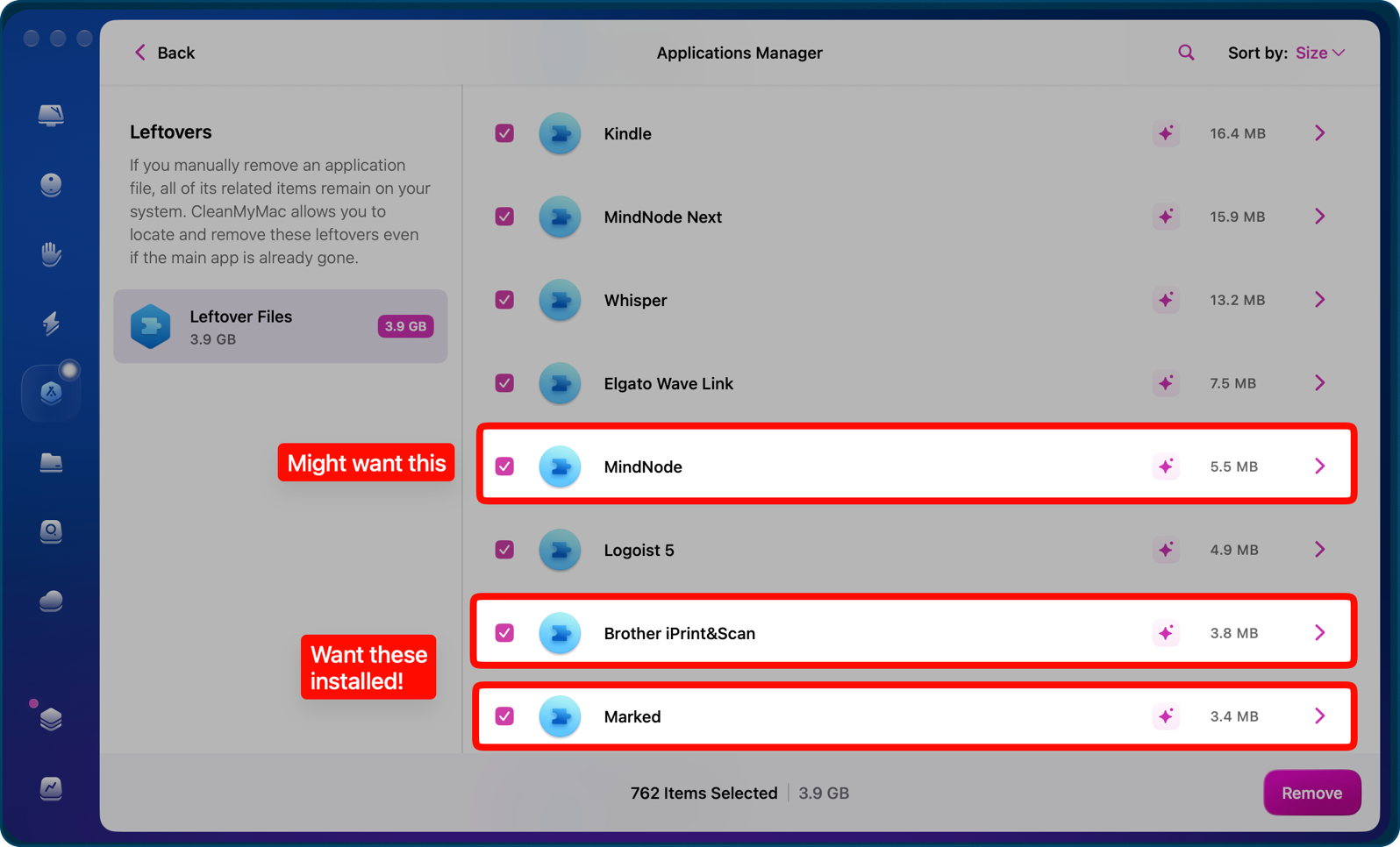
I haven’t run through the process to clean those yet because it reminded me of some applications I do want to install. This was a great way to remind me of some more recent apps I’d installed and forgotten to update in my mind map for my nuke & pave process. I unchecked the items for the apps I was going to install and then let Clean My Mac do its thing.
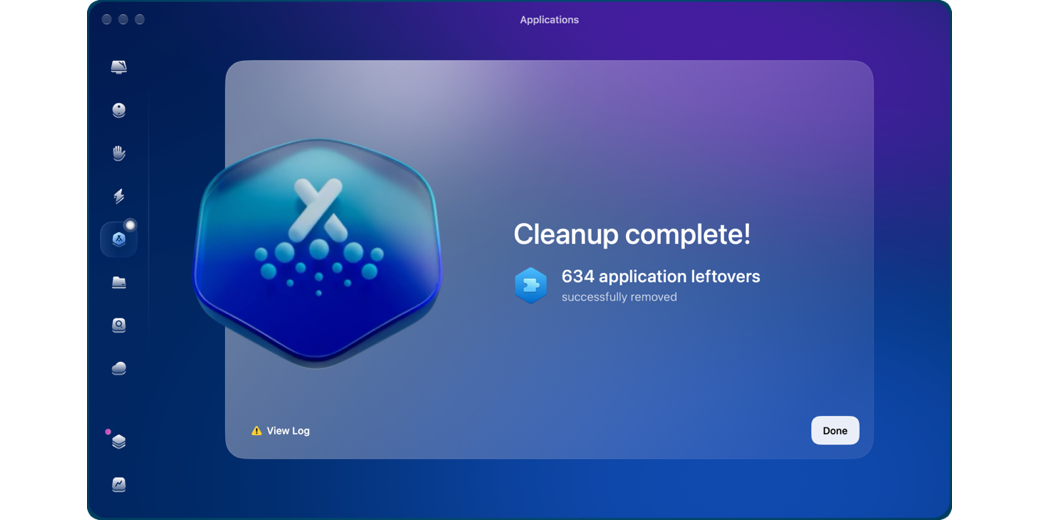
It had to remove 634 application leftovers, taking up just about one gigabyte of disk. That’s not a lot of space, but that is a lot of individual files. Let me tell you, running this process to remove those application leftovers brought my M5 Pro MacBook Pro with 64 GB of RAM, an 18-core CPU, and a 24-core GPU absolutely to its knees. Every single application, including Finder, got the spinning pizza wheel of death for a good half hour at least. I couldn’t even force quit applications. I decided to wait until CleanMyMac was finished to find out if it was the culprit, and indeed it was. As soon as it completed its task, my Mac began responding as expected.
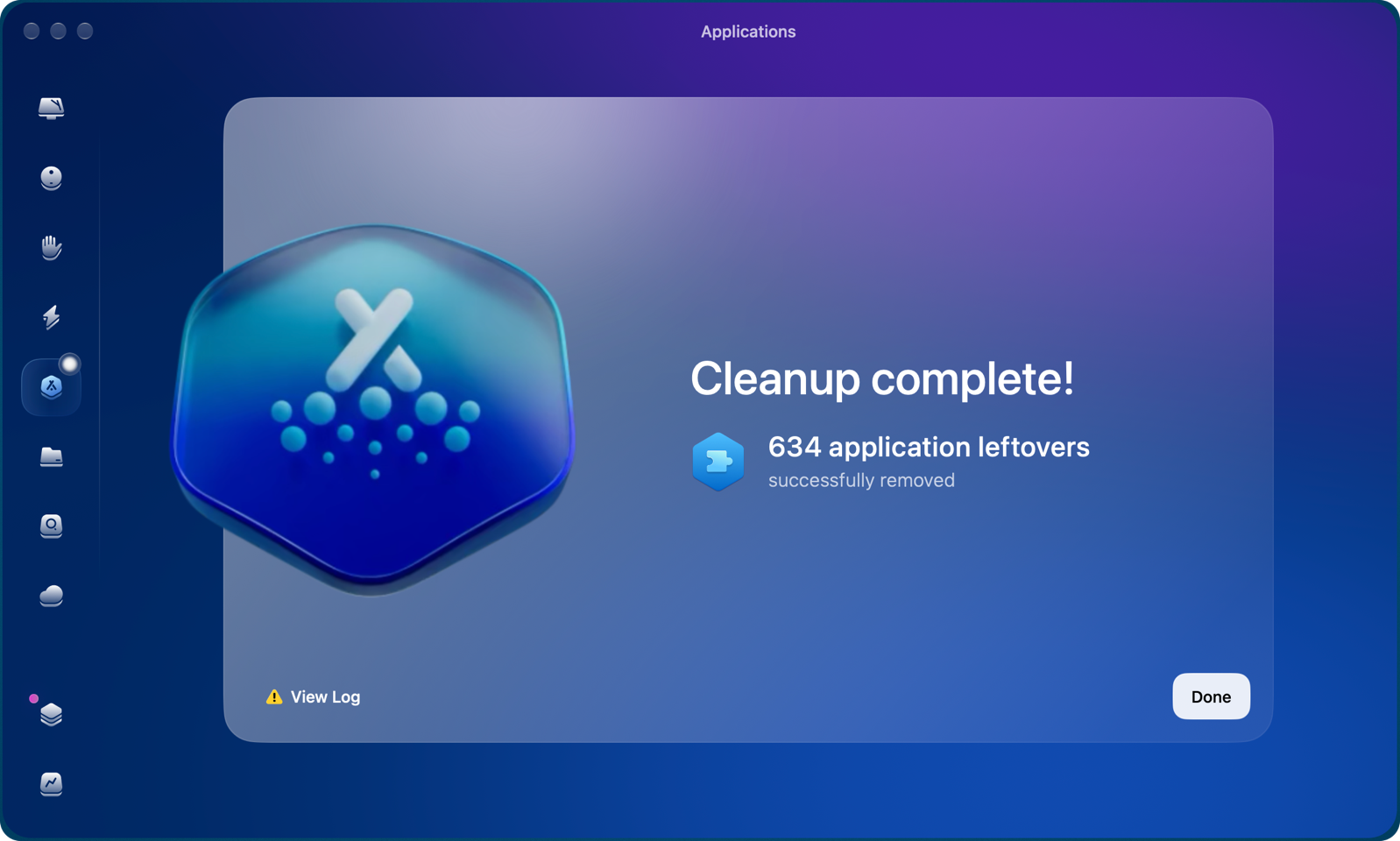
I’m glad I didn’t have to do that by hand, and I’m glad I didn’t have 634 files lying around that I didn’t need, but it was unexpected behavior to have close to no access to my computer during the process.
These Are Not the Droids You’re Looking For
How about some success stories? I had expressed frustration that sometimes Siri AI would agree to send a message via the Telegram app, but sometimes it would say, “I don’t have access to Telegram”. It was especially frustrating because sometimes it would work.
Recently, when it told me it didn’t have access to Telegram, on a lark I simply responded, “Yes, you do.” And then guess what Siri said? “What would you like to say?” It remembered who I said I wanted to send the Telegram to and was ready for me to dictate my message. When I was done, it read it back to me and allowed me to send.
It reminded me of when Obi-Wan Kenobi said, “These are not the droids you’re looking for”, to an Imperial Stormtrooper in the first Star Wars movie. I simply used the Force to convince Siri to do what I wanted it to do.
AppleCare For the Win … At Least Partly
I also had some good success with AppleCare. When AppleCare One Family came out, I did the math, and for what Steve and I were already spending, I could have all of the kids’ devices covered as well, so it was a no-brainer. More importantly, some of their older devices were automatically added to AppleCare that had dropped off.
When we gave Kyle Steve’s iPhone 17 Pro, he gave us back his 15 Pro, which I had planned to keep as a spare. He said the battery wasn’t great, and he wasn’t kidding. When I opened up Battery in Settings, all it said was, “Service”!
I booked a Genius Bar appointment at a local Apple Store and awaited my appointment day.
Before my appointment day for the iPhone battery replacement, I was working on my 13″ iPad Pro, and I noticed the trackpad on the Magic Keyboard wasn’t clicking. I could tap, but I couldn’t click and drag anything. It seemed a bit intermittent, so I ignored it, but then one day it started vibrating, clicking constantly! It was the weirdest feeling.
Since I was already going to the Table of Sadness anyway, I booked a back-to-back appointment for the trackpad problem.
I sat down with Aaron the Genius, showed him the battery service warning on the 15 Pro, and he said, “Ok!” It took about 238 taps on his iPad mini to start the repair, but he said it would be ready later that evening because they had the battery in stock.
But here’s the super lucky part. The trackpad on the Magic Keyboard actually failed in both ways for him — not clicking and then vibrating-clicking! I was so happy. That never happens, right? After another 238 taps on his iPad mini, he said that the keyboard wasn’t covered under AppleCare. I told him I thought it would be covered since I bought the keyboard with the iPad and bought AppleCare at the same time. I whipped open my trusty Under My Roof, looked up the iPad, and showed him the original invoice. He thought maybe it should be covered too, but he’d have to escalate to his manager.
As he tapped another 27 times on his iPad mini, he was happy to tell me that it was covered without escalation up the chain of command. 36 more taps and he told me I’d have to pay a $29 deductible. I was willing to pay $29 (vs. $350 for a new Magic Keyboard), but I expressed a bit of surprise that I thought deductibles were for when the user had damaged the device.
After Aaron had me sign for the $29, he tapped his iPad mini another 62 times; he then announced the good news that the replacement would be free after all! The only problem was that they didn’t have it in stock, but they’d let me know when it was in.
But then, after a couple of days, I realized I never got an email documenting any of this. I logged into the Apple Support page and found a record of my Genius Bar visit, but no record of the replacement order. I called AppleCare, and they couldn’t find a record either and suggested I drive again to the Apple Store.
I wasn’t thrilled with this answer, but I did have to go pick up the repaired iPhone anyway, so I went to the Apple Store. I thought I would need to speak to a service manager, but the first person I talked to looked up my account and was able to print out the replacement order for the iPad Pro keyboard.
I figured I was golden, but it’s now been a full week since I brought it in, with no new status. Back to the support status page, and after putting in my repair ID, it shows the iPad Pro Keyboard in an image and says, “no status available”. So that’s nice.
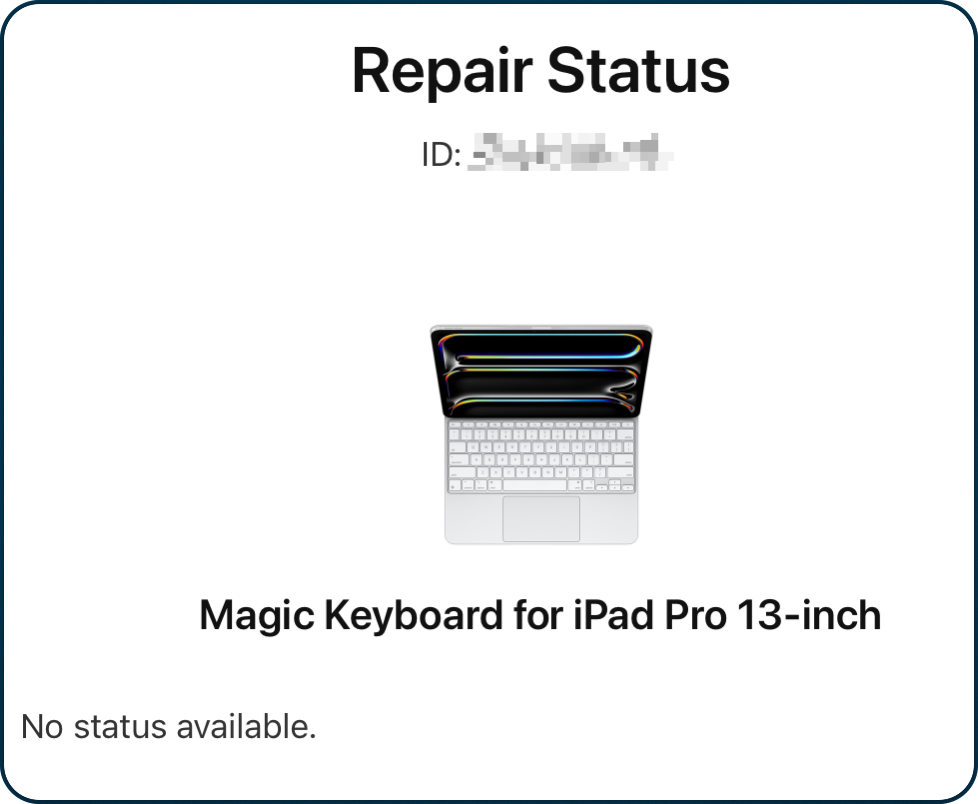
Even better, the Magic Keyboard for iPad Pro 13-inch is in stock at my local Apple Store. So … it looks like I’ll be going down to the Apple Store yet again to try to get some satisfaction. I have to say I’m a little bit weary of this.
Bottom Line
The bottom line is that this week was filled with quite a few frustrations and intermittent joy. I’m not done fighting with Apple, and that makes me tired. But I will carry on in my quest.