
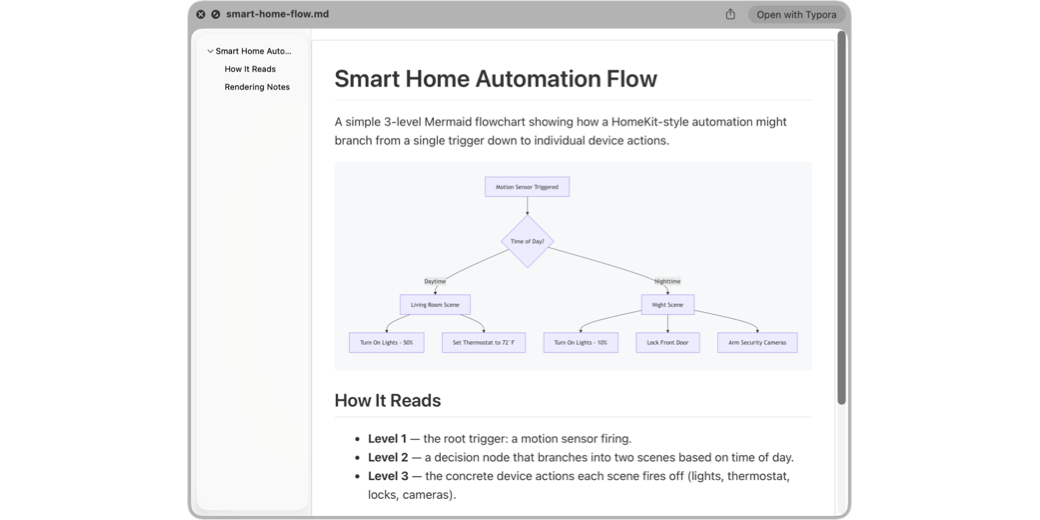
If you’ve been using a Mac for a while, you know that you can tap the space bar with any file selected to invoke Quick Look, the built-in previewing app for files. Image files show the images, music plays, videos play, PDFs render, presentation and word processing files render nicely, and plain text files render […]
Continue readingTag: marked
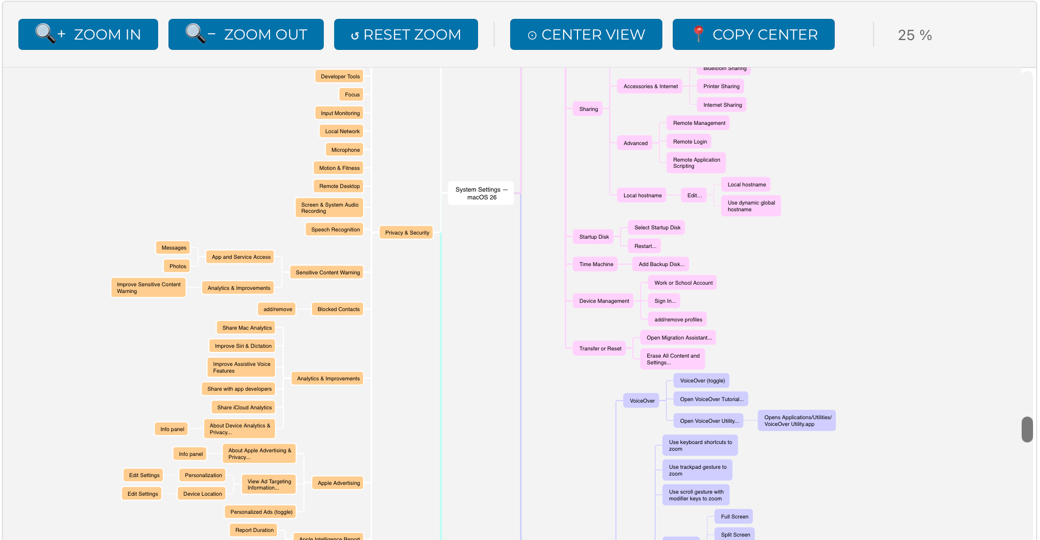
How I Mind Mapped All of macOS 26 System Settings
In the words sung by that amazing philosopher, Britney Spears, “Oops, I did it again.” I have descended into madness for the second time in my 20 years of Apple podcasting. I have mind-mapped all of System Settings in macOS 26.1 (Tahoe). In this article, I’m going to walk you through how I did it […]
Continue reading
MacDown – a Lovely Open Source Markdown Editor for the Mac
Editor and Preview Pane Showing Formatting in MacDown I don’t know if you’ve gotten onto the Markdown train yet, but I’ve been enjoying it more and more over the years since Bart first started nagging me to use it. Markdown is a plain-text format that simplifies writing for the web and is easier to read […]
Continue reading