
The Question Siri Couldn’t Answer
I was in a small town called Two Rivers with a friend, driving around, when we wondered out loud: what are the actual two rivers that give the town its name? I asked Siri, and she had no idea. It offered up Two Rivers bowling, Two Rivers pizza, and a reservation at the Two Rivers pub. Not even close to what I asked.
So I pulled out my phone and asked ChatGPT instead, and it gave me the actual rivers, a bit of history, the industries built around the towns, and who lives there now. That was the moment I realized: this is what AI in a car should be like.
From a Widget to a Real App
At first, ChatGPT only existed in CarPlay as a widget — you could press a button and ask it anything, but it wouldn’t stop listening. Out birding with a friend, watching trumpeter and tundra swans on a pond, we asked it to explain the physical differences between the two species. It answered — and sure enough, we spotted both out there. Then it cheerfully said, “I’m right here anytime you have a question,” and just kept sitting there listening until we turned the car off and back on to kill it.
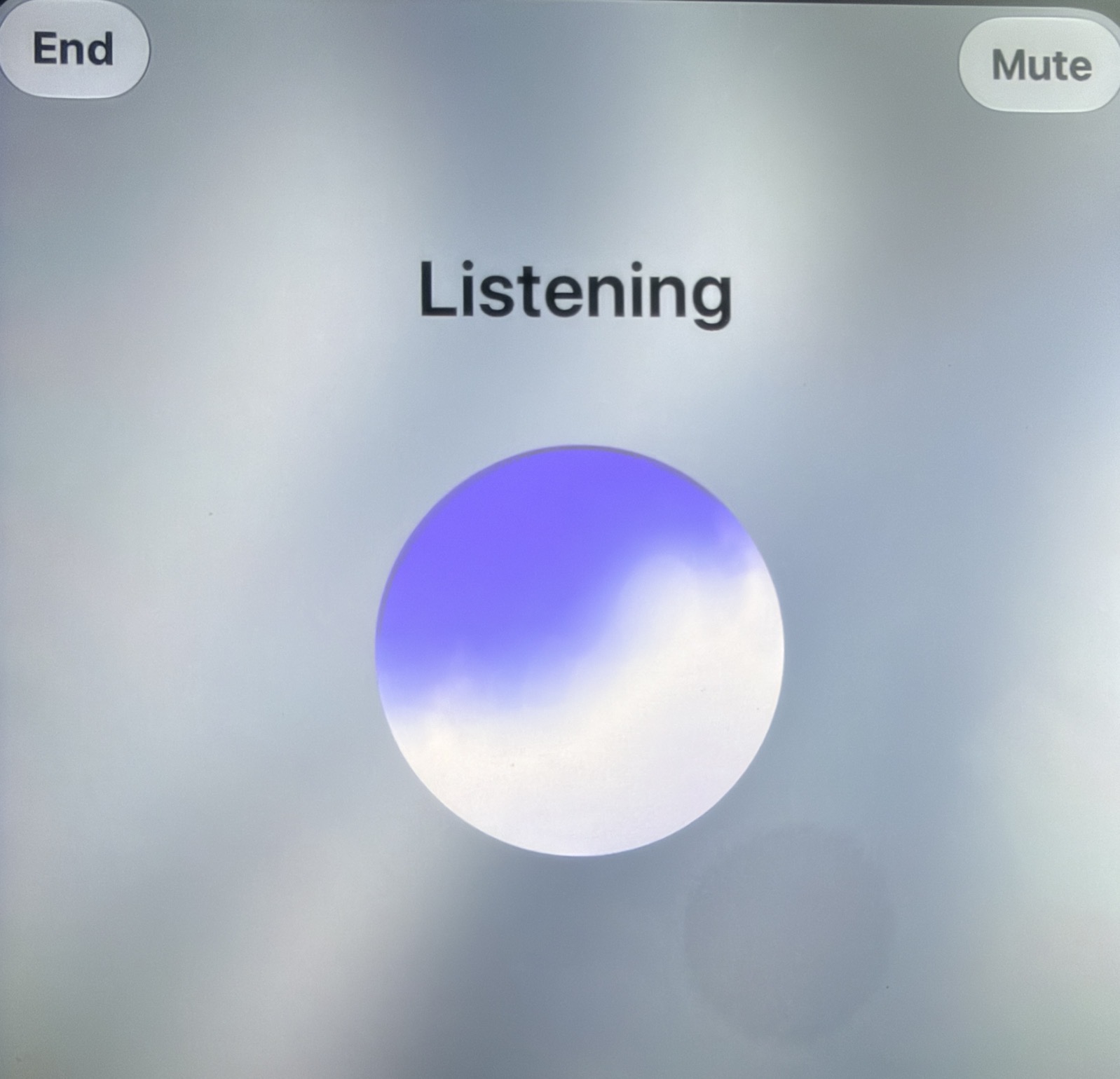
Now ChatGPT has a full app, with both a mute button and an end-conversation button, so it’s no longer stuck listening indefinitely. Other apps also have AI integration in CarPlay. Perplexity used to work but for some reason it’s on hold right now. Grok works as well, with Claude expected to get there eventually.
Why the Car Is the Missing Ingredient
Driving has quietly become the place where a lot of my best thinking happens — probably because nothing else is competing for attention. It’s the same phenomenon as people doing their best thinking in the shower: no task-switching, just focus. CarPlay plus a voice AI means you can reflect, plan, or even develop an idea out loud — hands on the wheel, eyes on the road, no typing, no screens.
All you need is a car with CarPlay, an iPhone, and an AI app like ChatGPT set up as a CarPlay favorite so it’s one tap away. The honest advice: try it out once in your driveway first, so you know how to start and stop it before you’re actually on the road.
Using the Drive as a Working Session
One of my favorite uses is simply saying “interview me.” I built a script with ChatGPT ahead of time with specific rules for how the interview should run — useful for working through a podcast idea, a house remodeling decision, a hard conversation I’m bracing for, or a goal I haven’t said out loud yet. It’ll ask reflective questions and pause for my answers, and by the time I’m home, I’ve got a transcript, a summary, and often some genuinely useful advice.
I’ve taken this further by asking it to run a full mock radio show: pretend to be my producer, ask thoughtful follow-up questions, then bring in ten callers — five genuinely curious but a little confused, five flatly skeptical that my idea holds up at all. It interrogates the idea from those angles, and at the end summarizes everything into a script, hard questions included. I built an entire 90-minute-each-way drive to Macstock around this and came home with a fully organized podcast script ready to record.
Another drive, I started narrating my grandmother’s life from scattered family stories — an eight-year-old refugee moving into Turkish territory, her father dying the same year the family was expelled, eventually arriving at Ellis Island during the Depression. I never got to ask her about the details directly, but ChatGPT helped turn scattered facts into a human timeline that helped me understand her life better.
More Everyday Uses in the Car
Birding on the go: My friend and I would call out sightings by location — “corner of Highway 19 and M, four horned larks,” then “Goose Pond, 20 trumpeter swans, three tundra swans, two snow geese, three cackling geese” — and at the end of the day ask for a full list by location with totals, which I could drop straight into eBird.
Making unfamiliar places interesting: Driving through small towns in Minnesota, I’d ask about a cluster of unusually wealthy houses (turned out to be college professors) or a large silver building downtown (a factory foundry). It’s a quick way to make an unfamiliar drive more interesting.
Where Siri Fits In
Siri itself is set to get smarter in iOS 27, with Apple aiming for it to become a real competitor — pulling in more knowledge, holding real conversations, and opening apps directly. I tried it briefly, and it still stumbled on some requests, so it’s not there yet, but the direction seems right.
Whether it’s for information, comparing routes, planning a reservation, or just working through an idea out loud, the drive is turning into a real part of how AI fits into a normal day.
Great real-life examples, thank you!
Got me curious to give it a try.