
For years, my entire life ran on Fantastical for calendars and Todoist for tasks. Let me be clear up front: there’s nothing wrong with either app. They’re both excellent, and if they work for you, they’re a great direction to go. This isn’t a takedown. This is a story about outgrowing a system that was working exactly as designed — and realizing the design wasn’t the problem I actually had.
My issue was never forgetting to do things. I have a solid memory, and Todoist is genuinely great at holding a list. My real problem was different: out of everything on my list, what should I be doing right now, in this exact hour? Once I saw that clearly, I realized no amount of tweaking Todoist was ever going to fix it, because it was never built to answer that question in the first place.
The Third Kind of App
We usually think of productivity apps in two categories: calendars and task managers. I don’t think that’s right anymore. There are actually three.
- Task managers answer “what do I need to do?” (Todoist, Things, OmniFocus — all fantastic).
- Calendars answer “when do I have appointments?” (Fantastical, Apple Calendar — also great).
- The third category answers “what should I be doing right now?” — and that’s what Structured is built for.
That distinction sounds subtle, but it’s the whole reason something finally worked for me after other apps hadn’t.
A Timeline, Not a List
A 50-item to-do list is a wall of equally weighted demands. You can tag and sort them however you want, but every item stares back at you with the same sense of urgency. That means real mental energy gets spent just deciding what to tackle next — and if I have a free hour, I might burn 15 minutes of it just deciding what to do with it.
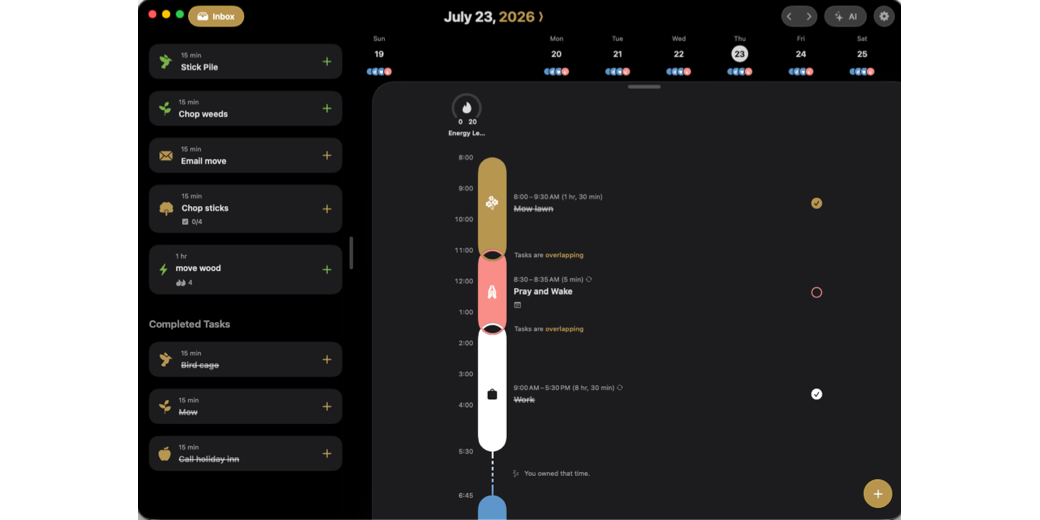
Structured skips that step entirely. Every task — meetings, errands, exercise, recording, chores, downtime — gets placed on an actual timeline, in order. When I open the app, the question of what to do right now is already answered. I don’t decide; the day’s plan was already built.
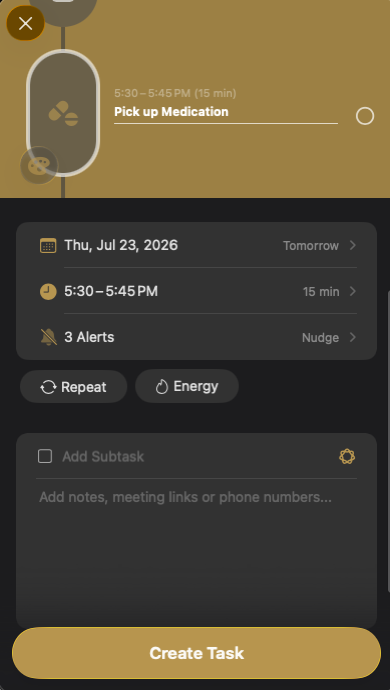
That does three things for me:
- Less energy spent deciding what’s next.
- An honest picture of how long things actually take. Most of us wildly overestimate how much we can cram into a day. There’s no more pretending with a visible timeline — I can see the gaps, and if something new needs to fit, I can see exactly what has to move.
- My day stops being a race to zero on a checklist. Exercise, meals, and hobbies are scheduled in as part of the day itself, instead of me just hoping I can squeeze them in somewhere.
Where ADHD Comes In
Some of this will land differently depending on whether ADHD is part of your picture — and some of you will recognize these traits even without an official diagnosis. My brain has never struggled with remembering tasks. My struggle is transitioning from one thing to the next without spinning out or getting sidetracked along the way.
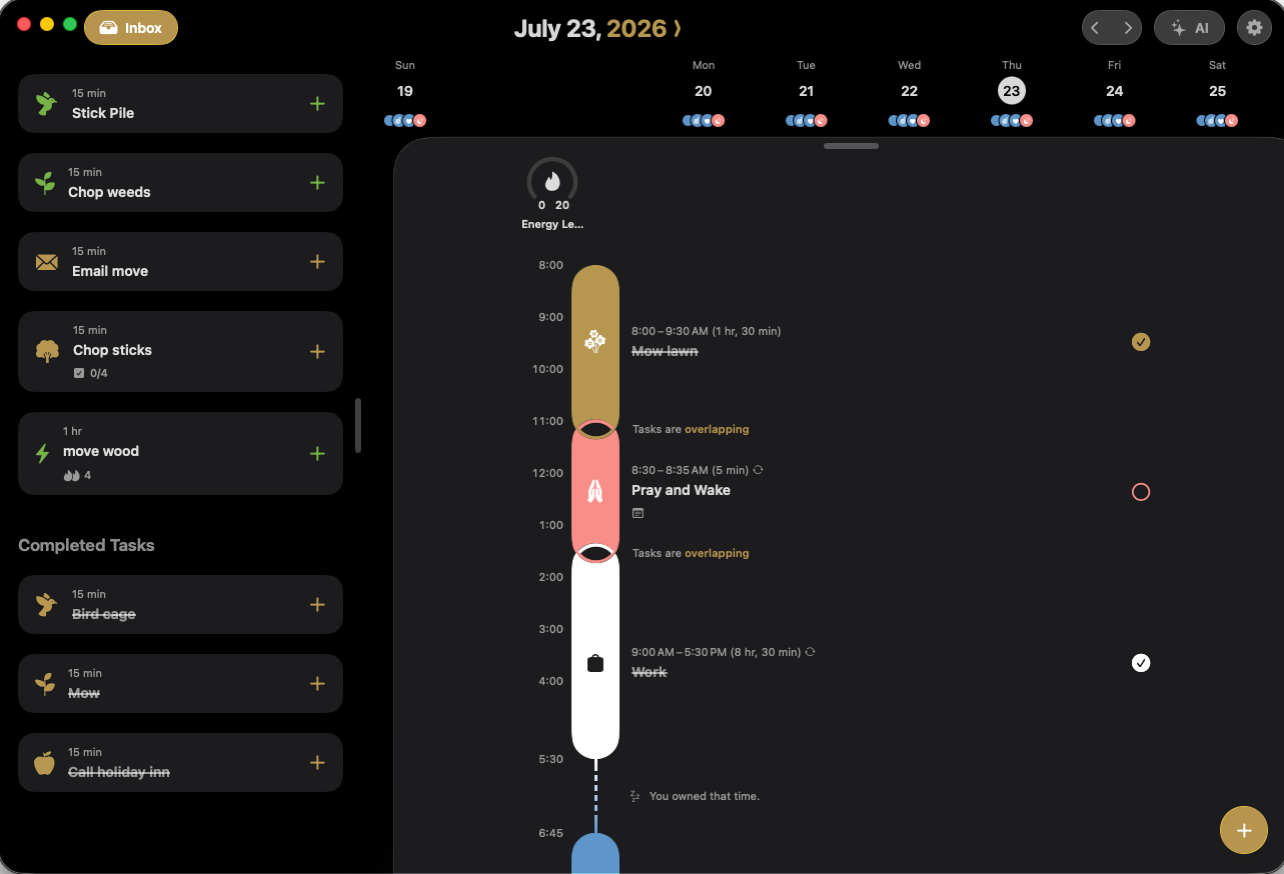
Structured gives me a path through the whole day and stops me from renegotiating with myself every 20 minutes about what comes next. The plan already exists — I just walk down the path.
Awake: The Companion Alarm App
Structured has a companion app called Awake. It sounds small, but it matters a lot. It’s an alarm clock that goes hand in hand with Structured, and it does two things:
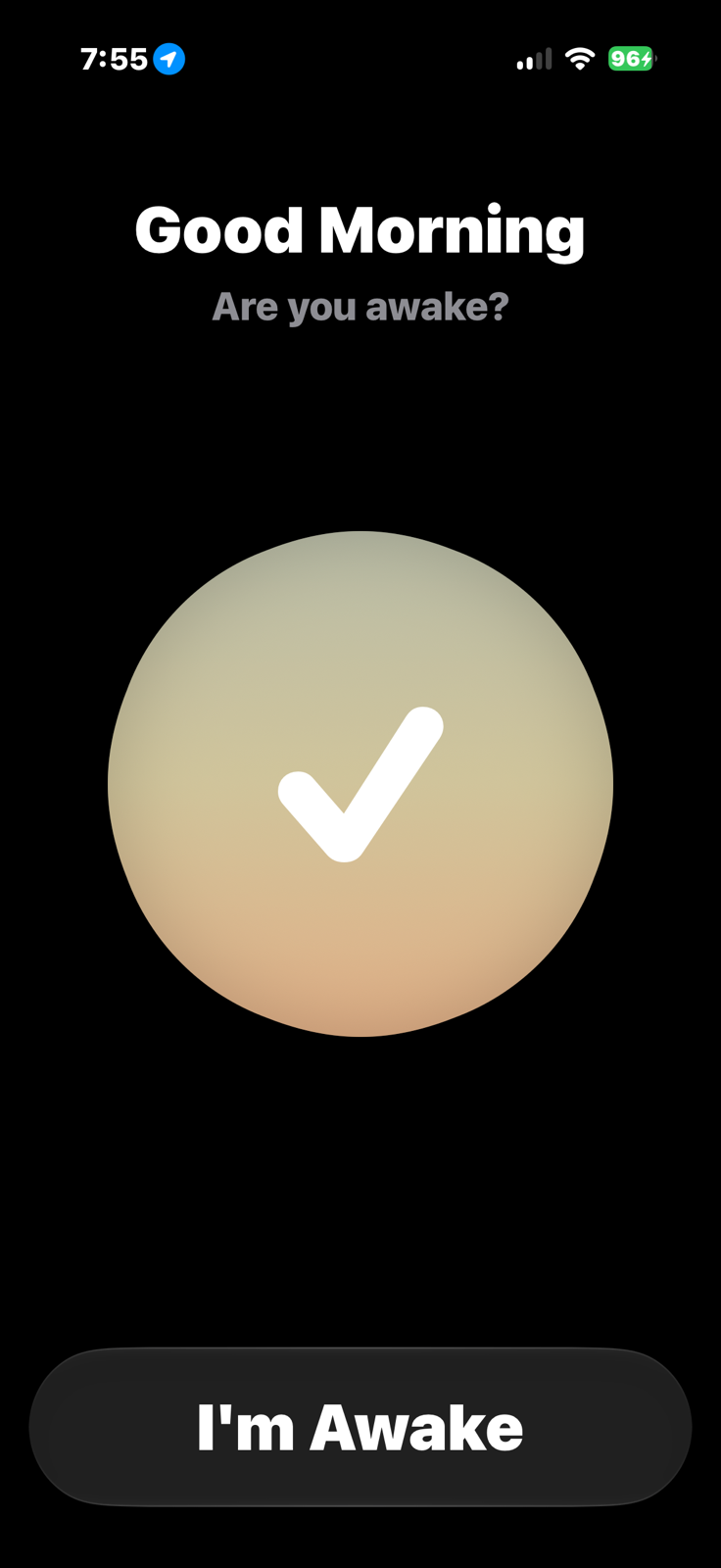
– Makes sure you’re actually awake. Beyond just turning off the alarm, it can require a math problem, some push-ups, or a simple “yes, I’m awake” confirmation — useful for anyone (like younger me) who used to shut off six alarms and go back to sleep.
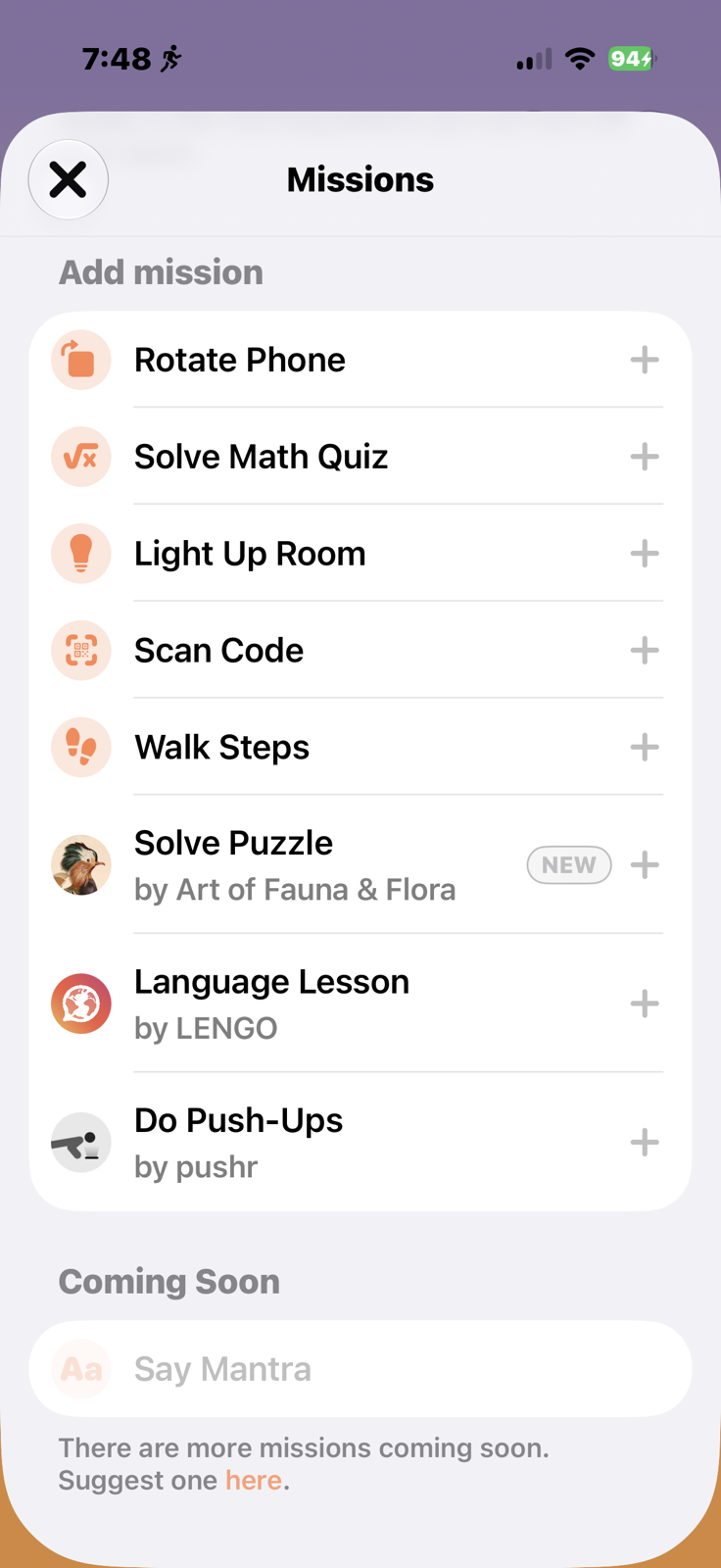
– Gives a morning briefing. I tend to be genuinely fuzzy in the morning — half the time I don’t know if I’m supposed to be at work. Awake will greet me by name, tell me the date and day of the week, give a sense of how I slept, and let me know things like “your workday starts in an hour and 15 minutes.” It’s a quick reorientation to who I am and what kind of day I’m having.
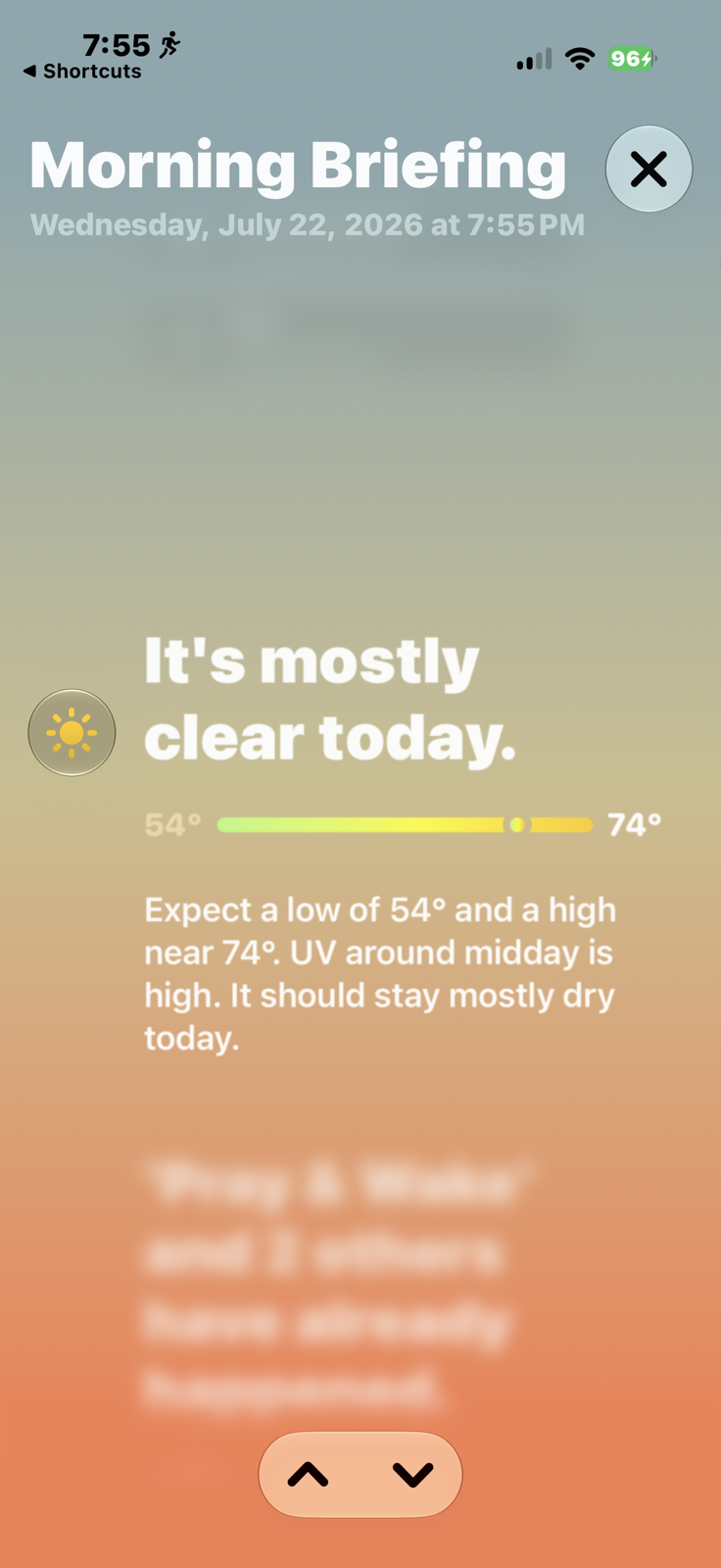
Since Structured and Awake come from the same developer, they talk to each other — Awake knows my schedule, and Structured knows when I’m waking up tomorrow. It feels like one system with two dashboards rather than two separate tools I have to manually coordinate.
Bringing ChatGPT and Notion Into the Mix
Structured also integrates with ChatGPT, which means I can ask it real questions like “find a time on my schedule where I have an hour break for lunch.” It can read into Structured and hand me an answer.
I use this alongside Notion, where all my big projects and recurring tasks live. Structured is where things go once they have an actual date and time attached — “mow the lawn Thursday at 7,” “stretch before bed tonight.” What ties it together is that ChatGPT can see both my Notion database and my Structured schedule, so I can ask it to pull high-priority Notion items over into Structured and get them scheduled. It bridges both systems and makes my whole setup work together instead of living in silos.
Bottom Line
I didn’t leave Fantastical or Todoist because they failed me — I left because I needed a change. Fantastical is excellent at calendars, Todoist is excellent at tasks, but what I actually needed was something more visual, something built around managing the hours of my day and giving myself room to breathe.
If your struggle sounds like mine — forgetting what deserves your attention right now instead of just grabbing whatever’s next on the list — Structured and Awake might be worth a serious look.