
Have you ever needed to add (or subtract) elapsed time? You may not need to do this on the daily, but when you do, you might turn to a spreadsheet to do this task for you. Spreadsheets aren’t designed to calculate elapsed time; they only work with clock time.
And that’s why I developed and released my first official app in the Apple App Store called Elapsed Time Adder. It’s free, and runs on the iPhone, iPad, Vision OS, and there’s even a proper Mac app.
Features
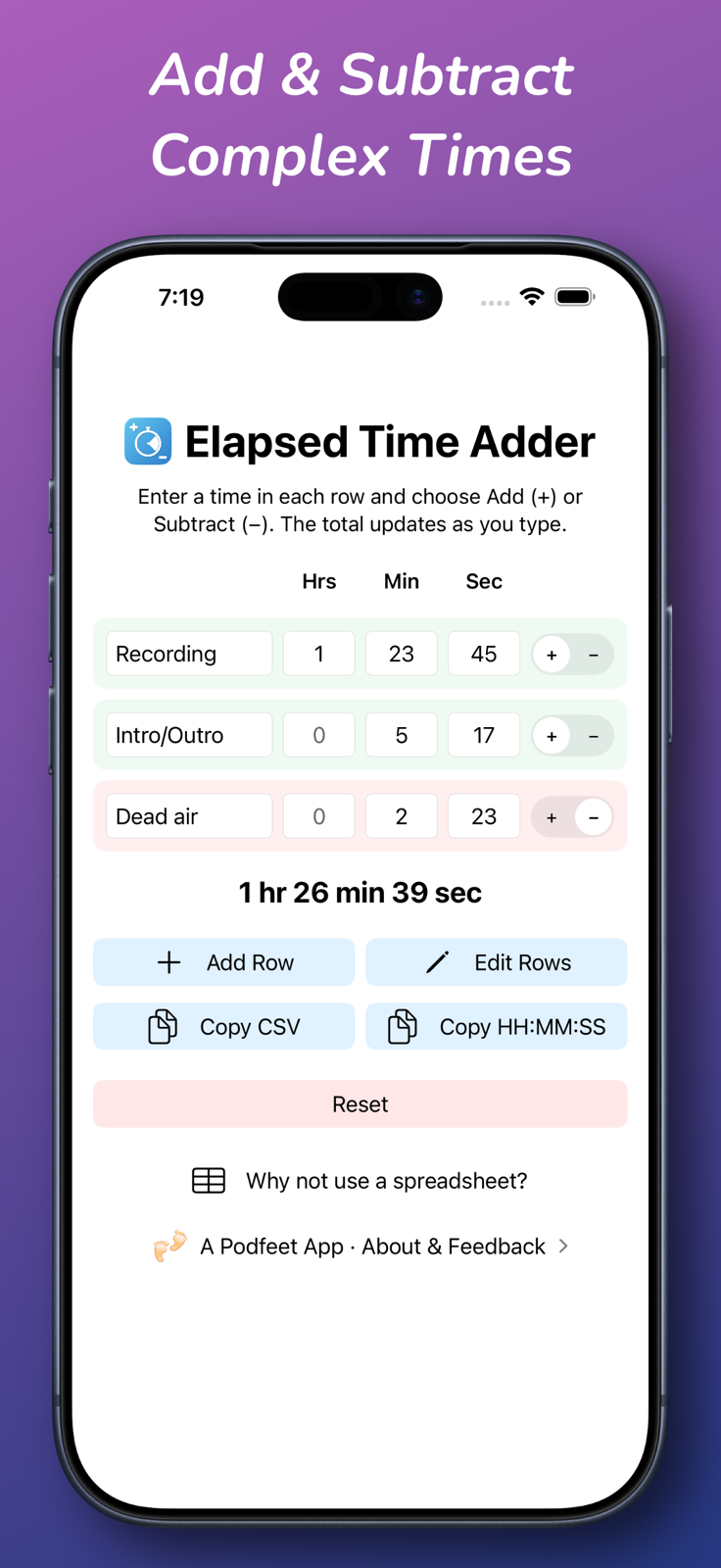
Let’s talk about the cool features. When you first open Elapsed Time Adder, you’ll see at least two rows to enter times (more if you’re on iPad or Mac). You can optionally enter a title for each row, and then enter hours, minutes, and seconds. As you type in the values, you’ll see a real-time update of the total time entered, written in human-readable form, such as 3 hrs 23 min 17 sec.
As soon as you start entering times on the second row, the total updates automatically. Sometimes you need to subtract elapsed time, so every row has a +/- toggle to change whether that row is added or subtracted.
You’re not restricted to typing in times that are within their normal range — by that I mean minutes don’t have to be less than 60; you can put in 238 minutes, and the total will read 3 hrs 58 min. That alone is worth the price of free, isn’t it?
You can also enter decimal values like .33 min, and Elapsed Time Adder will tell you that’s 19.80 seconds.
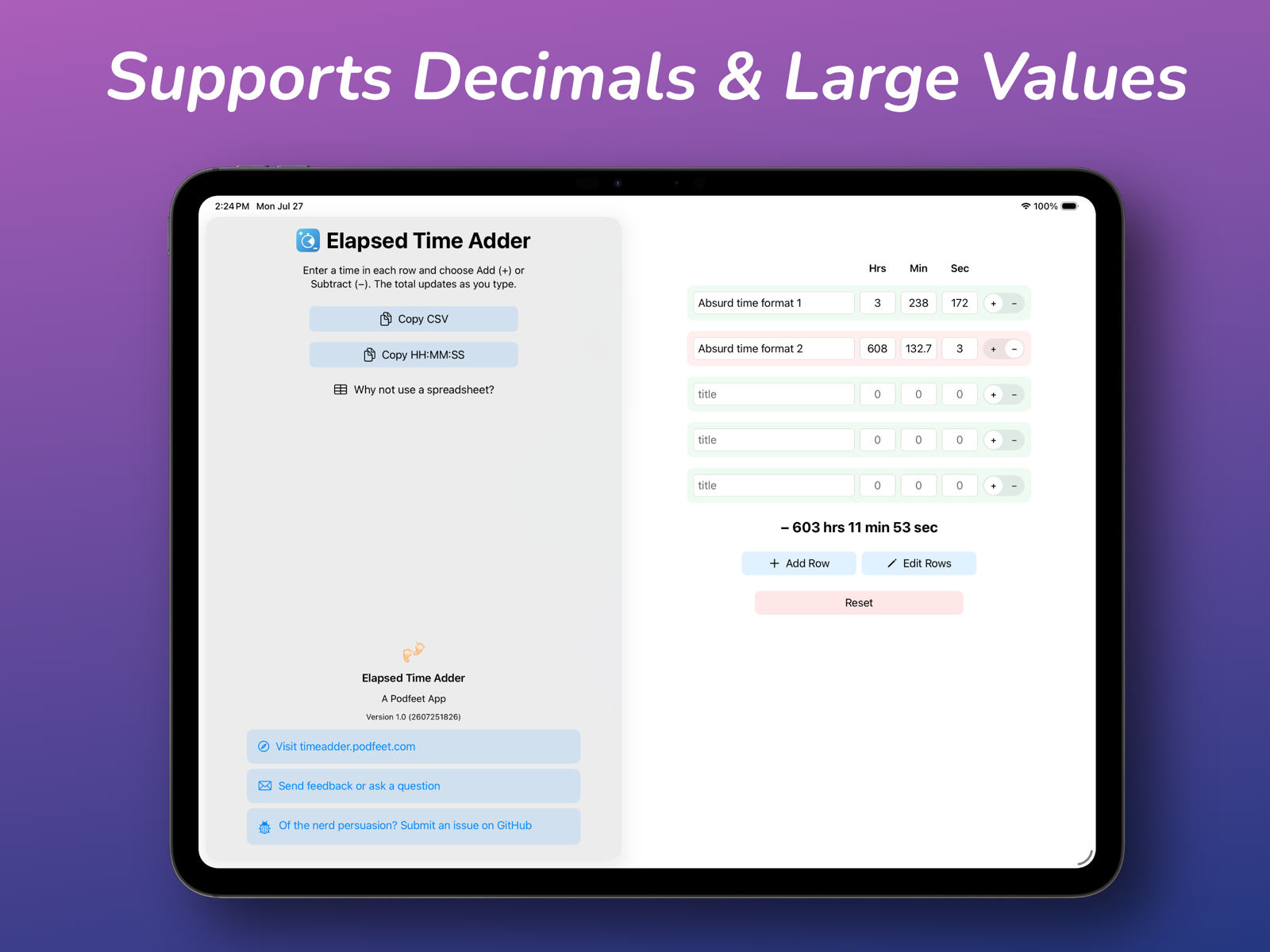
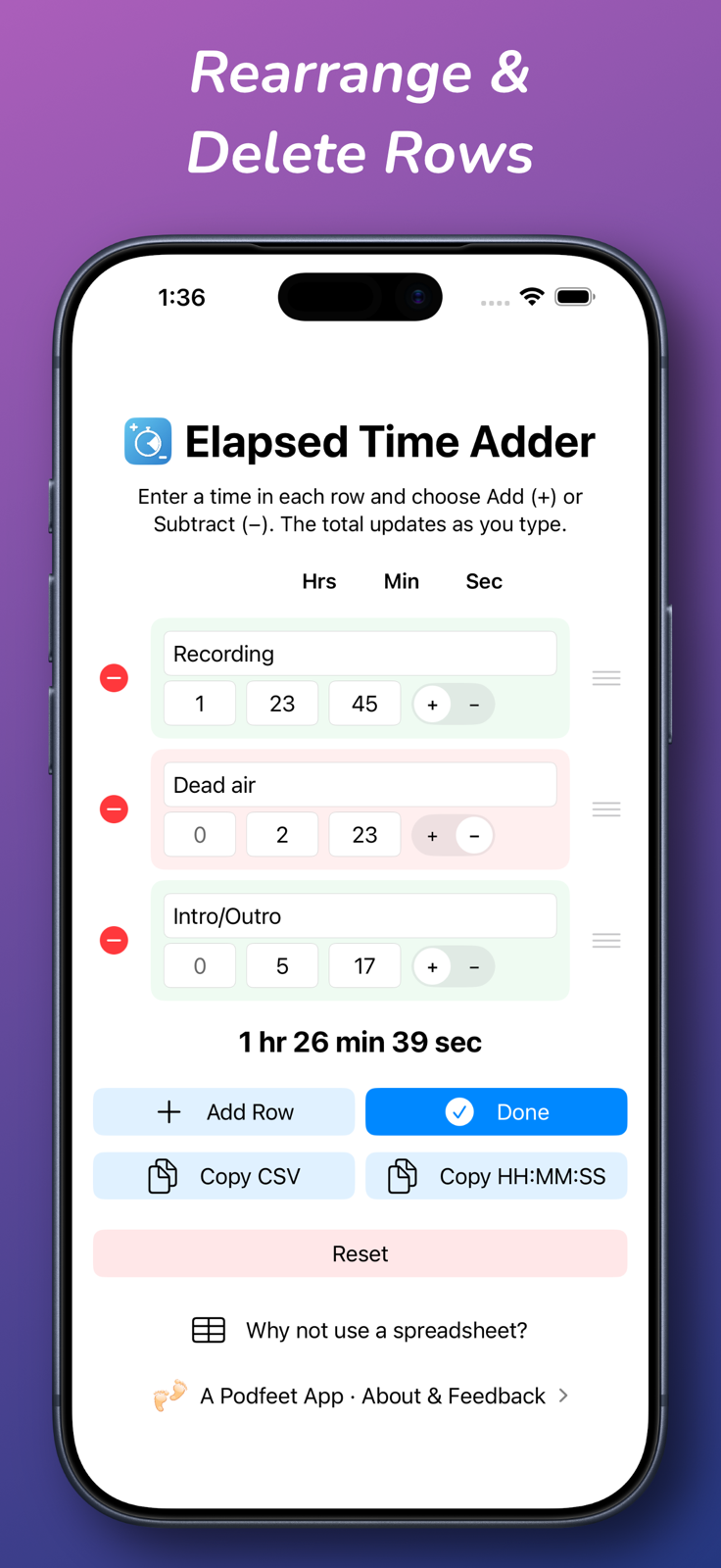
If you want to enter more rows of times, you can tap the Add Row button. Maybe after you’ve entered a bunch of data, you’d like to rearrange the rows. The Edit Rows button will let you drag the rows up and down and delete entire rows. If you’ve made a dog’s dinner of your data entry, simply hit the Reset button to go back to the default empty rows.
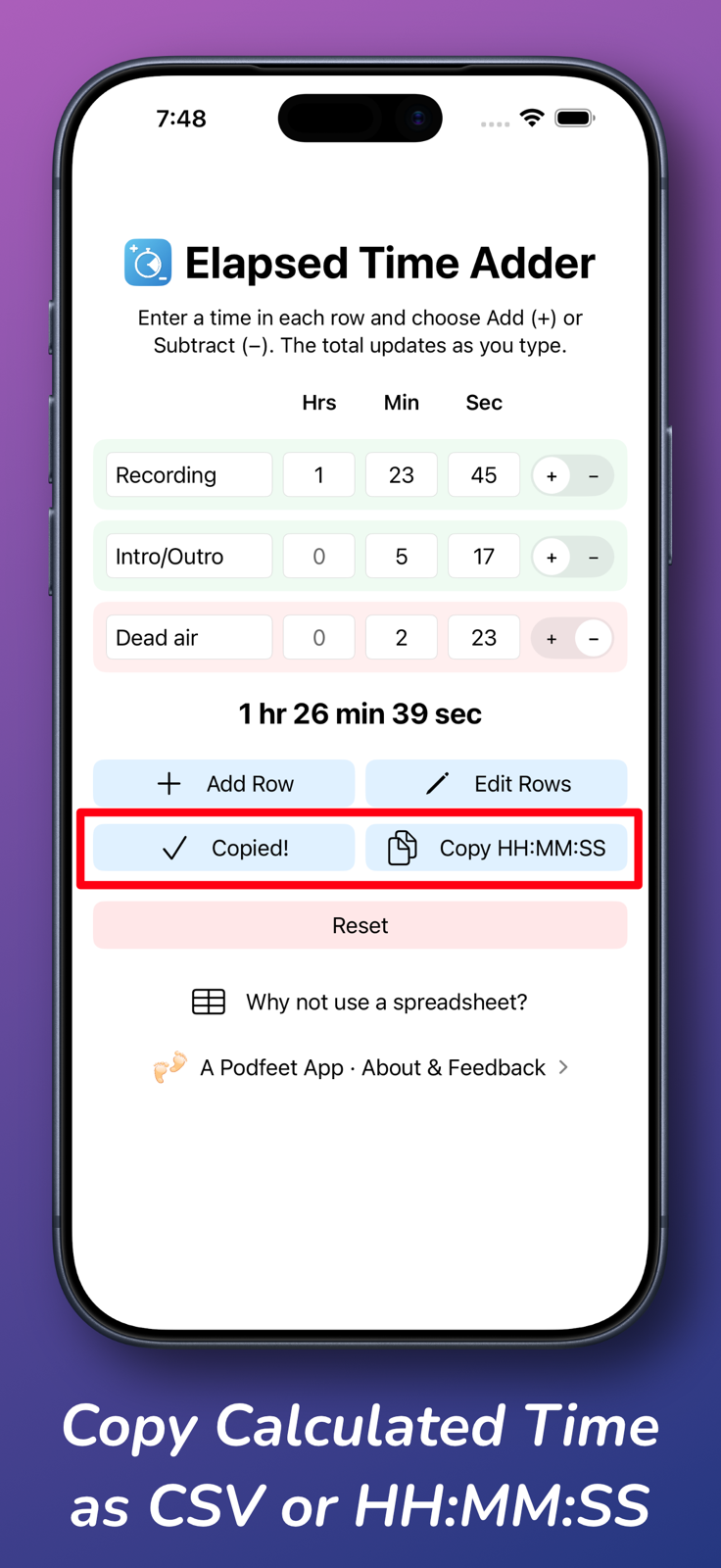
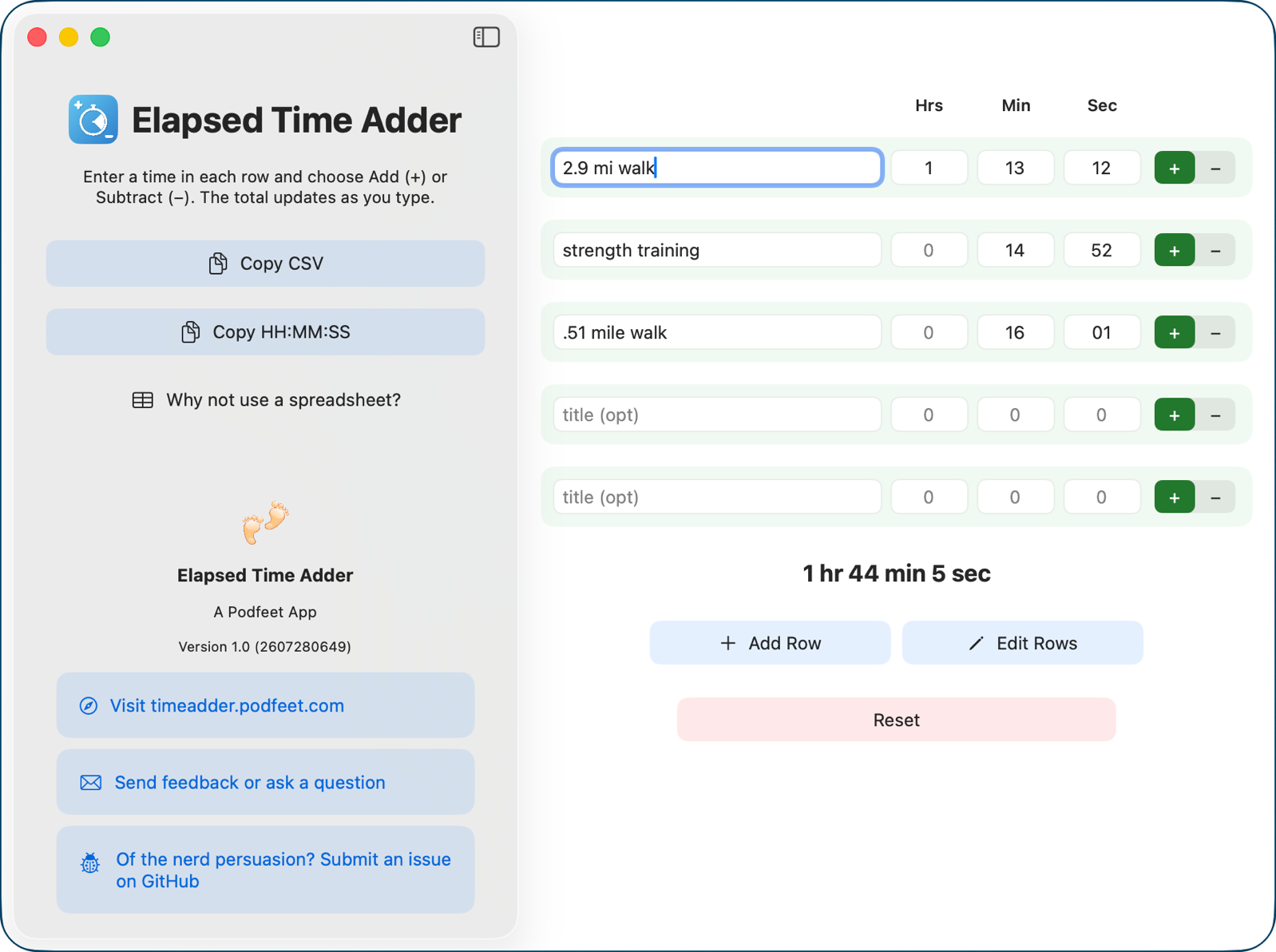
If you’ve entered your data and gotten your answer, you may want to put the data somewhere else. If you select Copy CSV, you can paste a nice comma-separated value version of your data into a spreadsheet app. Maybe you’d like it in HH:MM:SS format? There’s a button to copy and paste that way too.
Title HH:MM:SS
2.9 mi walk: 01:13:12
Strength training: 00:14:52
.51 mile walk: 00:16:01
Total: 01:44:05
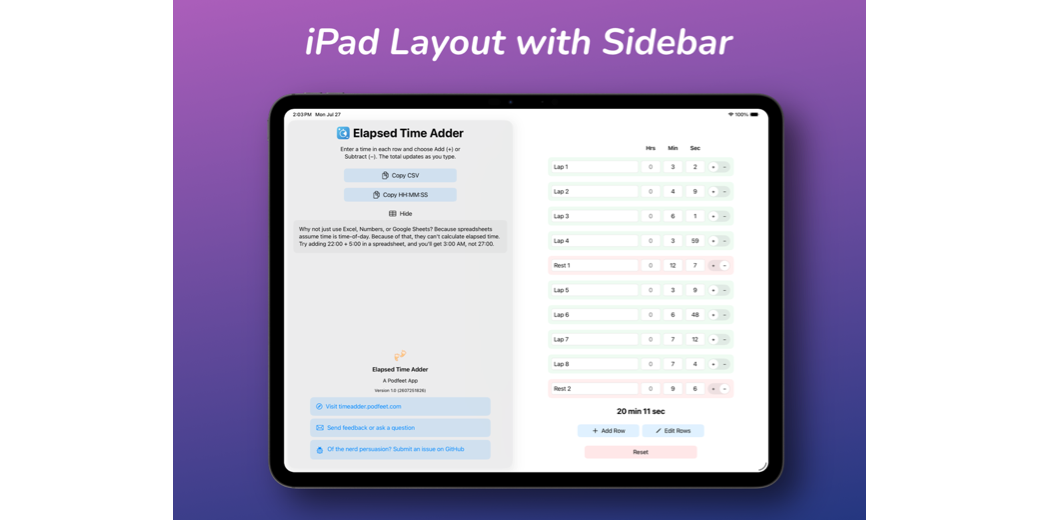
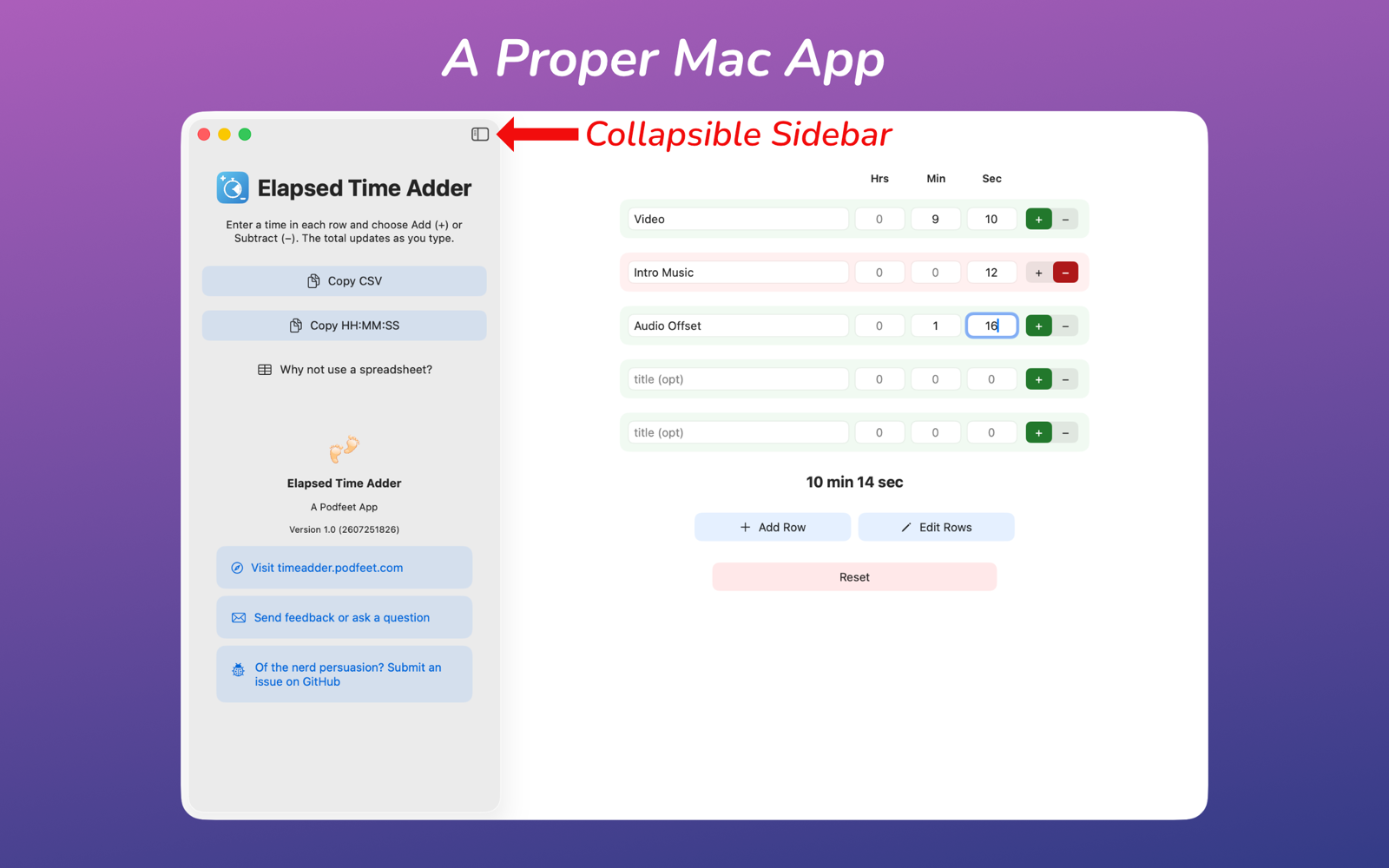
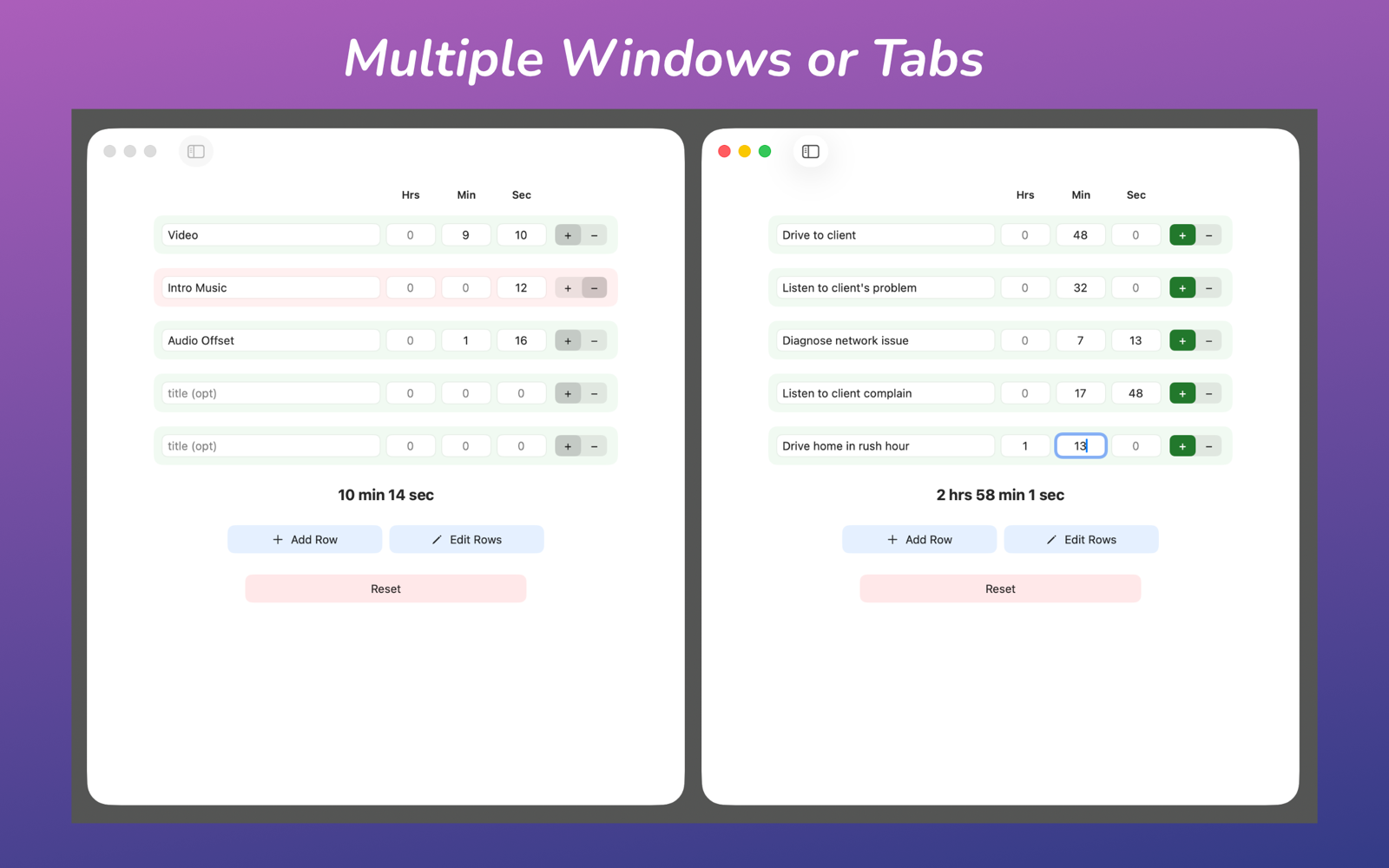
If you’re on iPad or Mac, you get a handy-dandy sidebar collapse/expand button, and it auto-collapses if you narrow the window. You can even open multiple windows in Elapsed Time Adder on iPad and Mac.
If you’re a fan of dark mode on your devices, it’s got that too.
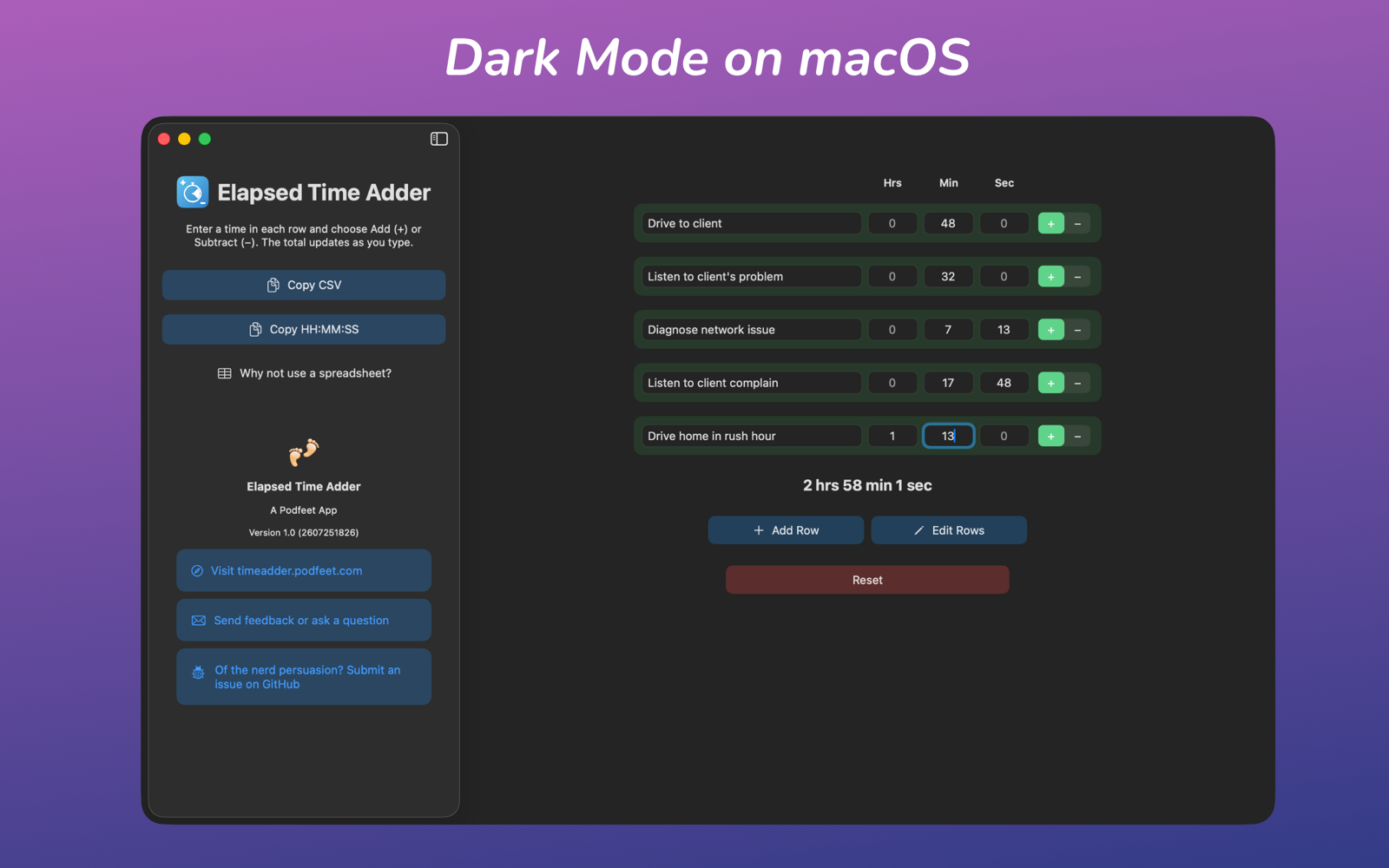
If you want to learn more about the app, there’s a link to a landing page explaining Elapsed Time Adder. There’s a link to email me feedback or questions (but you already know how to do that). If you’re of the nerd persuasion, you can submit an issue on GitHub right from within the app.
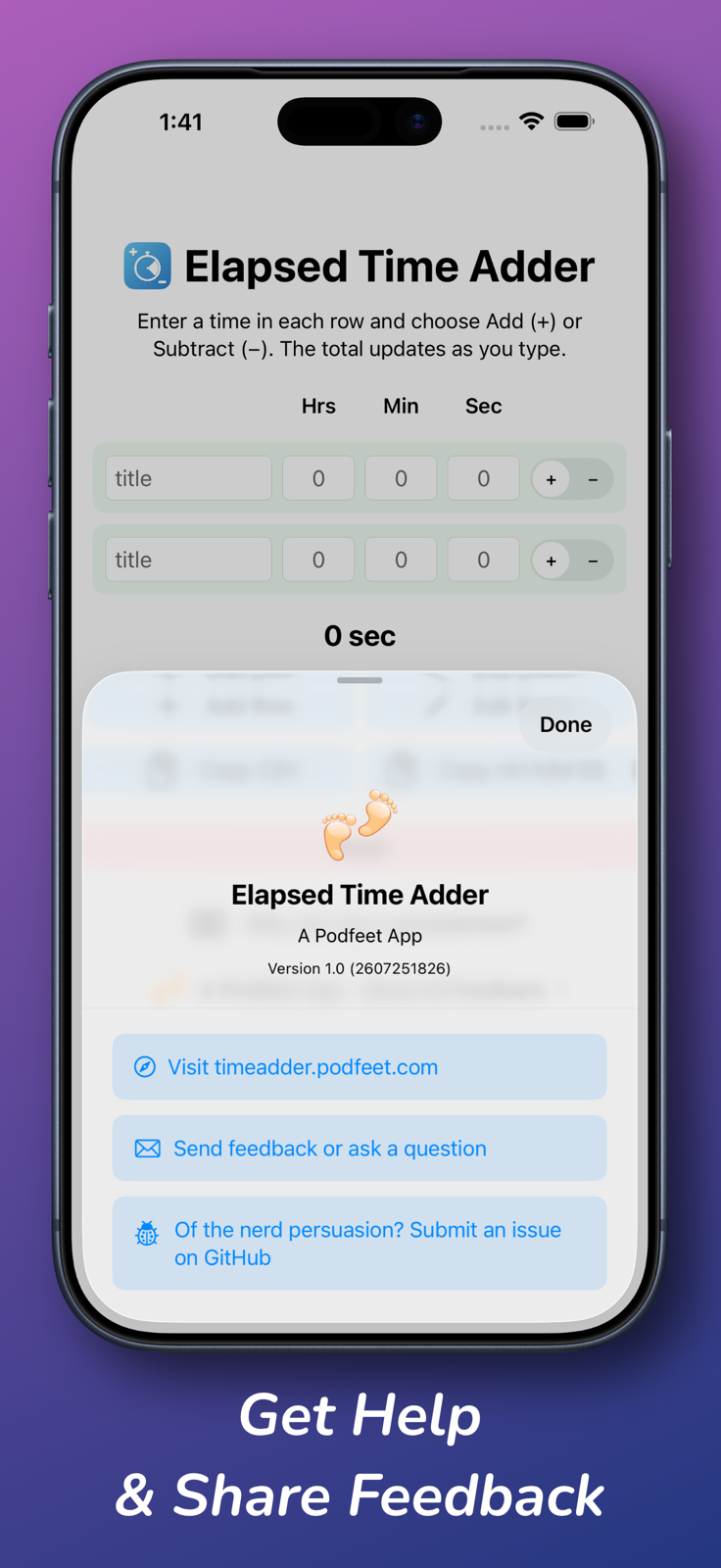
In case you’re wondering, of course Elapsed Time Adder is fully accessible. It supports VoiceOver, the design elements do not depend on color only, and it works with Voice Control.
But Still, Why Not a Spreadsheet?
Let’s walk through a very simple example of how a spreadsheet fails at arithmetic on elapsed time. Let’s say you want to add 23:00:00 hours plus 8:00:00 hours. This is an easy layup — that should calculate to 31:00:00. But that’s not what you’ll see in a spreadsheet. Instead, you’ll get 7:00:00! Remember, spreadsheets think this is clock time, not elapsed time. The spreadsheet sees 23 hours as 11 PM, and 8 hours after 11 PM is 7 AM.
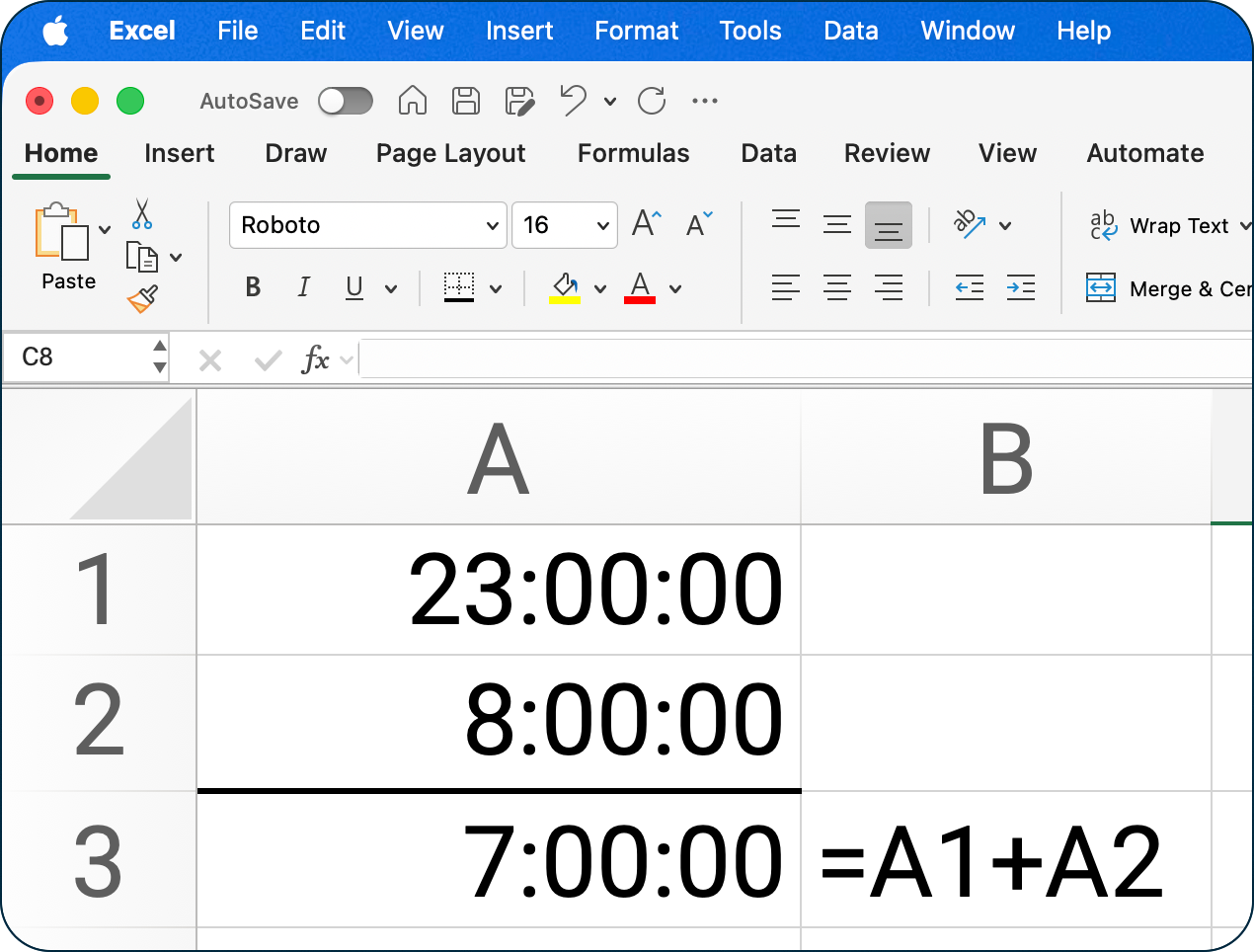
Note that for some very simple calculations like the one I gave above, you can change the format in Excel of the sum to a custom format: [h]:mm:ss. This format allows hours to be greater than 24, thus calculating properly. But you can’t enter minutes or seconds over 60, and you can’t use decimal values. Under the hood, Excel still considers all times to be clock time, which can be very valuable. For example, it can tell you the time difference between 11 AM on one date and 3 PM on another date (if you format it properly). That’s a valuable function but not the one that Elapsed Time Adder so elegantly solves.
Random Assortment of Use Cases
Now that we know the problem to be solved, let’s talk about some use cases. I’ve been having trouble with the battery on my Apple Watch. Apple says I work out too much. Well geez, that’s why I bought the darn watch — to track my fitness! Anywho, I wanted to know if there was a correlation between an early demise battery day and a big workout day. I started tracking how much time I spent in multiple workouts a day mapped against how early in the day the battery died.
For example, on July 30, I took a 2.9 mile walk that took me 1:13:12, then I did a 14:52 strength training workout, and finished up the day with a .51 mile stroll with Kepler that took another 16:01. I popped open Elapsed Time Adder, put in the details I just described, and the app calculated the elapsed total time as I entered the data, showing a final total of 1 hr 44 min 5 sec.
Another example of where I’ve used Elapsed Time Adder is when I’m editing audio for the podcast. Let’s say I bump my microphone while recording Chit Chat Across the Pond with Adam Engst. I instantly scribble down the time I did it; let’s say 32:57 into the 45-minute recording.
Fast forward to when I record and assemble the NosillaCast. Let’s say I’ve recorded an intro, read two articles, dropped in an Eddie Tonkoi recording, and then recorded my panhandling for money segment. Next, I drop in the Chit Chat Across the Pond music and finally my conversation with Adam. I can see that Chit Chat starts at 46:38, but now I have to find 32:57 later than 46:38 for the mic bumping accident. Easy peasy, I just use Elapsed Time Adder to add 46:38 + 32:57 and get 1 hr 19 min and 35 sec. Scroll over to that time, and I’ll immediately see the giant bump in my waveform.
History of the App
For once I haven’t buried the lede in an article, but I do want to give you some history behind this glorious, useful, and free app.
On November 3, 2021, I pushed my first commit to GitHub for a little web app to add and subtract time. Four years later, almost to the day, on November 11, 2025, I was done developing my app, and I published it to a GitHub Pages site. You can still use it at podfeet.github.io/…, but it’s not as fancy as the new, dedicated app.
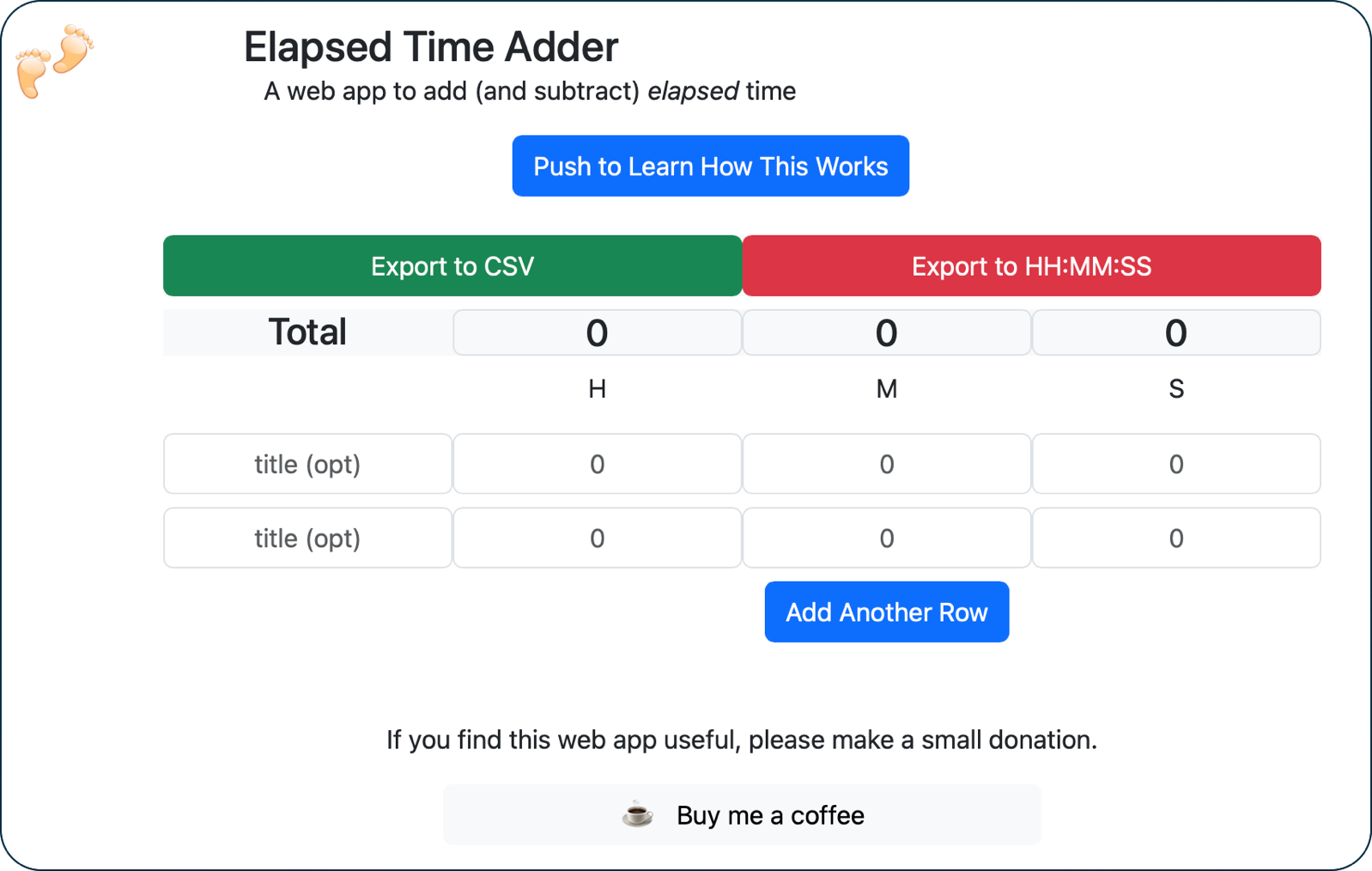
The existence of Elapsed Time Adder is all because of Bart and the wonderful Programming By Stealth series. The very first thing he taught us was HTML, and that’s how I did the layout of the time entry boxes and buttons. Then he taught us JavaScript, and that’s how the math library gets calculated and delivered to you in the web app. He taught us CSS, which is how the sizes and colors of elements were originally created. The current layout, colors, and elegance in the most recent versions of the web app are thanks to Bart teaching us how to use Bootstrap. Finally, Bart taught us how to wrap our code with a technology called Webpack. And the best thing I’ve learned in Programming By Stealth was how to do version control of everything using Git.
I give myself all of the credit for the math module that does the actual calculations. It’s not complex math, but it’s the core piece of how Elapsed Time Adder works. It takes each row and turns it into raw seconds by multiplying hours by 3600, minutes by 60, and adding those seconds to the seconds field. Then it adds and subtracts the rows of seconds and splits it back out into hours, minutes, and seconds. It did get a little tricky when rounding negative numbers (I used Math.floor for that one), but other than that it was just arithmetic. The original web app and the fancy pants dedicated apps both use my original math library.
And Then Along Came Vibe Coding
By this time in the story, I started calling myself a developer, even though Imposter Syndrome made me feel like a faker. I dreamt about a day when I’d make Elapsed Time Adder into a proper App Store app for the iPhone and Mac. That dream would have to wait until Bart learned Swift and then taught it to us.
But along came the LLMs and vibe coding. I started dreaming a new dream where an AI agent would help me do it. I talked about it. I mused about it. And I continued to imagine a world where I would get off my fanny and actually DO it.
Then Mike Price, aka @Grumpy, in the live chat room and in our Slack sent me a screenshot of a version of my app that he’d written (using agentic AI). I was amazed, and also super sad at the same time. My original code is on GitHub under the MIT open source license, so there was nothing wrong with what he did, but I was sad that I didn’t do what he’d done!
Because Mike is a stellar human being, he graciously agreed to step aside when I told him I really wanted to do it myself.
I won’t walk you through the entire process, but with the $20/month version of Claude Code, I built the proper App Store apps. It wasn’t a weekend effort as some people describe; rather, it took me more than six months. I directed the layout, especially how it would be different on the Mac vs. iOS, while Claude did all of the coding. I made Claude build tests, and especially important — accessibility tests. There were a lot of iterations where the tests would fail and we’d have to go back through and figure out how to fix it, so the tests were quite valuable.
Since these AI agents are using all world knowledge, they make lots of mistakes along the way, and regression often plagued the development process.
Learning how to interact with the App Store itself was a whole adventure of its own. One of the harder things was making good screenshots of the different platforms. I wanted to make them classy like the cool kids. That involved:
- Taking the screenshots
- Framing them with the ShareShot app for macOS
- Putting them on a fancy background of the exact approved size using Affinity from Canva
- Adding a catchy six-word or less explanation
- Uploading them to App Store Connect
- Rinse and repeat for iPhone, iPad, and Mac.
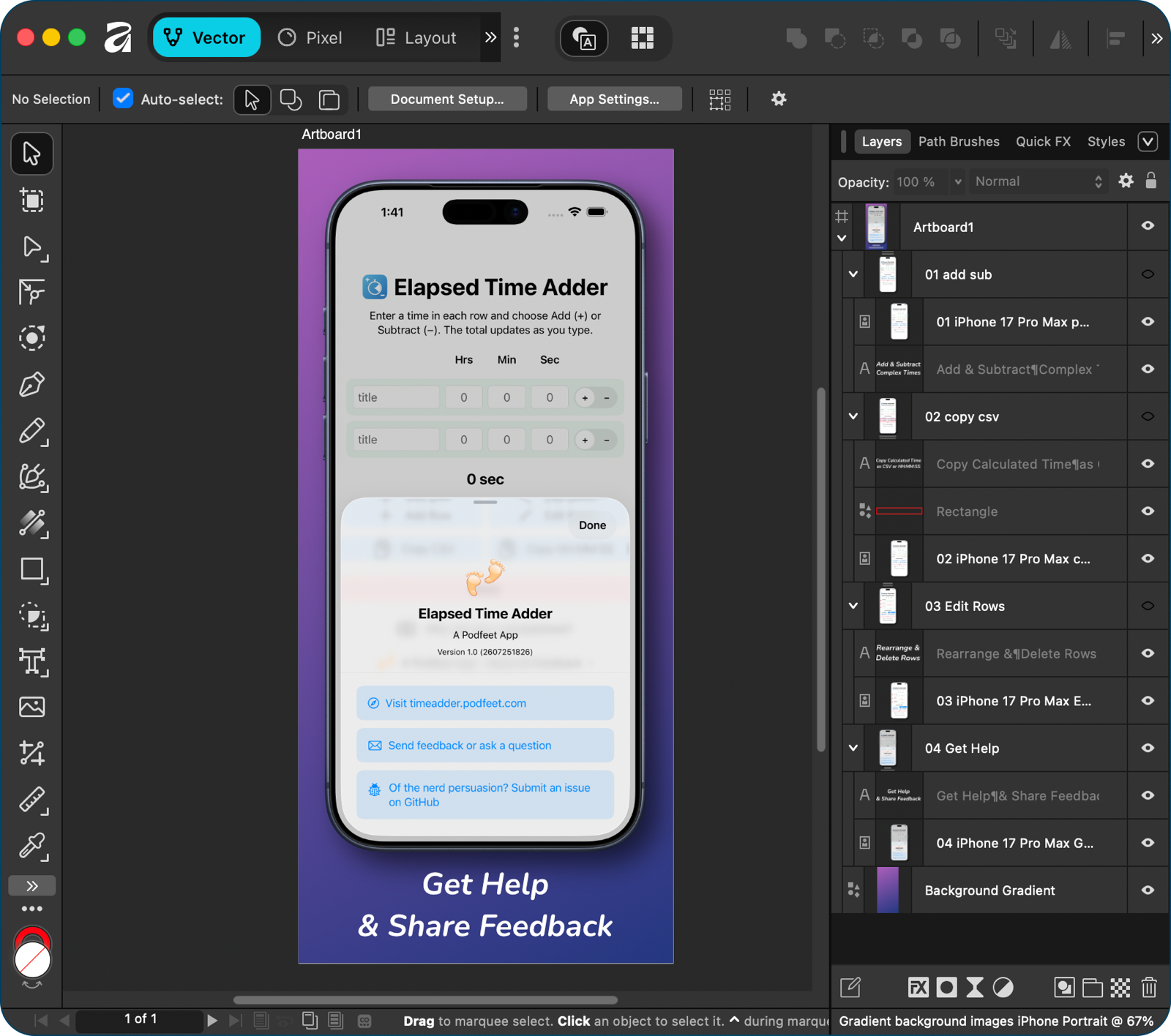
And then the beta testers came back with changes, and I had to recreate the screenshots all over again to reflect the improved design!
Speaking of beta testers, they were a HUGE help. You may think you can test every edge case of your app because you know it so well, but you would be wrong. In particular, Mike Price was amazing at not only finding bugs (like the disaster that was landscape mode on the iPhone Pro Max), but also at creating bug reports in GitHub so it was much easier to reproduce and fix the problems he found.
Buy Me a Coffee
The bottom line is I’m absolutely thrilled to have my first app in the App Store. I hope you’ll download Elapsed Time Adder and give it a try and see if you find it useful. If you want to drop a five-star review into the App Store, that would be totally awesome. I doubt my little app will get the attention of the masses, but it would make me feel all warm and fuzzy if you did.
I chose not to charge for my app for a multitude of reasons, but if you do like the app and find it useful, consider going to podfeet.com/donate and buying me a coffee.
Hi Allison, a great little app for my Mac.
Here’s a little known tip – whilst Excel treats time calculations like you described in your article, Numbers has a Duration data format that can add and subtract days, hours, minutes and seconds. The Sum is displayed as a true Total of the days, hours, minutes and seconds.
I encourage you to have a play with it when you return from holidays.
Ooh, cool! Can you give me a step-by-step to find it Trevor? I’m not seeing it on first glance. I have discovered that Excel has the same idea, I think it’s [h]:mm:ss or something like that. However, while it does the math correctly, under the hood it’s still time of day.
I’ll email you an example.