

Are you the kind of person who brings an Apple TV with you when you go away on vacation? If you are, you might be a candidate for the gadget I’m about to tell you about. But first, the problem to be solved.
When you go away from home for business or vacation, you may miss being able to easily watch the streaming TV you’re used to at home. Or maybe you have Sling or YouTube TV or another service to watch network TV shows when you’re at home; how do you watch when you’re away?
Perhaps the place you’re staying has a smart TV, and technically you could log into your Netflix/Hulu/Paramount+/Peacock/HBO Max accounts, but then you have to remember to log out of all of them before you leave.
The Apple TV is pretty small at 3.7” square and 1.2” thick, so it’s easy to slip into your luggage. But you have to bring the proprietary power cable that’s nice and long and a bit thick. Oh, and an HDMI cable. And don’t forget the remote (we’ve done that before). If you’re gone long enough (or addicted to TV enough), it might be worth it. Steve and I have done it quite a few times, and it works well.
But for some trips it’s just not worth climbing behind the cabinet to unplug one of our Apple TVs and to wrap up all the cables and get the remote. Often we just suffer with lying in bed trying to watch something on my iPad Pro. It’s not terrible, especially with the 13” model in its Magic Keyboard case, but it’s hard to balance in bed, get it up high enough for viewing, and not have it pointed at just one or the other of us.
On the Primary Technology podcast (or maybe it was Mac Power Users?), Stephen Robles told the audience about an interesting solution. As soon as I heard his description, I immediately purchased the UGREEN Magnetic Wireless USB C Transmitter and HDMI Receiver from Amazon for $70.
The big picture is that this device lets you wirelessly transmit from your phone, tablet, or computer to a TV, projector, or other display, without WiFi or Bluetooth or any faffing about making the connection.
UGREEN is a trusted company amongst the nerds, which is great. The product is two pieces: a wireless transmitter and a wireless receiver. The two units are palm-sized cylinders (around 2.25” in diameter and only .4” thick. The transmitter plugs into your device via an attached USB-C cable, and since it’s magnetic, you can just slap it on the back of your phone. The transmitter draws power from your device, so it also sports a pass-through USB-C charging port.
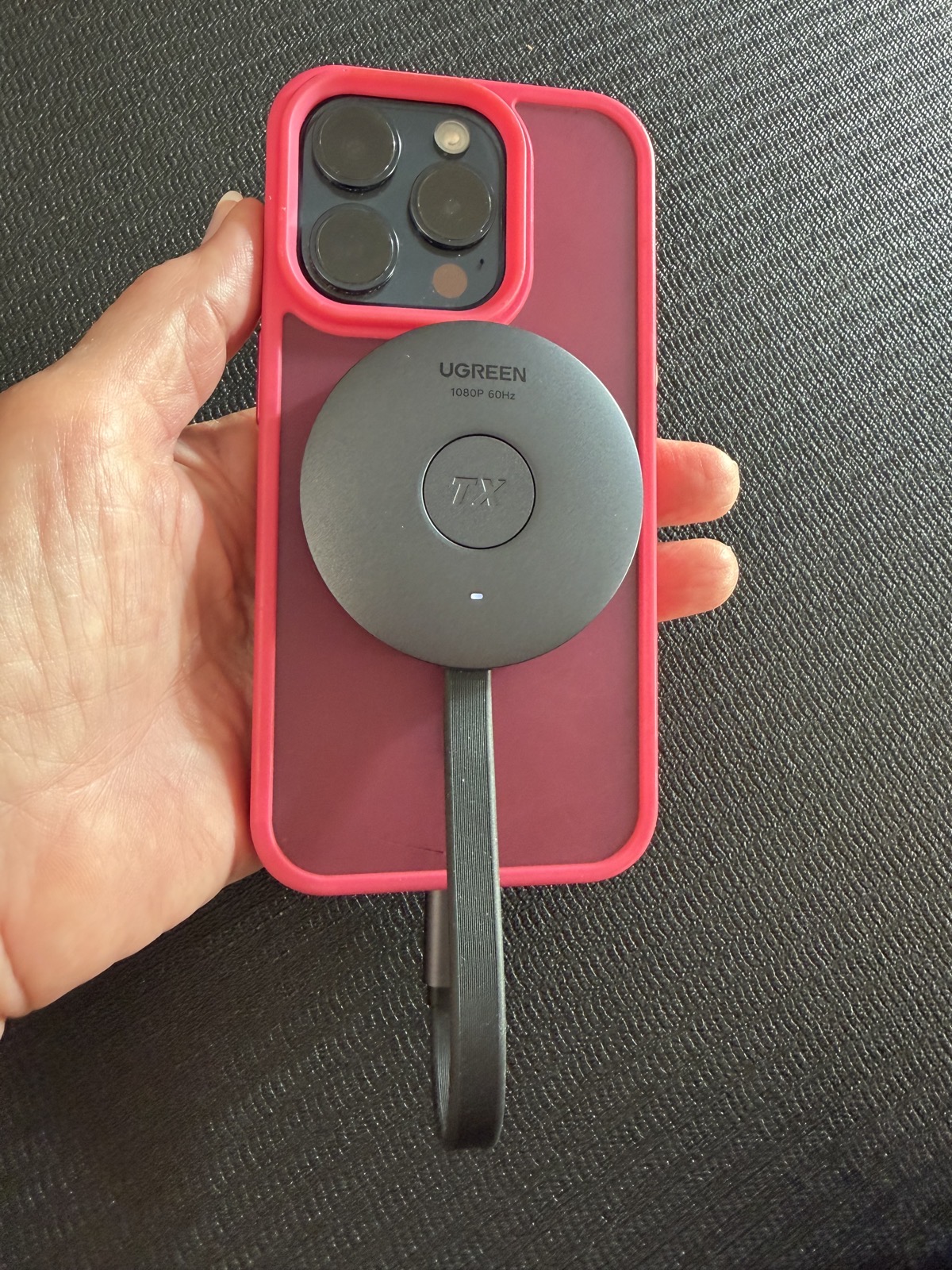
The receiver puck has an HDMI port to connect to the display. It comes with a pretty short 21” HDMI cable. The length isn’t a problem because you’re just going to hang this off the back of the TV anyway. The receiver needs power, which is supplied through USB-C to any power supply you have lying around, even as low as 5V/1A.
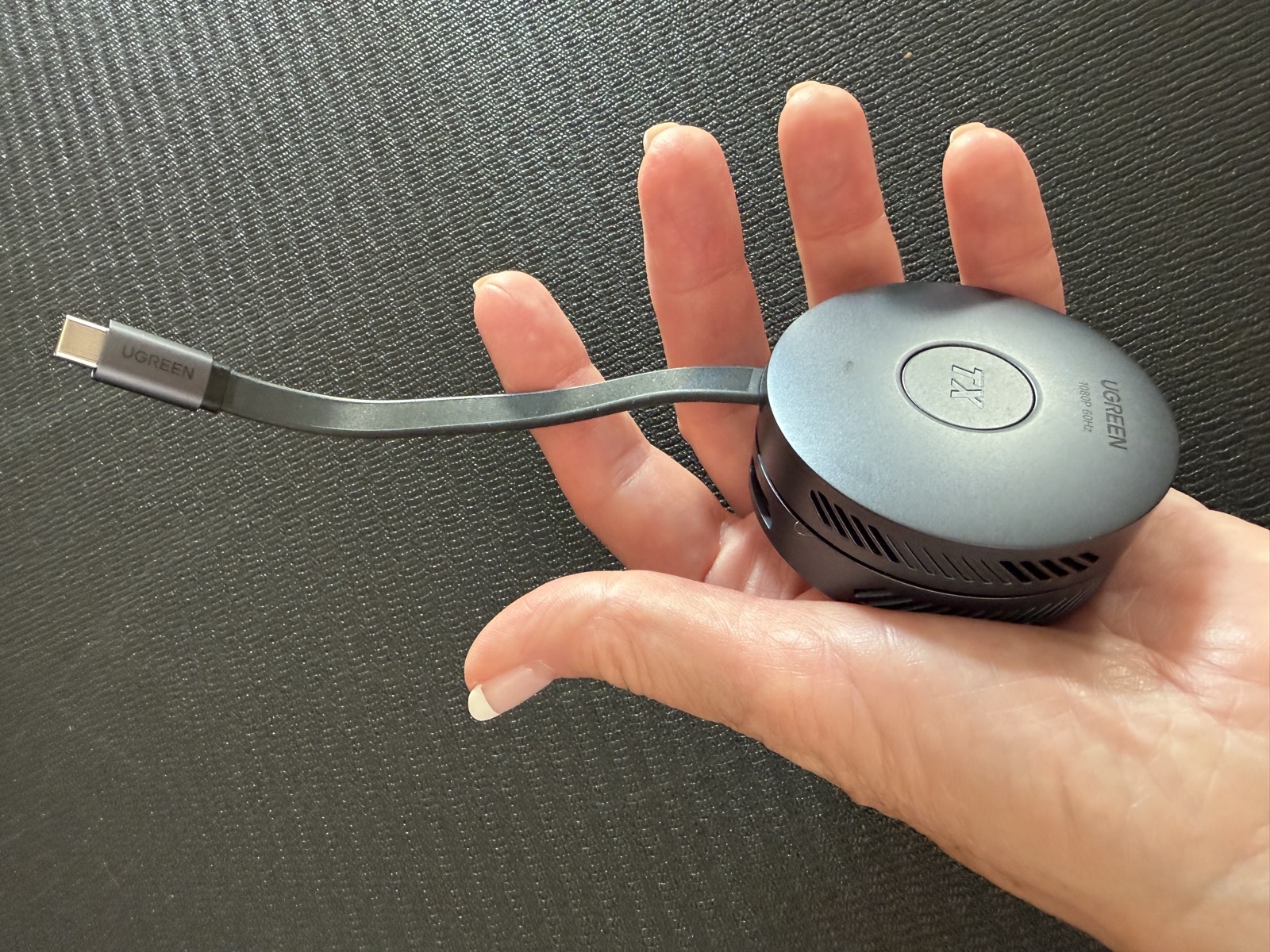
I made it sound complicated, but it’s just two pucks: one goes into the device sending the video, and one goes into the device receiving it. When you plug them both in, the display will show a graphic telling you to press the button on the devices to pair them. You can also tap the button on the receiver to rotate the image onscreen, which makes sense especially if you use a phone as the transmitting device.
Another use case for the UGREEN Transmitter/Receiver would be for doing presentations without having to hook your device to a projector. The transmit operational distance is 50m (164 ft), so you could walk around a reasonable-size auditorium with a phone to do your presentation.
The video will only be 1080P @60Hz (no 4K here), but that’s still pretty good for most use cases.
The UGREEN transmitter/receiver is so small that we had room in our electronics bags to carry it to Europe with us. We were way too busy most of the trip to use it until we got to Ireland to visit with Bart. We finally had some downtime, so we gave it a try.
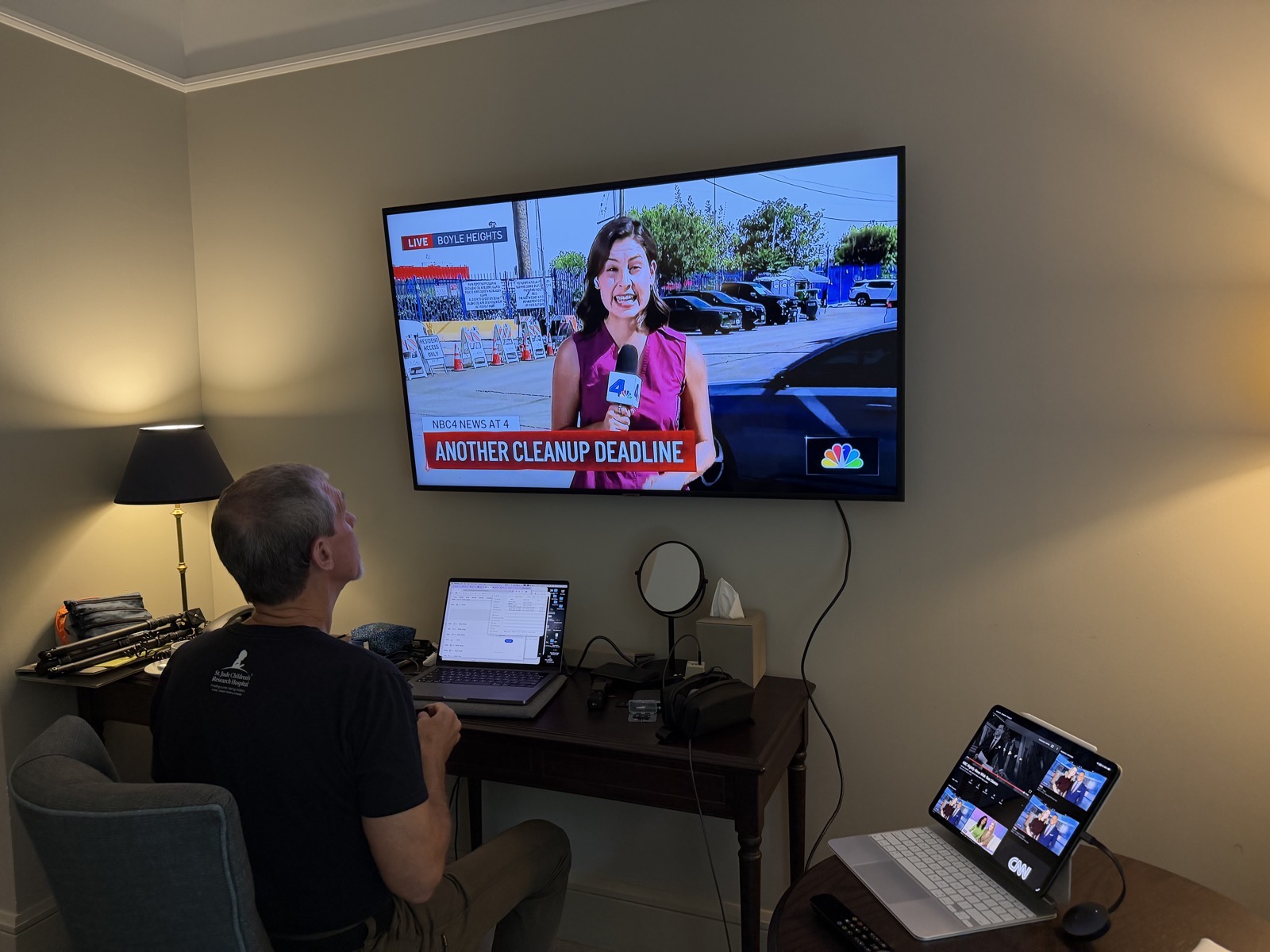
We use YouTube TV as our network TV service, so I brought it up on my iPad, and Steve plugged in the transmitter and receiver. And it didn’t work! Not because of the UGREEN device, but because YouTube TV said the local Los Angeles shows Steve had recorded weren’t available. We were surprised at this because we were on our Tailscale network using our Mac mini as an exit node, so as far as Google knew, we were at home.
Steve did some sleuthing (with an AI’s help) and cracked the code. For some reason, on the iPad I had Location Services enabled for YouTube TV. As soon as Steve turned that off, he had his Los Angeles news to watch. Then I made him put on headphones because I hate local news!
Bottom Line
The bottom line is that with this UGREEN transmitter/receiver, for $70 you can carry a device in a sandwich-sized ziplock to bring your streaming TV to the big screen. The only thing I can find wrong with it is that it doesn’t have a snappy name.
Silly question, but I assume the audio gets carried through the hdmi cable and is output through the tv speakers correct?
Actually a great question, Dan. Yes the audio comes out of the TV speakers or whatever sound system might be attached to them.
Well that’s pretty cool. I’ll have to get one and play with it.
Thanks
key point! I was thinkin’ this is a great idea but it will drain my phone to 0 before an episode of The Diplomat is over.
Thank you for another excellent pod Allison!