

Allison interviews Barbara van ’t Westende from AssistiveWare about their Proloquo2Go Augmentative and Alternative Communication (AAC) app. This app runs on an iPad and helps people who cannot convey their thoughts using speech to communicate. Proloquo2Go uses symbols and pictures that are displayed on the iPad and selected by the user to communicate. The symbols […]
Continue readingTag: accessibility
NC #722 OWC Thunderbolt Dock, GoodTask, Web Accessibility Testing, Security Bits
I start off with what’s supposed to be a review of the OWC 14-port Thunderbolt 3 dock but which turns into a lesson on USB and Thunderbolt speeds and specs but does do a comparison of the OWC against the other docks I’ve reviewed. Then Allister Jenks tells us about the to-do app GoodTask 3 […]
Continue reading
Web Accessibility Evaluation – Podfeet is Not as Good as it Should Be
I pride myself on paying attention to accessibility, as part of the natural fabric of my podcasts and blog. What is that saying taken from Proverbs, “Pride goeth before a fall”? Yeah, I have fallen big time on this one. I’m a fanatic about making sure I have alt tags on my images. Alt tags […]
Continue readingNC #721 Goodbye Honda Bob, Ring, Emmet, Vispero, SureCall Signal Booster, MPowerd Lights, WHILL
We say goodbye to Honda Bob, and you can download his book at podfeet.com/hondabob. We’ve got a CES interview with Ring talking about their smart lighting and doorbells for people in apartments. Caleb brings us a review of Emmet, a plugin for web developers that makes writing HTML code easier and more efficient. We talk […]
Continue readingNC #711 Accessibility Tricks, How Big is My Image, Best Buy for Apple Battery Replacement, Remove Backgrounds, Night Before Christmas
I’ll tell you the story of how I helped a friend of mine’s father-in-law who had some recent vision loss combined with hearing loss and why I think the effort was successful. We’ve got a Dumb Question about how to figure out how big images are on iOS. We have two Tiny Tips – one […]
Continue reading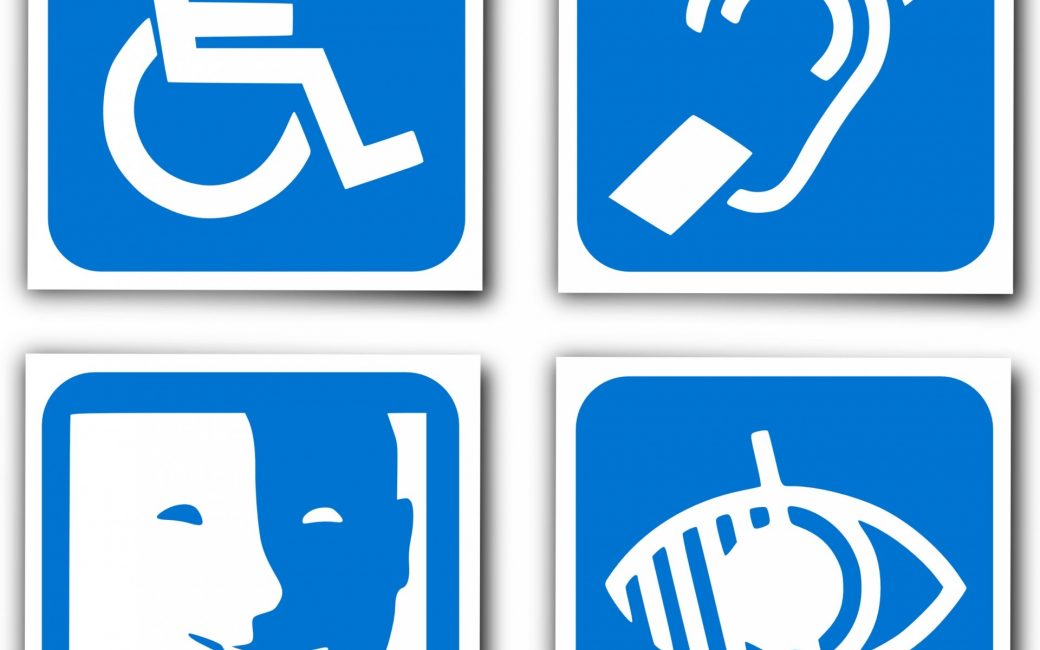
Successfully Teaching Accessibility Tricks
A while ago a friend of mine contacted me because his father-in-law, Rich, had recently had a very sudden loss of vision. He knew that I dabbled in accessibility and wondered if I could help Rich get jump-started on what he could do to improve his situation. I have to admit that I was a […]
Continue reading
CCATP #567 – Nuris Coronado and Dan Eckmeier on iPhone XS from a Blind Perspective
We’re joined by Nuris Coronado and Dan Eckmeier this week as they talk about their experiences as blind users upgrading from iPhone 7 to iPhone XS. How is the transition from a home button to Face ID if you can’t see? What about the form factor for women vs. men? I learned a few things […]
Continue reading
CCATP #563 – Bart Busschots on PBS 62 of X — A Basic Bootstrap Form
This week’s Programming By Stealth was great fun. Bart Busschots teaches us how to create a web form using the Bootstrap classes to do the job. He explains how Bootstrap literally insists that we make our code accessible, and how sensible it is to just that. We learn the importance of Form Groups, and how […]
Continue readingNC #682 Vectornator Pro, Tiny Tip to Dim Your Screen, Apple Heart Study, Security Bits
We’ll be in the live chatroom during the WWDC Keynote – join us! I also hope you’ll come to Macstock Expo in July, and to help it be more affordable use coupon code PODFEET. The free Vectornator Pro for iPad (and iPhone) is an amazing vector design program and I’ll tell you all about it. […]
Continue reading
Tiny Tip – Accessibility Shortcuts to Dim Screen & Magnify on iOS by Rick from Baltimore
Rick from Baltimore sent in this awesome little tip that solves a real problem: Hi Allison, I wanted to share a quick IOS tip that solved two problems for me. Problem One: I want to read on my iPad in bed, but the screen is too bright in the darkened bedroom, even with auto screen […]
Continue reading