

Jump to Tips Get Info vs. Show Inspector Smart Searches, aka Smart Folders Fun with Tabs Embiggen Text Windows in Web Forms in Safari Terminal to See a Calendar I’m back with Part 11 of Tiny Mac Tips. This is an ongoing series I started in order to teach Jill from the Northwoods how to […]
Continue readingTag: get info

NC #1095 Equinox Wallpaper Generator, WORX Robotic Mowers, Get Info Deep Dive, Clicks Power Keyboard & Communicator, Adam Engst on Digital Key 2
Hi, this is Allison Sheridan of the NosillaCast Apple Podcast, hosted at Podfeet.com, a technology geek podcast with an EVER so slight Apple bias. Today is Sunday, May 3, 2026, and this is show number 1095. mp3 download It’s time for you to sign up for Macstock Expo just outside of Chicago for the weekend […]
Continue reading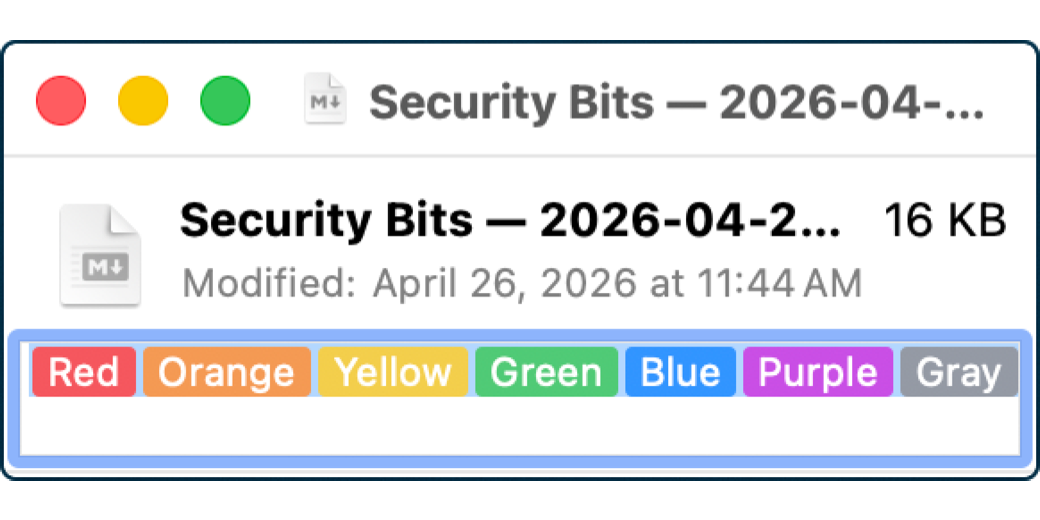
Everything You Ever Wanted to Know About Get Info
Most of you probably know that if you want to know more about a file in macOS, you can select the file and from the menu bar select File → Get Info. If you’re a keyboard shortcut person, ⌘I opens the Get Info window. Well, actually, ⌘I opens Get Info whether you’re a keyboard junkie […]
Continue reading
Tiny Mac Tips Part 7 of X
Jump to Tips AirPlay from iOS to Mac Browse Versions & Option Key to See Save As… Option-Click Chevrons to Open/Close All Open Package Contents to Extract Images from Pages/Keynote Files Get Info to Copy an App Icon in Full Resolution Get Info to Change What App Opens a File Type Command-Delete to Delete When […]
Continue reading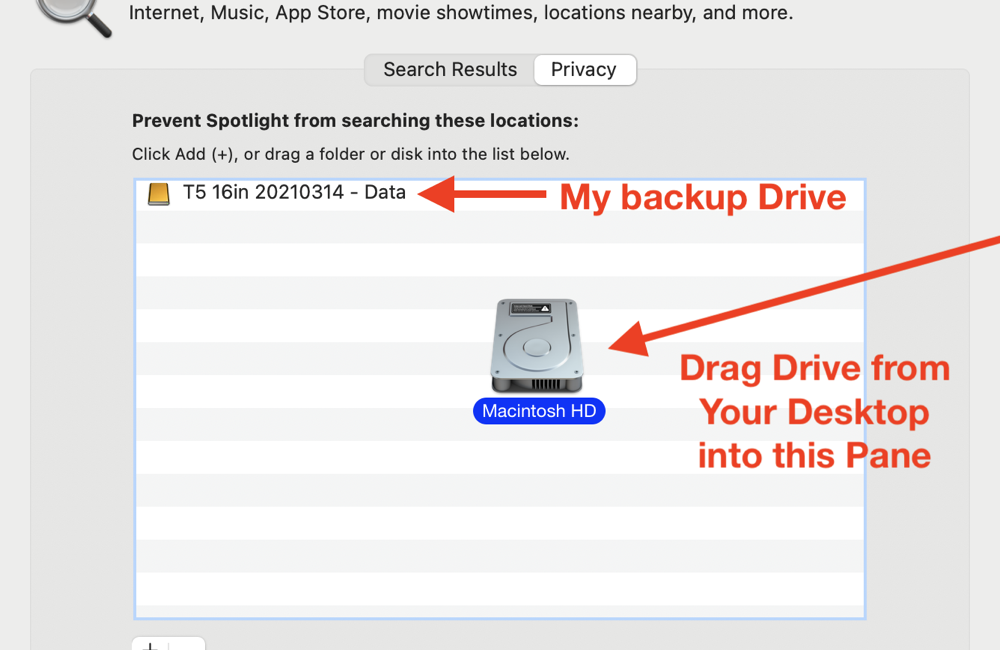
Why My Blog Posts Take So Long to Write
Screenshot I Manufactured for the Blog I write around 5000 words per week for the blog and podcast, and I thought it might be fun to pull back the curtain to tell you about part of my process. As I’ve mentioned before, I start by writing my raw text in the cross-platform app Ulysses. With […]
Continue reading