
Hi, this is Allison Sheridan of the NosillaCast Apple Podcast, hosted at Podfeet.com, a technology geek podcast with an EVER so slight Apple bias. Today is Sunday, December 14, 2025, and this is show number 1075. Before we get started, I wanted to let everyone know that there will be NO LIVE SHOW for the […]
Continue readingTag: Zoom
CCATP #825 — Andy Dolph on Remote Production of Events Using Zoom Webinar
There are some people who are part of the fabric of the NosillaCast, piping up from time to time over many years to provide valuable insight to the show when a topic tickles them. One of these people is Andy Dolph, who’s been sending in content and chatting with me in the background since 2012. […]
Continue readingNC #1047 Elbow for Presentations, Jamworks Accessible Notetaking, Feature Parity Apple Photos, Case for Vison, Adam Engst on Deep Linking and VPN Survey
Hi, this is Allison Sheridan of the NosillaCast Apple Podcast, hosted at Podfeet.com, a technology geek podcast with an EVER so slight Apple bias. Today is Sunday, June 1, 2025, and this is show number 1047. Before we get “stuck in” as Bart likes to say, I want to remind everyone that Steve and I […]
Continue reading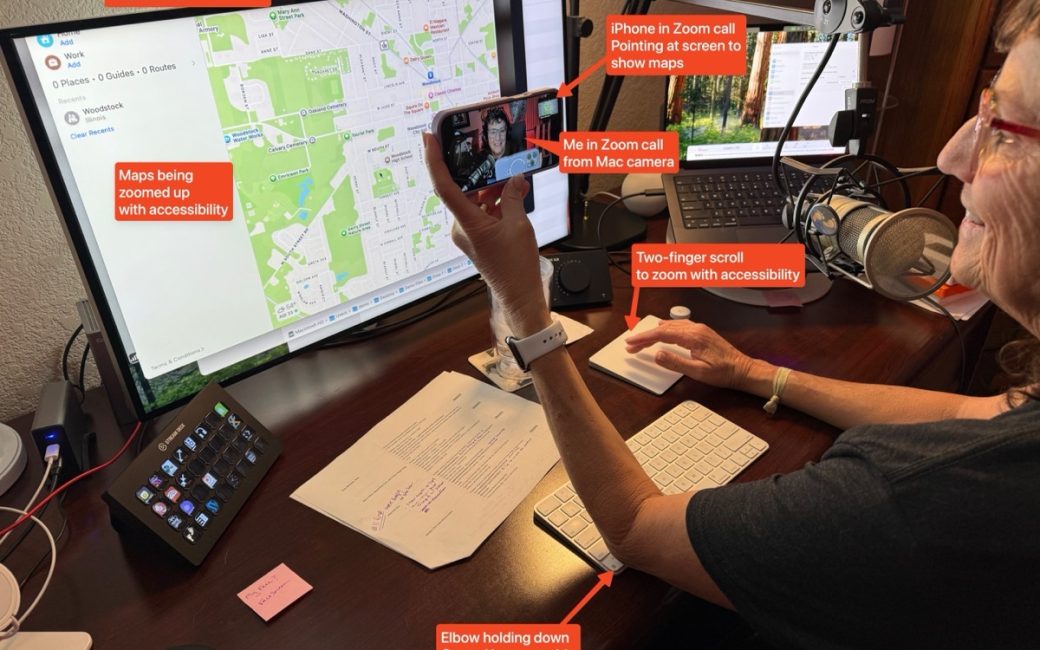
Using My Elbow to Do a Presentation Over Zoom
One of my favorite Tiny Mac Tips is how to enable Control-scroll to zoom in on your display. I usually use Apple Maps for the demo because no matter how far you zoom in, they shrink the font right back down so you can’t read the text. I’ve explained this tip quite a few times […]
Continue reading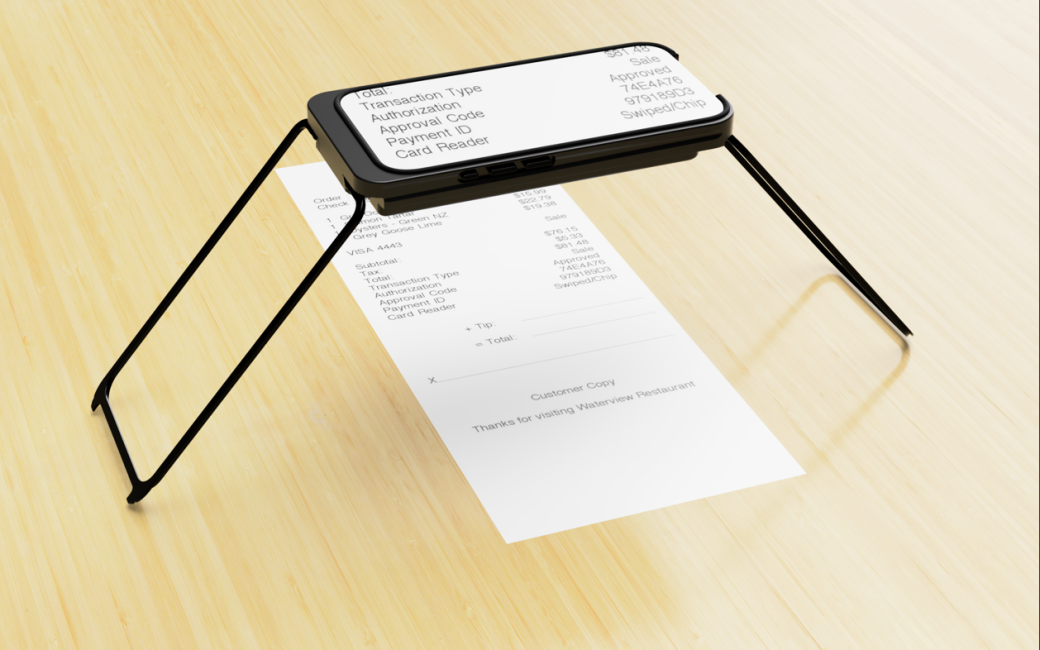
CSUN 2025: Case For Vision Assistive Devices for People with Vision Loss
Allison interviews Igor Feinberg from Case For Vision about their phone case that assists visually impaired people or those who suffer from age-related vision loss. The Case For Vision is an innovative iPhone-based optical mechanical case that functions as a hands-free, high-quality magnifier. When used with the Case For Vision 2.0 specialized software app, it […]
Continue reading
CSUN 2025: Dolphin Computer Access for Visually Impaired
Allison interviews Mary Jo Barry from Dolphin about their products that help those with visual impairment more easily access their computers. Mary Jo first describes their SuperNova product, which provides screen magnification and screen reading with optional braille support in one package for Windows computers. For touch-sensitive Windows displays, SuperNova supports touch control of the […]
Continue reading
CSUN 2024: ReBokeh iOS App for People with Vision Impairment
Allison interviews Emerson Maggi from ReBokeh about their iOS app that helps people with low vision use their iPhone more easily. Rebokeh is working on a similar app for Android phones. The ReBokeh app makes use of the camera on your existing iOS device and enables adjustments to contrast, brightness, colors, and inversion filters. It […]
Continue reading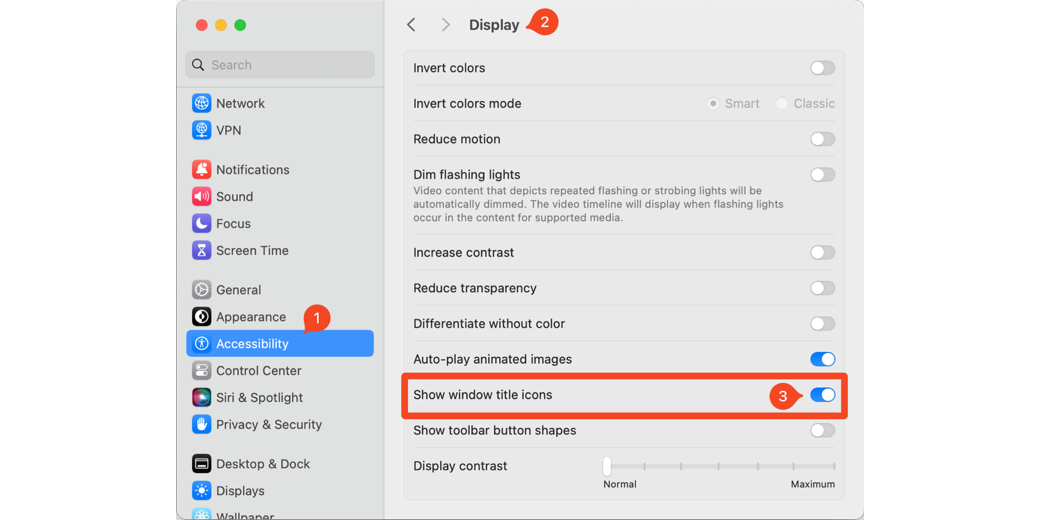
macOS Settings I Change After a Nuke and Pave
I’ve talked a lot about the process of nuking and paving my Macs over the years, and I just finished the process a couple of weeks ago. I’ve mentioned that I have a giant mind map that I follow to install all of my apps and to configure all of them. Would you like me […]
Continue reading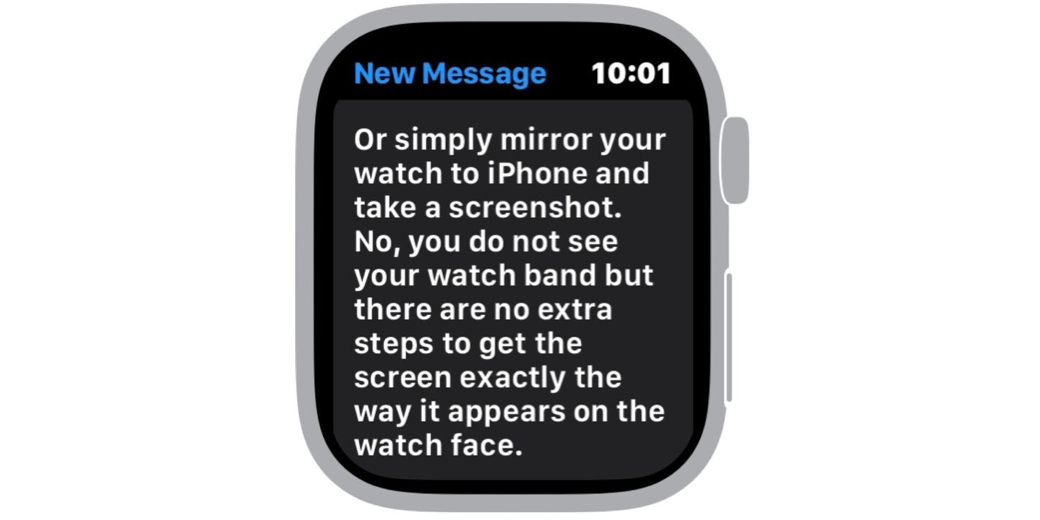
Tiny Tip – Even Faster Way to Dress Up Apple Watch Screenshots
Steven’s Apple Watch Screenshot I recently told you about how I made pretty screenshots of my Apple Watch including nice watch frames and pretty watchbands. I explained how in order to accomplish this feat, I downloaded the free app Watchshot. It’s an easy-to-use app, and produces beautiful Apple Watch screenshots, but you do have to […]
Continue readingNC #916 Smart Albums in Photos by Focal Length, Drobo Last Gift, I’m Still Using It Part 1, Security Bits
Hi, this is Allison Sheridan of the NosillaCast Apple Podcast, hosted at Podfeet.com, a technology geek podcast with an EVER so slight Apple bias. Today is Sunday, November 27, 2022, and this is show number 916. Before I get started, I have to make a correction. Even though I just traveled to Iceland, and the […]
Continue reading