

Two weeks ago, I wrote an extensive article on the trials and tribulations of taking screenshots with macOS Tahoe and its fancy, rounded windows. The two problems to be solved were that some screenshot methods didn’t capture transparent corners for the rounded windows, and the windows in macOS don’t have borders on them, so they […]
Continue readingTag: screenshot
NC #1067 OXO Sweep & Swipe, OS 26 Screenshot Fun, Adam Engst on Taming Liquid Glass
Hi, this is Allison Sheridan of the NosillaCast Apple Podcast, hosted at Podfeet.com, a technology geek podcast with an EVER so slight Apple bias. Today is Sunday, October 19, 2025, and this is show number 1067. mp3 download DTNS Appearance This week, I had a total blast hanging out with the gang over at the […]
Continue readingNC #963 Find My Box is 3D, Stage Manager Trick, Star Trails and Annular Eclipse, Apple Watch Screenshots, macOS Settings after Nuke and Pave
Hi, this is Allison Sheridan of the NosillaCast Apple Podcast, hosted at Podfeet.com, a technology geek podcast with an EVER so slight Apple bias. Today is Sunday, October 22, 2023, and this is show number 963. mp3 download Google Forms Tutorial on ScreenCastsONLINE Articles Find My — The Box is Three-Dimensional Tiny Tip — Easy […]
Continue reading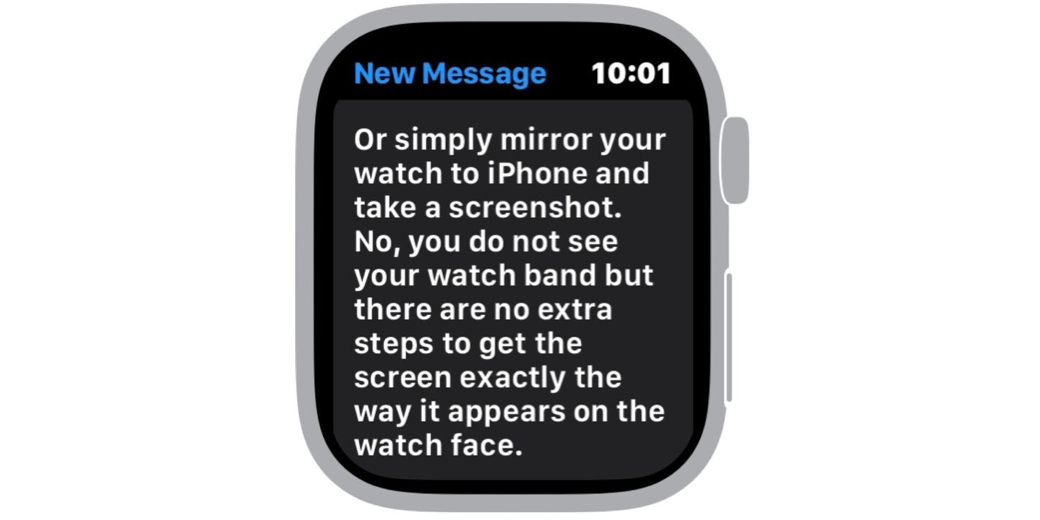
Tiny Tip – Even Faster Way to Dress Up Apple Watch Screenshots
Steven’s Apple Watch Screenshot I recently told you about how I made pretty screenshots of my Apple Watch including nice watch frames and pretty watchbands. I explained how in order to accomplish this feat, I downloaded the free app Watchshot. It’s an easy-to-use app, and produces beautiful Apple Watch screenshots, but you do have to […]
Continue reading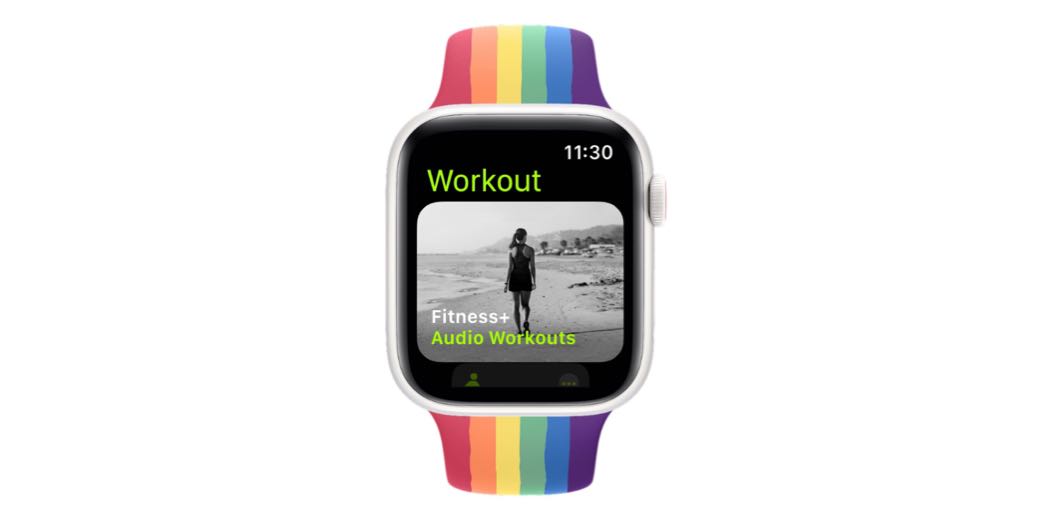
Why It Took Me Over Two Hours to Write a 623-Word Blog Post About watchOS Workouts
These Fancy Screenshots Are Why I’m pretty sure I wrote an article a while ago about why it sometimes takes me so long to write the blog posts that serve as companion content to the NosillaCast podcast. I’ve got another great example to tell you about. This week wrote a tiny tip about my discovery […]
Continue reading
Shottr Tutorial on ScreenCastsONLINE
In May I told you about the amazingly capable and inexpensive screenshot/annotation tool called Shottr. I’m so enamored with Shottr that I decided to create a full video tutorial about it for ScreenCastsONLINE. As always, I learned so much more about the tool because I had to really know how to use all of it, […]
Continue reading
Tiny Tip – Use Numbers to Print Multipage PNGs
Retrobatch Nodes with Pro Nodes Annotated Recently I told you about a terrific screenshot and annotation tool called Shottr. One of the really nifty features of Shottr is that you can take scrolling screenshots. This allows you to capture a long piece of content, like a web page. Recently, I was working on my tutorial […]
Continue readingNC #943 Ironic Timing on Auphonic, Sonos Roam SL, Shottr
Hi, this is Allison Sheridan of the NosillaCast Apple Podcast, hosted at Podfeet.com, a technology geek podcast with an EVER so slight Apple bias. Today is Sunday, June 4, 2023, and this is show number 943. mp3 download Live Chat During WWDC If you’re listening to this on Sunday night or early Monday morning, don’t […]
Continue reading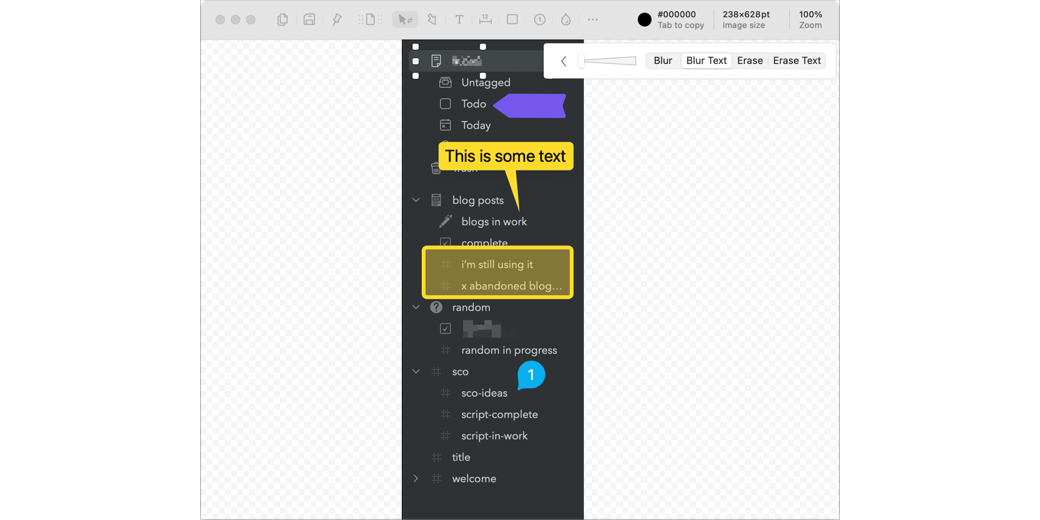
Shottr — A Gem of a Screenshot Utility at a Surprising Price
Small details have been corrected in this article since it was originally posted. My friend Tim Verpoorten was addicted to buying speakers. My friend Victor Cajiao’s vice was buying disk drives. My addiction is to screenshot apps. It’s only been a year since I declared CleanShot X the best screenshot & annotation tool I’ve ever […]
Continue reading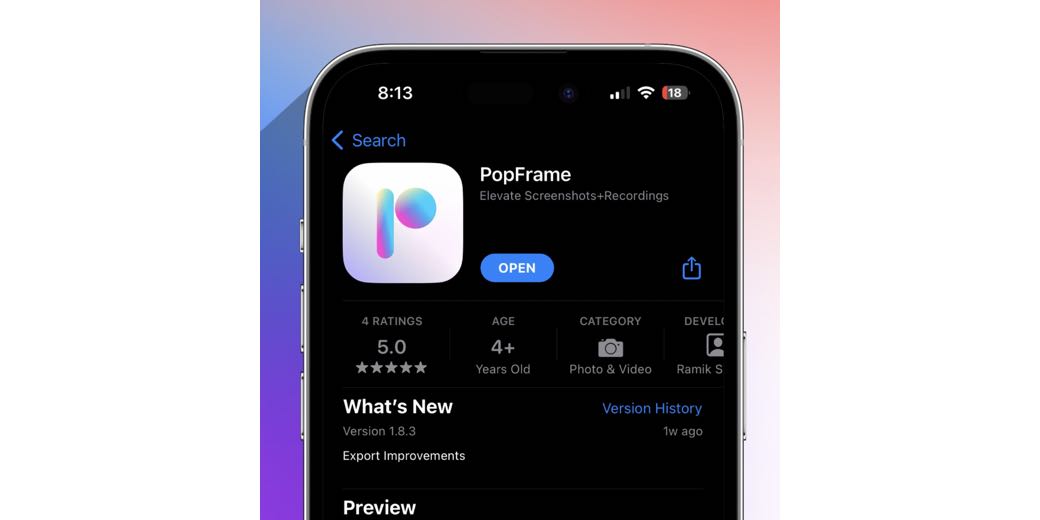
Make Your iPhone Screenshots Stand Out with PopFrame
The Problem to be Solved You may have noticed that I take a lot of screenshots. I use them in my blog posts, I send them to my friends and family in messaging apps to teach them how to do things, I post them to services like Mastodon and Slack, and I send screenshots to […]
Continue reading