

With the new announcements of Apple Watches, iPads and services like Fitness+ and Apple One, the best person to talk to is Lory Gil, managing editor of iMore. In this episode we talk about whether the new Apple Watch Series 6 processor matters, or is it the new colors that excite us. Is Apple doing […]
Continue readingCategory: Blog Posts
Tiny Tip – How to Pause 5GHz on eero Mesh to Connect IoT Devices
Internet of Things devices (IoT), are proliferating into our lives, saving us from the incredibly arduous tasks of turning off light bulbs and closing our blinds. If you’ve been playing with IoT for any length of time, you know what I’m talking about. Setting up IoT devices usually follows this generic set of steps: Launch […]
Continue reading
NC #801 Telegram Tutorial on ScreenCastsOnline, Oculus Quest, Scanned Photo Organization, Security Bits
Hi, this is Allison Sheridan of the NosillaCast Apple Podcast, hosted at Podfeet.com, a technology geek podcast with an EVER so slight Apple bias. Today is Sunday, September 13, 2020, and this is show number 801. mp3 download Chit Chat Across the Pond In this week’s Chit Chat Across the Pond, Bart and I start […]
Continue reading
Facebook vs. Slack for NosillaCast Community Discussions
The main reason I do the podcasts is that I like to help people. I love to teach what I know, and podcasting and blogging give me that outlet. You’ve heard me say before that the best part of this has been the community of NosillaCastaways that I’ve gotten to know over the years. I […]
Continue reading
Security Bits — 13 September 2020
Feedback & Followups Listener and community feedback, developments in recently covered stories, and developments in long-running stories we’re tracking over time. Recently we were alerted by Allister Jenks and Joe Preiser in our slack at podfeet.com/slack to a problematic idea I had on the last Security Bits. We were talking about how choosing an alphanumeric […]
Continue reading
CCATP #652 – Bart Busschots on PBS 101 – Introducing Version Control
In this turning of the century episode of Programming By Stealth, it’s time to take on a new subject: version control. As Bart explains in this week’s episode, version control allows you make changes in your code and roll the changes back. This gives us the freedom to experiment and if an idea doesn’t pan […]
Continue reading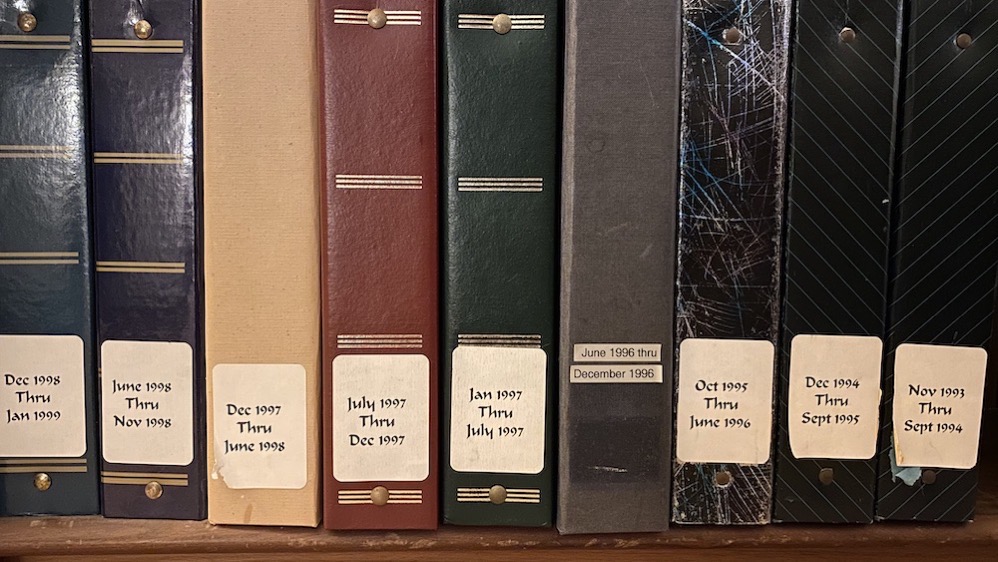
Scanned Photo Organization for the Fastidious
My Actual Physical Photo Albums Back in the old days, I took a fair number of photos. Nothing like the number of photos we take today, of course, but more than most people,. I know you’ll be shocked to hear this but I very carefully organized my photos into photo albums labeled by date. I […]
Continue reading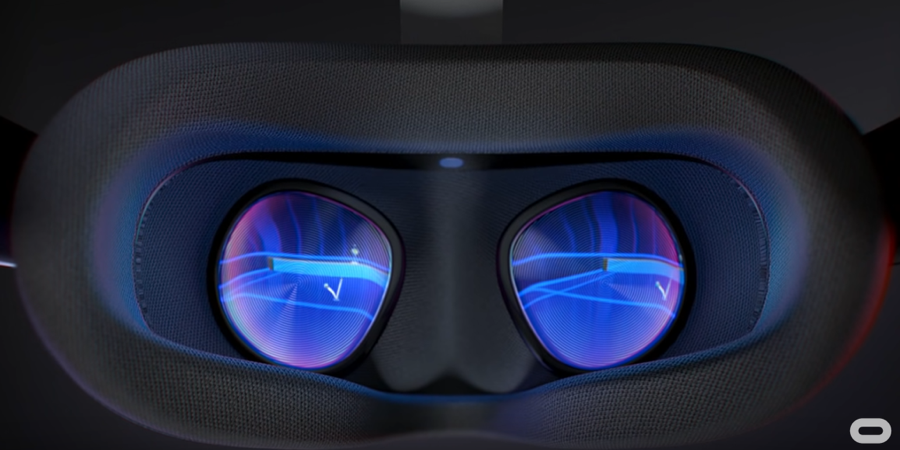
Oculus Quest – by Jill from the Northwoods
Hi. This is Jill from the Northwoods. So, there I was, in the midst of a pandemic hoping that I would not resort to sitting on a couch for the next six months. I exercise but some days it can be like pulling teeth. It’s even worse in the winters where there are cold days […]
Continue readingNC #800 Amazon Echo Buds, Zenni Optical, Meross Smart Garage Door Opener, Homebridge on Raspberry Pi
Hi, this is Allison Sheridan of the NosillaCast Apple Podcast, hosted at Podfeet.com, a technology geek podcast with an EVER so slight Apple bias. Today is Sunday, September 6, 2020, and this is show number 800. This weekend Steve and I escaped the blistering Los Angeles heat (~97°F at our house) to go to San […]
Continue reading