
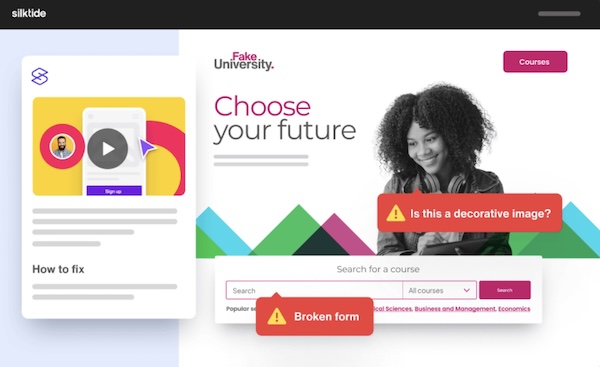
Allison interviews Oliver Emberton, Founder and CEO of Silktide, about their free website accessibility and content checker. Silktide allows web managers to find and fix accessibility, content, and user experience problems automatically. Available as a free download on the Chrome Store, Silktide operates as a Chrome extension. It works on any Chromium-based browser such as […]
Continue readingCategory: accessibility

CSUN 2024: Strap Tech Ara Wearable Mobility Device for the Blind
Allison interviews Javier De Leon from Strap Tech about Ara, their wearable smart device developed for the blind and visually impaired to move faster and safer in everyday life. Ara is worn on the chest facing outward and has straps around the waist and over the shoulders to keep it in place. About the size […]
Continue reading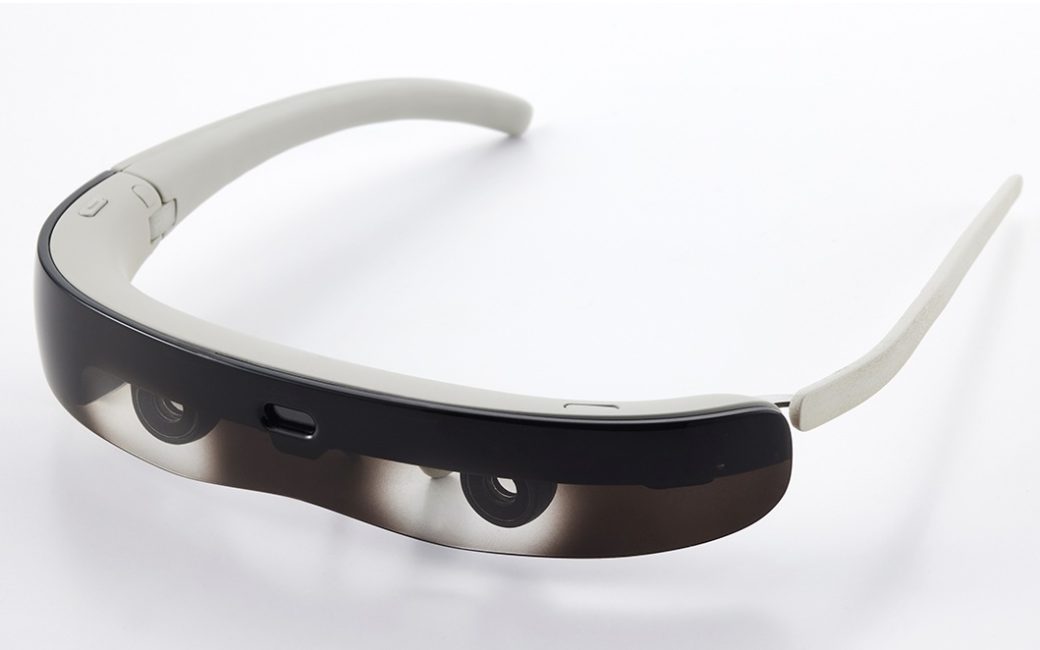
CES 2024: ViXion01 Autofocus Glasses
Allison interviews Takuya Nonaka from ViXion about their autofocus eyewear called ViXion01. ViXion01 is pair of glasses that measures the distance of what you are looking at with a sensor and automatically changes the shape of the lens to provide a focused image to your eyes. It instantly autofocuses to shift focus between near and […]
Continue reading
CES 2024: Whispp Real-Time Assistive Voice Technology
Allison interviews Joris Castermans, Founder and CEO of Whispp. His company has developed an app that uses assistive voice technology to convert impaired speech to a clear and natural voice in real time. Whispp works for all kinds of voice disabilities ranging from soft whispers to rough esophageal speech to stuttering. By providing recordings to […]
Continue reading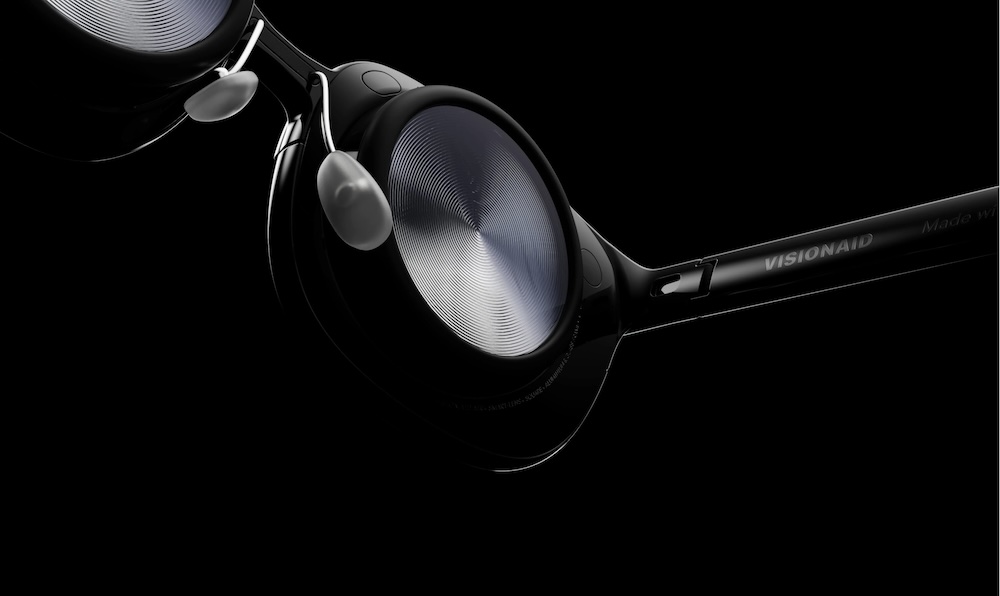
CES 2024: VisionAid Air and Eye Disease Simulator
Allison interviews Taylor Speegle from VisionAid about their products that help people with impaired vision. Taylor first demonstrates their Eye Disease Simulator. This mixed reality headset allows people to experience, first-hand, life through the eyes of someone who lives with eye disease. Eye Disease Simulator helps people such as ophthalmologists, medical students, patients, and loved […]
Continue reading
Be My AI for Creating Photo Captions and Alt Text
On NosillaCast #969, Tom Mattock explained how important it is that we all add alternative text to our images when we post them on social media. We say we want more engagement, and one of the ways to get that is to be inclusive in your postings. Without alt text, blind folks can’t tell anything […]
Continue reading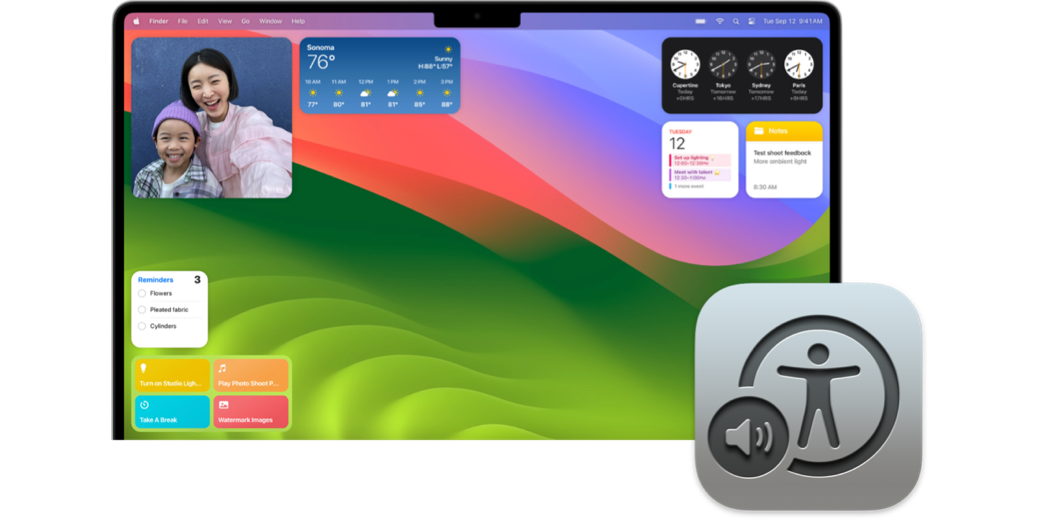
Adding Widgets to Your Desktop in Sonoma with VoiceOver
Michael Babcock, cohost of the awesome podcast Unmute Presents with Marty Sobo, sent in an audio tip on how to add widgets to your desktop in Sonoma. It will be played in this week’s NosillaCast coming out on October 10th. Below is the transcript of his tip. Any words you see as quotes are what […]
Continue reading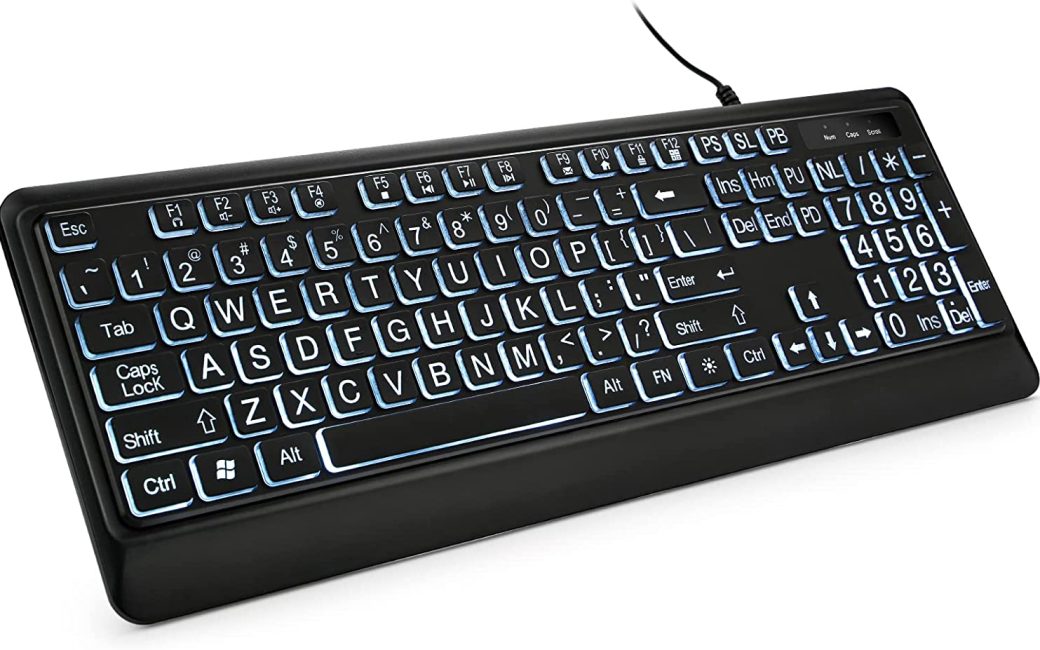
ShadeMAGIC Fluorescent Light Diffusers and KOPJIPPOM Large Print Backlit Keyboard — by George from Tulsa
Hi, I’m George from Tulsa – a long-time listener and once upon a time frequent contributor. As regular listeners know, Allison is an effective and passionate advocate for assistive technologies that enable those with visual, auditory, and physical challenges to enrich their lives through computing. She’s also geek-famous for her “What’s the problem to be […]
Continue reading
CSUN ATC 2023: Feeldom Handcrafted Backpacks for Every Body
Allison interviews Adrianne Mascho from Feeldom about their handcrafted backpacks that are designed for those who are blind or with low vision and/or those who use a wheelchair. These backpacks are designed by actual wheelchair users who consider the needs and suggestions of people with all kinds of disabilities. Feeldom backpacks have a padded structure […]
Continue reading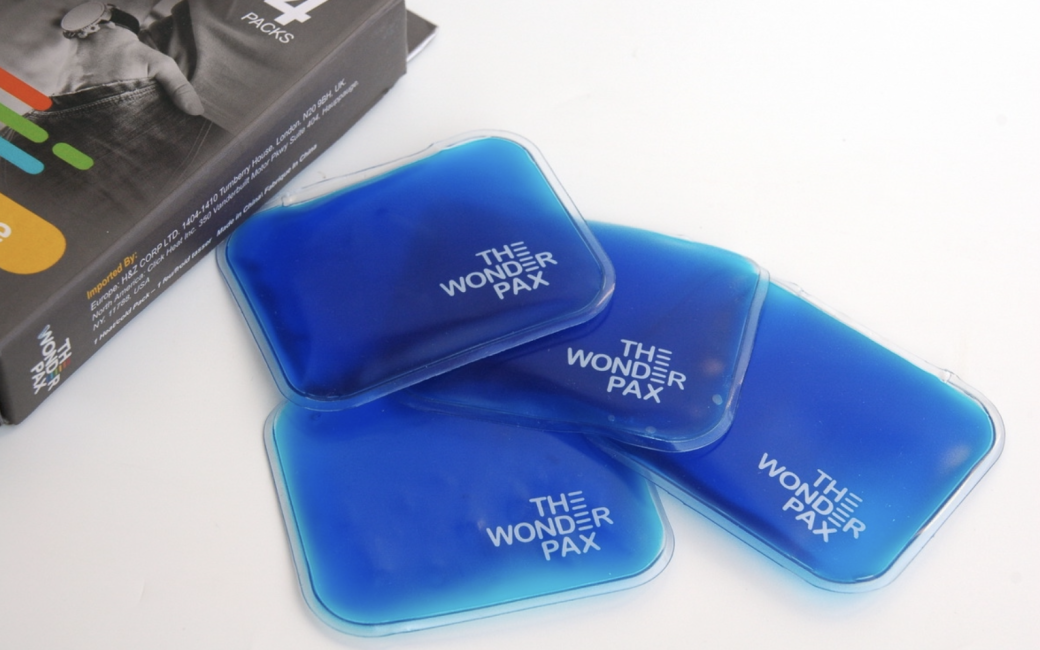
CSUN ATC 2023: WonderPax Reusable Warm/Cool Gel Packs
Allison interviews Marquavious Rice from WonderPax about their reusable gel packs that can help relieve muscle and joint aches and pains. WonderPax works without the need for electricity or microwave heating. WonderPax gel packs instantly warm up to 130 deg F with a click of a button which is located inside the gel pack. WonderPax […]
Continue reading